
No products in the cart.
Connecting and Configuring Microsoft Exchange 2019
(2016/2013/2010/2007)
Microsoft Exchange 2019
A new version of the corporate email system from Microsoft and the de facto standard among, which makes it possible to always stay in touch and access the mailbox from any computers and mobile devices. It not only simplifies user interaction through email, but also implements collaboration capabilities through shared folders, calendars, and tasks. Since the release of the first version of Exchange, almost two decades have passed. Exchange 2019 is the latest version of Microsoft’s most popular corporate email system.

List of services provided
- Microsoft Exchange mail system audit, Active Directory directory service audit;
- Microsoft Exchange mail system audit, Active Directory directory service audit;
- Transition to MS Exchange from the old version;
- Connect, implement and configure MS Exchange 2019.

Figure 1. Microsoft Exchange 2019 Architecture
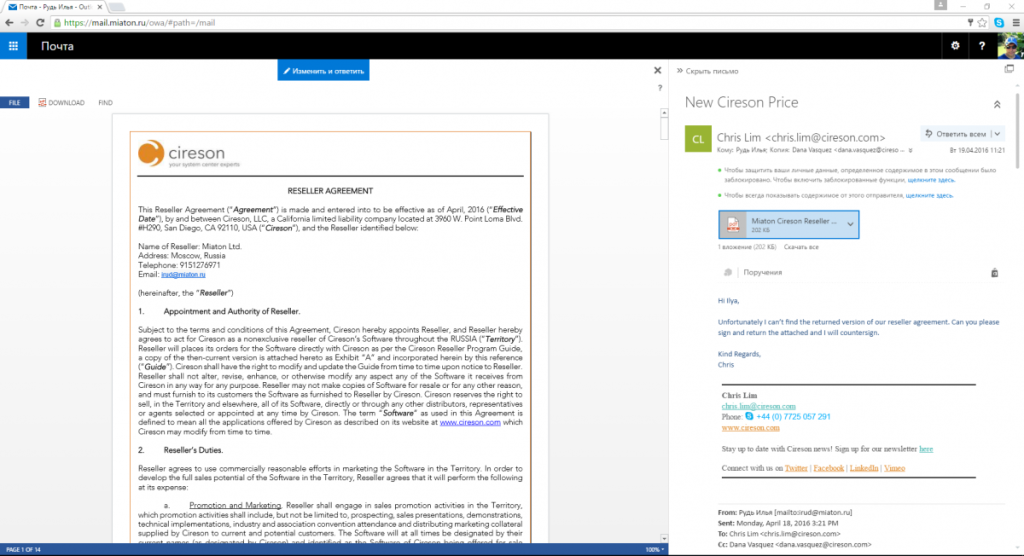
Figure 2. Access to Exchange 2019 mailbox via browser
Benefits of Connecting Microsoft Exchange 2019
For staff:
- Access to the mailbox from any modern device (PC, iPad, iPhone, Android, WindowsPhone);
- Instant notification of the mail delivered;
- The ability to fully work with mail, having only a browser on your PC;
- Comfortable work on devices with touch screens;
- The size of the mailbox up to 100 Gb;
- Voice mail and integration with telephony;
- Calendars and tasks that allow you to manage your own time and time of subordinates;
- Archival boxes and preservation of all necessary mail for many years.
- Synchronization of contacts from social networks with the address book;
- Install applications from the Windows App Store;
- Archival boxes and preservation of all necessary mail for many years.
For the manager:
- Ensuring reliable communication between employees of the company;
- Guarantee of confidentiality and security of transfer;
- Protection from “leaks” of personal data and confidential documents;
- The ability to schedule time in general and private calendars.
For the IT professional:
- A time-tested solution and one of Microsoft’s most sought-after products
- Improved clustering and high availability of email;
- Flexible system of delegation of powers of management of postal organization;
- Ability to use layer 4 (transport) load balancers instead of layer 7 (application layer)
- Full integration with Microsoft’s existing infrastructure.
Benefits of Transition/Migration on MS Exchange 2019
- Hierarchical Address Book (Hierarchical Address Book)
- Access to mail from almost any device connected to the Internet;
- Search by mailbox (Discovery Search);
- Protection against malware and loss of information (built-in antivirus);
- The RBAC delegation system;
- Archival mailboxes;
- DAG database fault tolerance system;
- Integration with Office 365 and more.