No products in the cart.
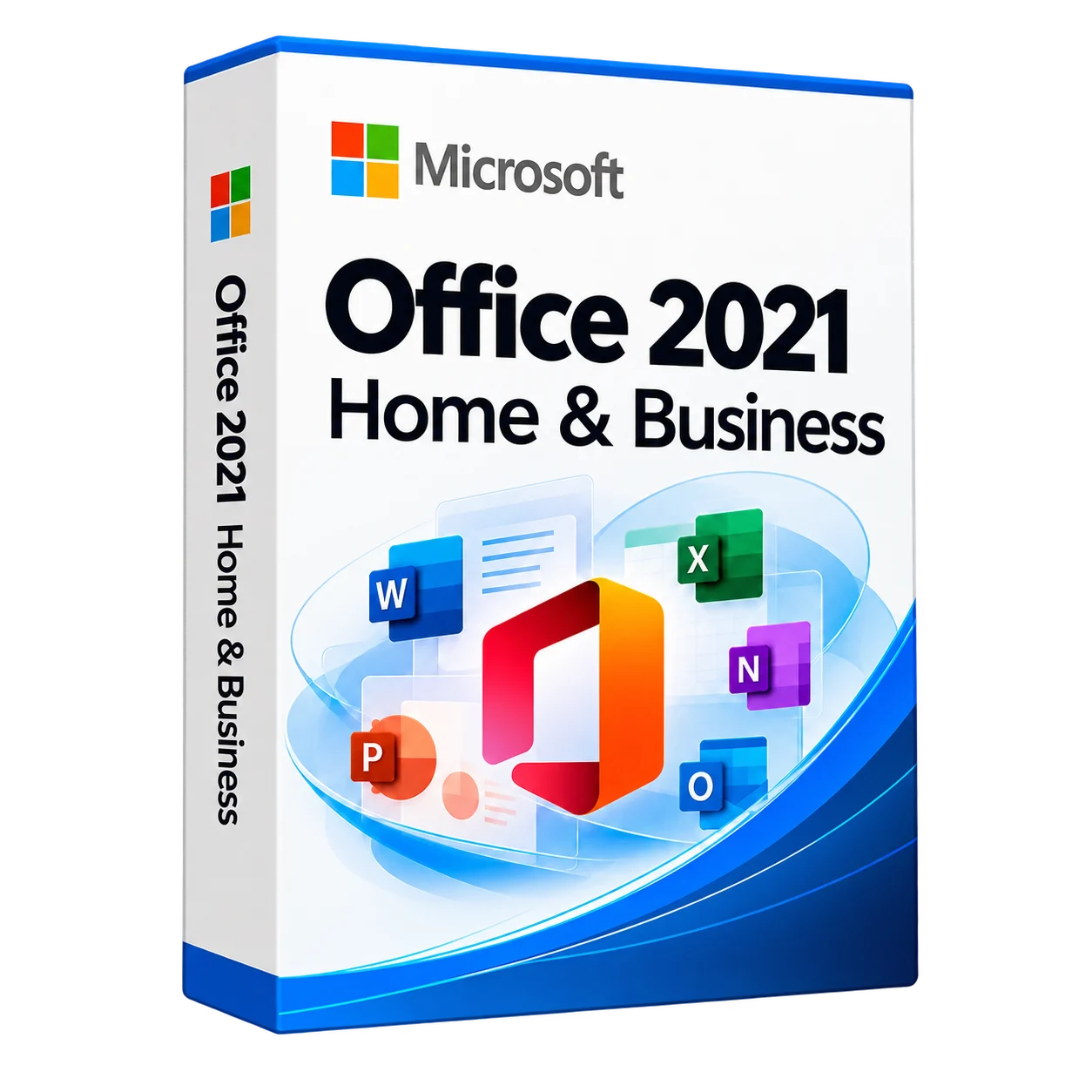
Office Home & Business 2021
Office Home & Business 2021
Office Home & Business 2021 provides desktop applications for documents, spreadsheets, presentations and email. We help confirm compatibility, licence terms and installation requirements.
Description
Microsoft Office 2021 for home and business – a reliable office suite
Microsoft Office Home & Business 2021 This is a convenient package of applications for work and study. Includes Word, Excel, PowerPoint, Outlook – everything you need for office, business and personal tasks.
Word writes, Excel counts, PowerPoint shows, and Outlook keeps all mail under control.
What is included in Office 2021
Word
Creation of documents, reports and letters. A complete set of tools for working with text.
Excel
Formulas, tables and graphs for data analysis. Suitable for business and accounting.
PowerPoint
Colorful presentations for study, meetings and business negotiations.
Outlook
Work with email, calendars and tasks in one place.
Where is Office 2021 used?
- For business – accounting, reports, task management.
- For the office – work with mail, documents and tables.
- For study – coursework, diplomas, presentations and projects.
- For the home – family budget, personal correspondence and notes.
Installation and license
We can help you Buy, Install and Activate Office 2021 on your computer.
License perpetual – once paid and used without a subscription.
We also recommend:
Windows Server 2022,
Exchange Server 2019,
ESET Server Security.
Frequently Asked Questions (FAQ)
How long is the Office 2021 license valid?
It is a one-time purchase. Use remains subject to the licence terms; support is limited by the product lifecycle.
Can I install it on multiple computers?
The Office 2021 home and business license is for a single PC or laptop.
Do you need the internet for work?
The Internet is only for activation and updates. The main programs are offline.
How is Office 2021 different from Office 365?
Office 2021 is a one-time purchase, and Office 365 is a subscription-based purchase.
Where to buy Office 2021 cheaper?
It is best to buy from official Microsoft partners. We offer fair prices and turnkey installation.
Is Office 2021 the right fit for Mac?
Yes, Office 2021 is available for both Windows and macOS.
Buy Office 2021 for home and business – get a stable office suite without a subscription fee.
KICCo — Innovation. Quality. Responsibility.
Office 2021 requires an upgrade to Windows 10 as it is not officially supported on Windows 7 or Windows 8.1.
- Microsoft account
- Internet access
- Windows 10 or macOS*
- Processor: 1.6 GHz, 2-core (PC); Intel (Mac)
- RAM: 4 GB, 2 GB (32-bit version)
- Disk space: 4GB (PC); 10GB, Mac OS Extended or APFS
- Space: 4GB (PC); 10GB, Mac OS Extended or APFS
- Screen: 1280 x 768 (PC)/800 (Mac).
*Click on office.com/systemrequirements to get the full details of the required features.
To download and activate the product, click on the link attached to the key, or enter the key on the site https://office.com/setup
Each key is accompanied by a unique link.
Sign in using your Microsoft End User Account (or create an account if you don’t have one).
Install the product on compatible devices.
Important! You must specify the Microsoft account details of the end user of the product.
The key is tied to the account and it will be impossible to change the link.
Additional information
| Manufacturer | Microsoft |
|---|---|
| Intended use | for business, for home. |
| Licence type | ESD |
| Licence term | Perpetual licence |
| Language | All languages |
Related products
Windows 11 Pro Upgrade
94,248 ₸
Office LTSC Standard 2021
227,808 ₸
Exchange Server Enterprise 2019
Price range: 30,240 ₸ through 2,245,824 ₸