No products in the cart.
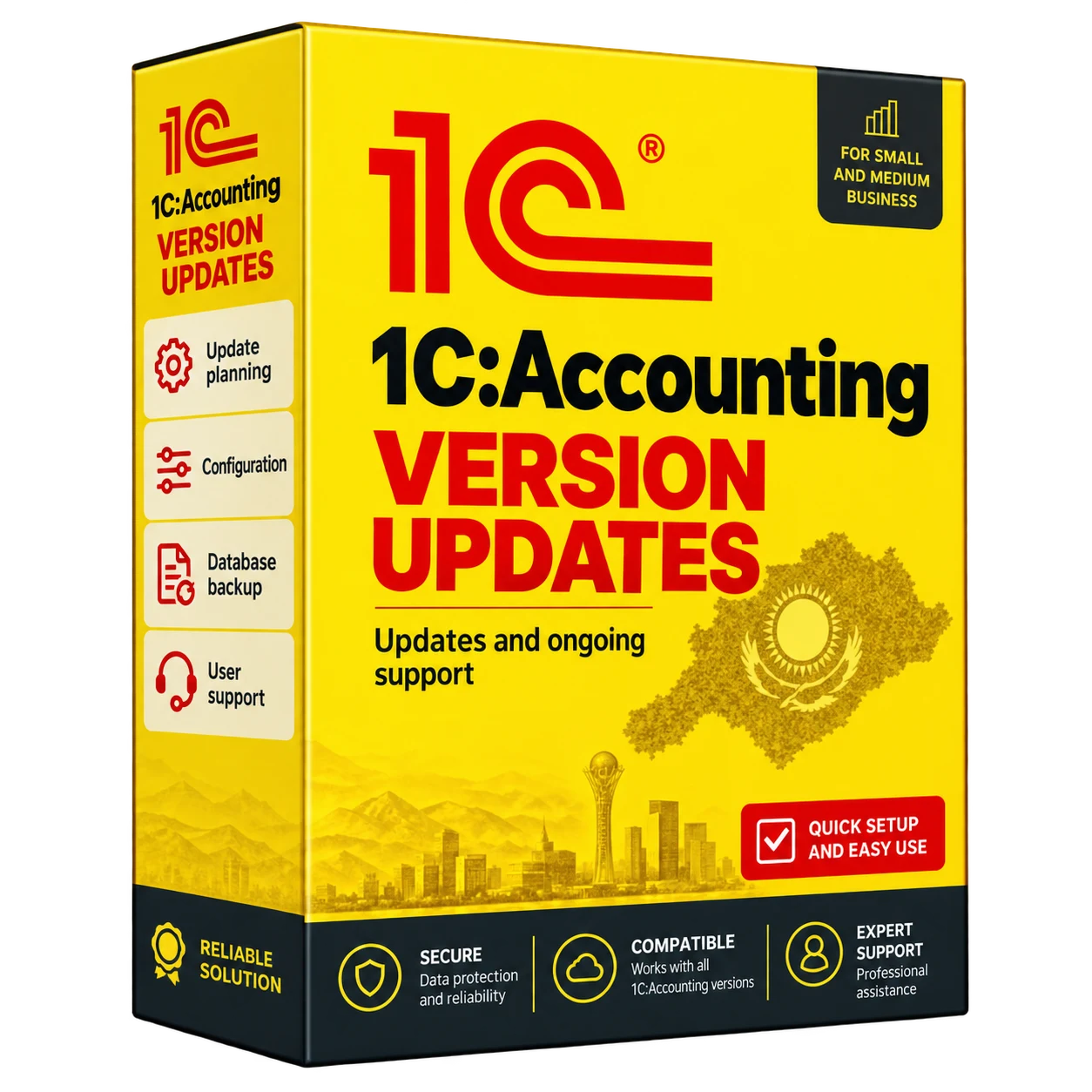
1C:Accounting version updates
1C:Accounting version updates
We update standard 1C:Accounting configurations for Kazakhstan. The service includes a database backup, installation of the agreed release and checks of reporting, electronic invoicing, printed forms and data exchange.
Description
1C: Accounting Release Update – Turnkey 1C Update
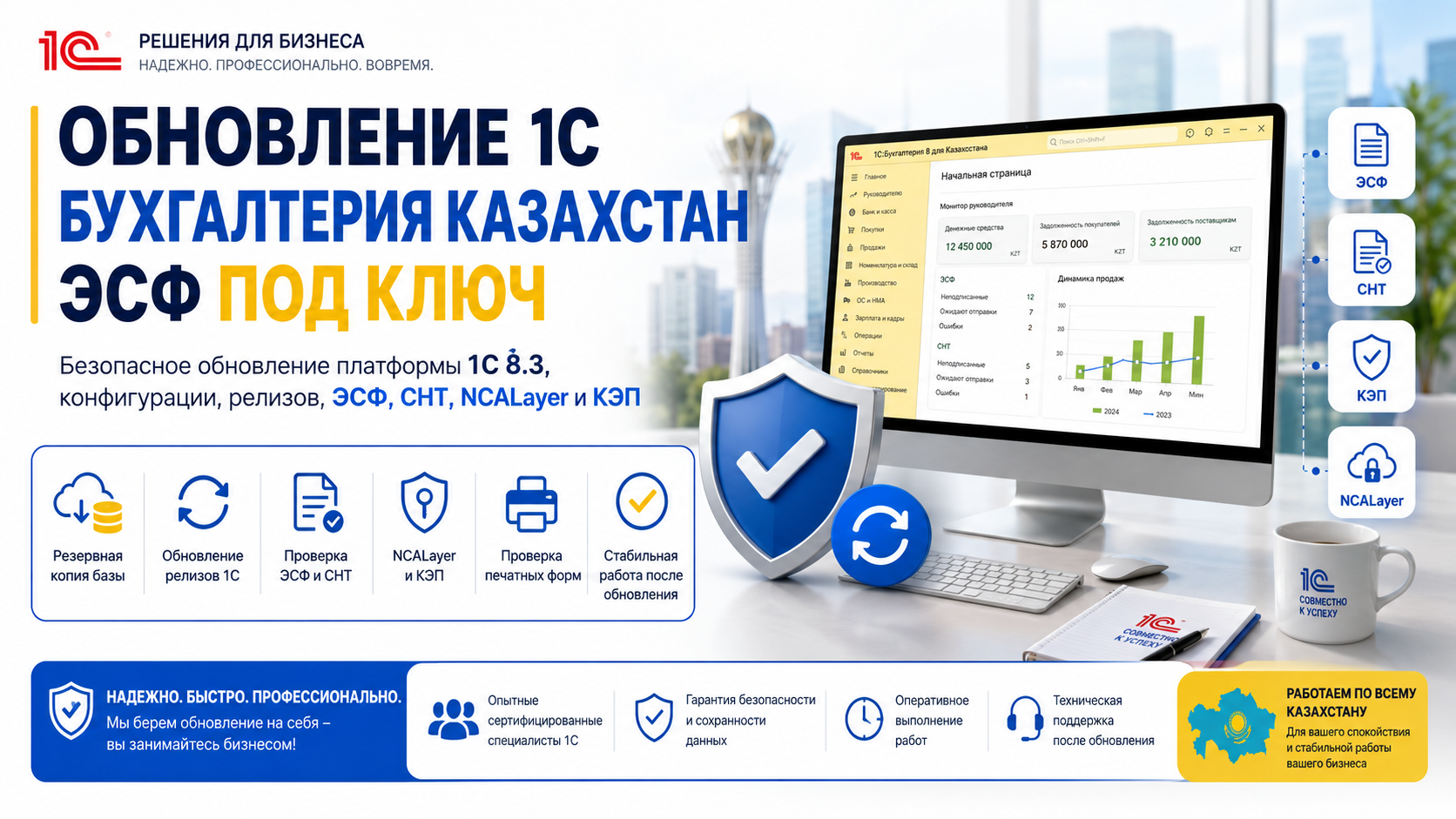
We update the 1C platform and accounting configuration for businesses in Kazakhstan. The agreed scope can include electronic invoicing, SNT, reporting forms, NCALayer, electronic signatures and bank exchanges.
Before updating, we make a database backup and check the required update sequence. Afterwards, we test database access, key accounting operations and the integrations covered by the project.
On this page:
Update of 1C Accounting Releases
We update 1C:Accounting for Kazakhstan and the 1C 8.3 platform after checking compatibility and backing up the database.
Contact us if an update fails, the database has not been updated for some time, or electronic invoicing, SNT, NCALayer, signatures, reporting or bank data exchange no longer works correctly.
The service covers release updates, remote assistance and technical checks for your accounting team.
What the customer gets
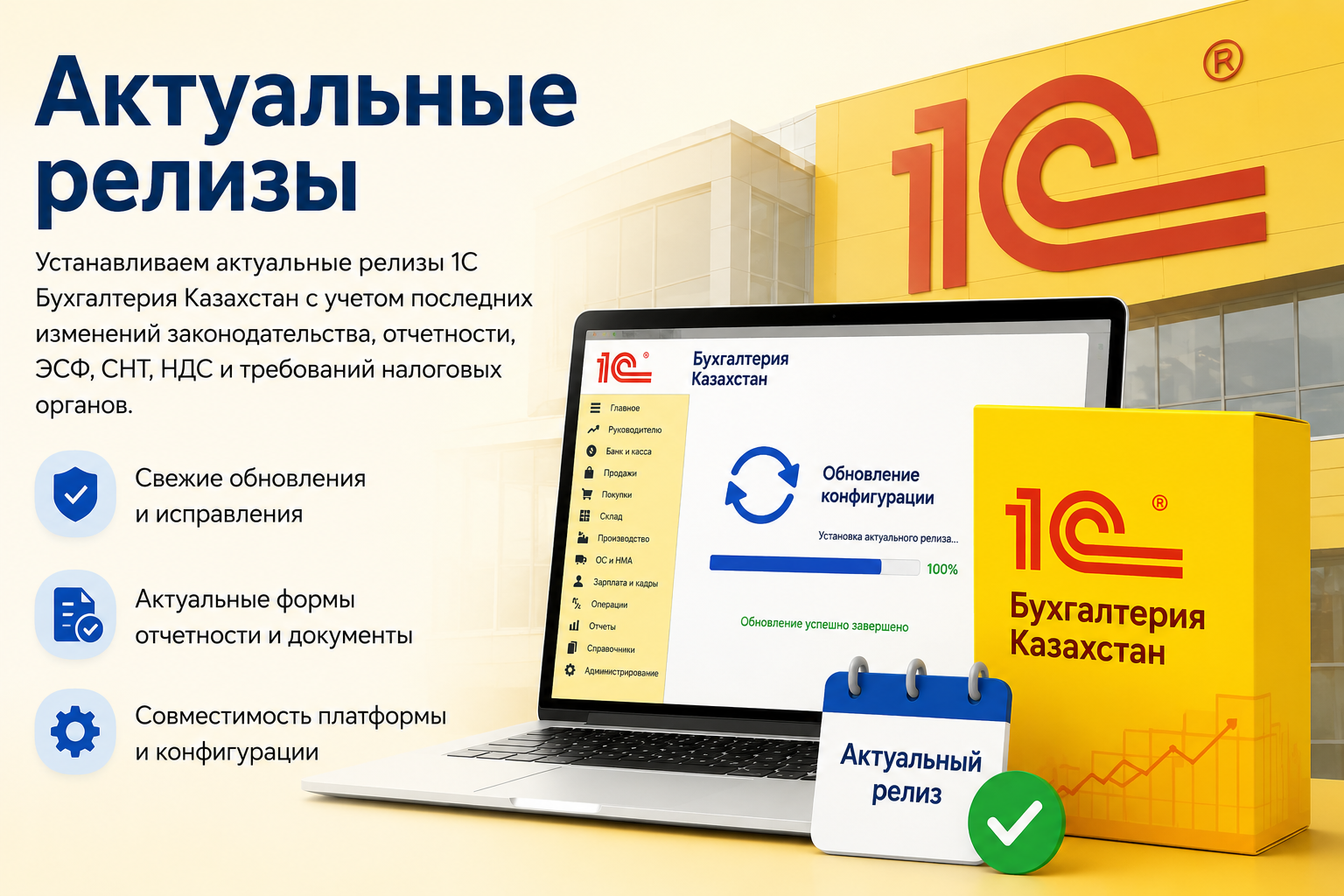
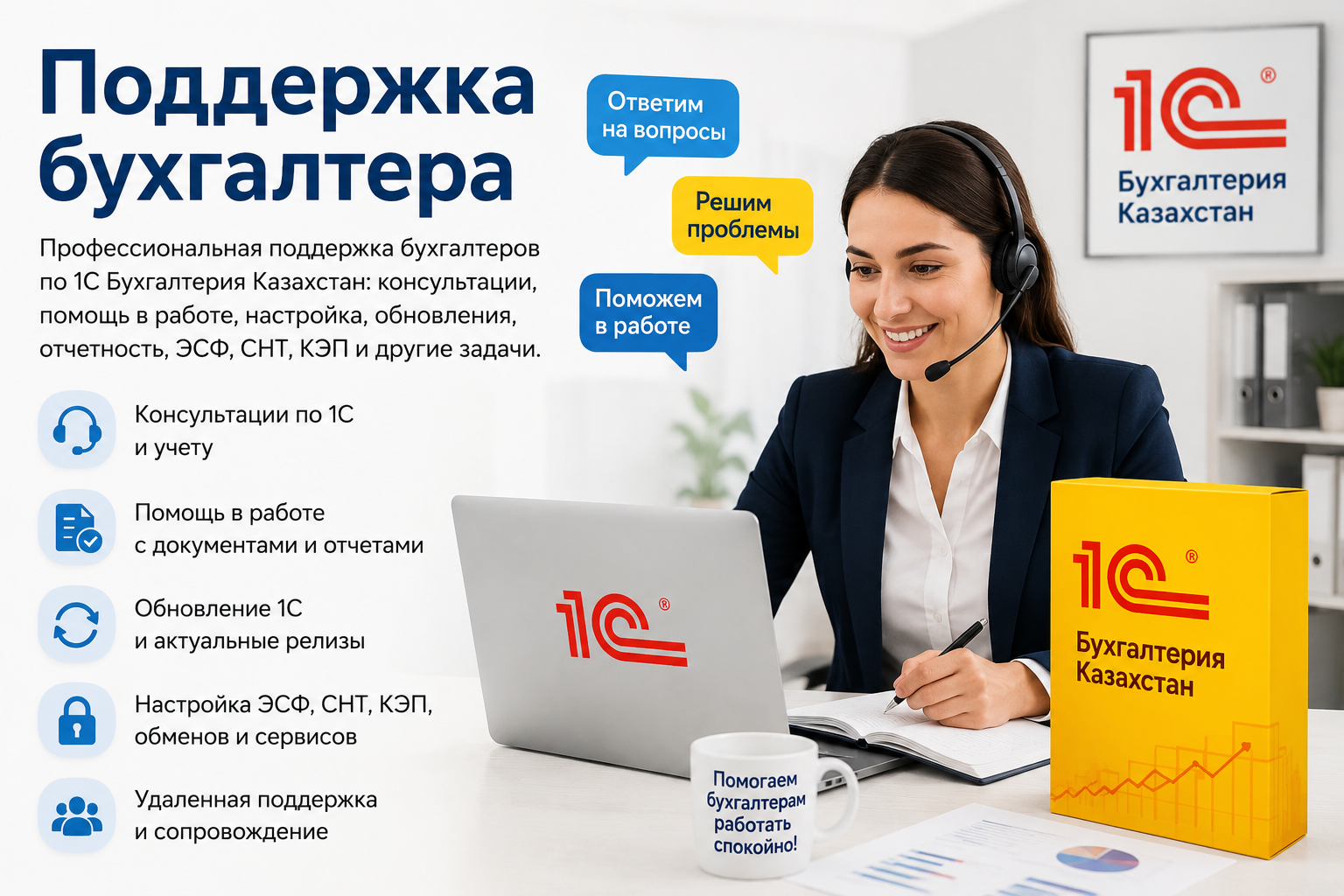
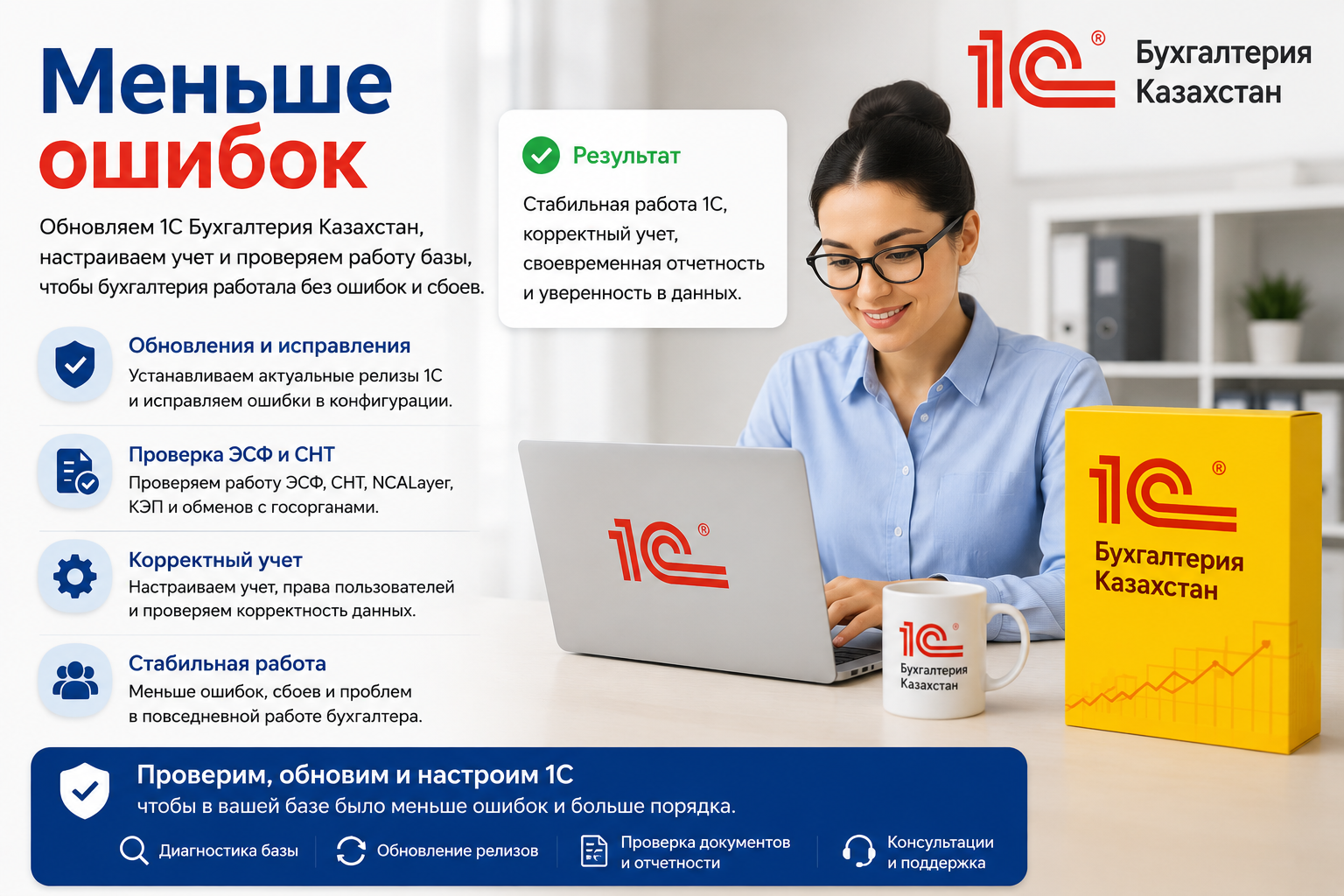
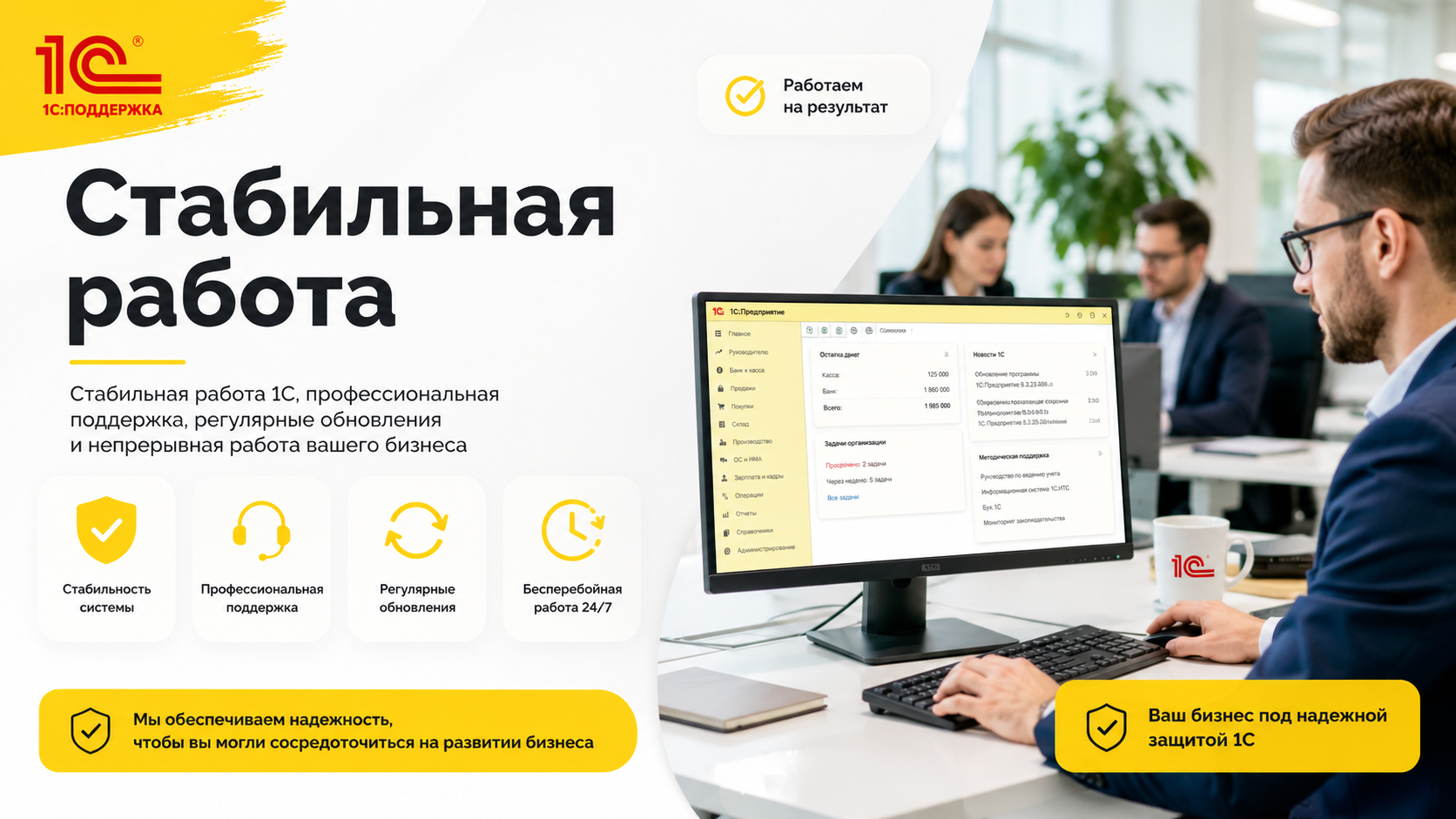
What is included in the service 1C: Accounting Update releases
- Diagnostics of the current version of 1C, platform and configuration
- Verification of 1C Accounting for Kazakhstan
- Creating a backup copy of the database before updating
- Update the 1C 8.3 platform to a compatible version
- Update of configuration 1C Accounting Kazakhstan to the current release
- Update to the 1C release based on platform compatibility and configuration
- Verification of electronic invoicing, SNT, TNF, VAT, printed forms and reporting
- Verification of NCALayer, KEP and exchange with IS ESF electronic invoicing
- Checking bank statements, payments and exchanges
- Test launch of the database and check the work of users
- Brief Consultation: What Has Changed Since Update
What are the challenges of updating 1C releases?
- Update of reporting forms, TNF, VAT and regulated documents
- Verification of sending electronic invoicing and SNT from 1C
- Verification of NCALayer, KEP and IS ESF electronic invoicing
- Fixing Errors of Old 1C Releases
- Checking the base launch after the update
- Verification of bank exchanges and payment documents
- Update to 1C 8.3 Platform and Configuration
- Update 1C without data loss via backup
When you urgently need to update 1C releases
- 1C is not updated or an update error is released
- No electronic invoicing or SNT from 1C
- NCALayer doesn’t work or 1C doesn’t see KEP
- New forms of reporting are not opened
- Bank client stopped correctly exchanging with 1C
- The 1C database has not been updated for a long time
- Errors appeared after installing a new release
- You need to update 1C before submitting reports
- Update the 1C 8.3 platform and configuration
What 1C Update Errors Are Fixed
We investigate failed updates, databases that will not start after an update, and older configurations that no longer support the required accounting workflows.
1C not updated
Check the platform, configuration, missed releases, user rights and database errors.
Update error
Fix release installation errors, platform incompatibility, and issues after the update.
Old 1C release
If the database has not been updated for a long time, we select the correct sequence of releases.
No loss of data
Before work, we make a backup copy of the 1C database and only then perform the update.
How to Update 1C Releases
- Diagnosis: Check the version of the platform, configuration, modifications, extensions and the status of the database.
- Backup copy: We need to keep the database before updating.
- Platform update: If necessary, update the 1C 8.3 platform to a compatible version.
- Configuration update: Install current releases of 1C Accounting Kazakhstan.
- Verification: We test the launch of the database, users, electronic invoicing, SNT, KEP, NCALayer, printed forms and reports.
- Consultation: Explain what has changed and how to work after the update.
Why is it dangerous to upgrade to 1C without a specialist?
An independent 1C update can result in an error if you do not make a backup, choose an incompatible platform, skip interim releases, do not take into account improvements, extensions or exchanges.
We update 1C carefully: first check the database, make a backup, then update the platform and configuration, and then check the work of electronic invoicing, SNT, NCALayer, KEP, reporting and users.
What the business gets after the update
- Up-to-date version of 1C Accounting Kazakhstan
- Compatible platform 1C 8.3
- Backup of the database before the update
- Tested electronic invoicing, SNT, FNO, NCALayer and KEP
- Verified printed forms and reports
- Fewer errors in the work of an accountant
- Clear rules for further updates
Geography of work
We provide 1C platform and configuration updates, backup setup, update troubleshooting and checks of electronic invoicing and SNT.
We work with clients in Astana, Almaty, Kokshetau, Karaganda, Shymkent and other cities of Kazakhstan. Many 1C upgrade tasks can be performed remotely through secure access.
FAQ: 1C: Accounting Release Update
Why do I need to update 1C Accounting Releases?
The update is needed for current reporting forms, correct operation of electronic invoicing, SNT, TNF, VAT, NCALayer, KEP, banking operations and correction of errors in the 1C configuration.
Can I upgrade to 1C without losing data?
Yes. Before the update, a backup of the 1C database is performed, after which the platform, configuration is updated and the operation of the database is checked.
What is included in the service 1C: Accounting Release Update?
The service includes database diagnostics, backup, 1C 8.3 platform update, configuration updates, releases, verification of electronic invoicing, SNT, NCALayer, KEP, printed forms and user consultation.
What to do if 1C is not updated?
If 1C is not updated, you need to check the platform version, configuration, revisions, extensions, user rights, database errors, and backup.
Is it possible to upgrade 1C remotely?
Yes. Update 1C can be performed remotely if you have access to a computer, server, or 1C database.
What is the 1C release update?
Updating the release of 1C is the installation of a new version of the configuration, where current forms, error corrections, changes to electronic invoicing, SNT, TNF, VAT and other requirements appear.
Do you check electronic invoicing and SNT after the upgrade?
Yes. After the update, the work of electronic invoicing, SNT, NCALayer, KEP, printed forms, reporting and main operations in the database are checked.
Is it possible to upgrade a very old 1C database?
Yes, but we need to assess the database first. Sometimes the old database can not be updated directly to the latest release – you need a sequential update through intermediate versions.
Can I upgrade to 1C at night or on weekends?
Yes. You can agree on an update after hours, so that accounting and employees do not stand idle during the day.
Do I need to update NCALayer with 1C?
If electronic invoicing, SNT or KEP work incorrectly, you should check the NCALayer, modules, certificates and communication with 1C. We check this part after updating the database.
Ready to order 1C:Accounting version updates? We will make a backup copy, update the platform and configuration, check electronic invoicing, SNT, NCALayer, KEP, reports and user experience.
Astana • Almaty • Kazakhstan
KICCo — 1C: Accounting Update releases: backup → update → checking electronic invoicing / SNT → stable operation of the database.