
No products in the cart.
Business solutions · Kazakhstan
MikroTik configuration
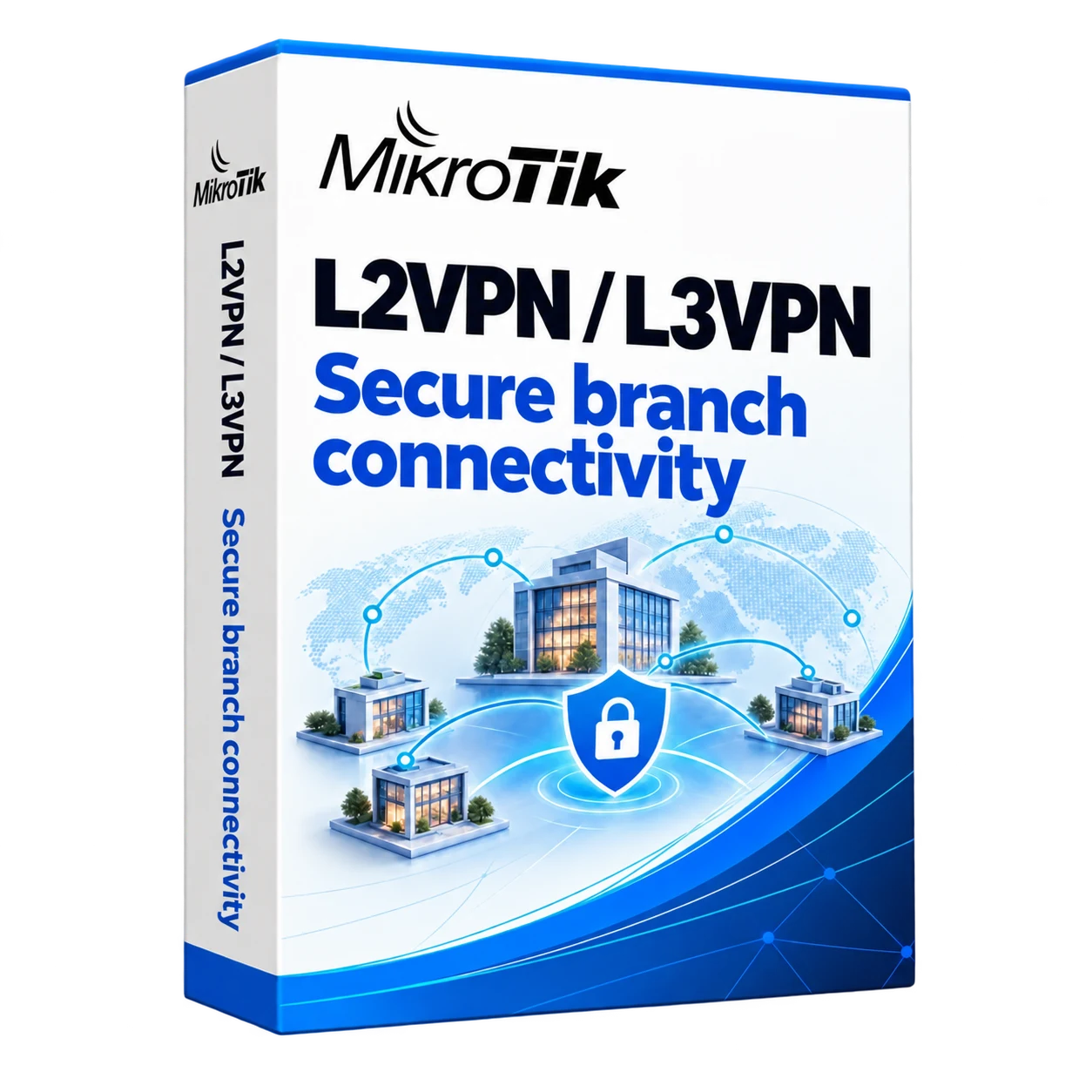
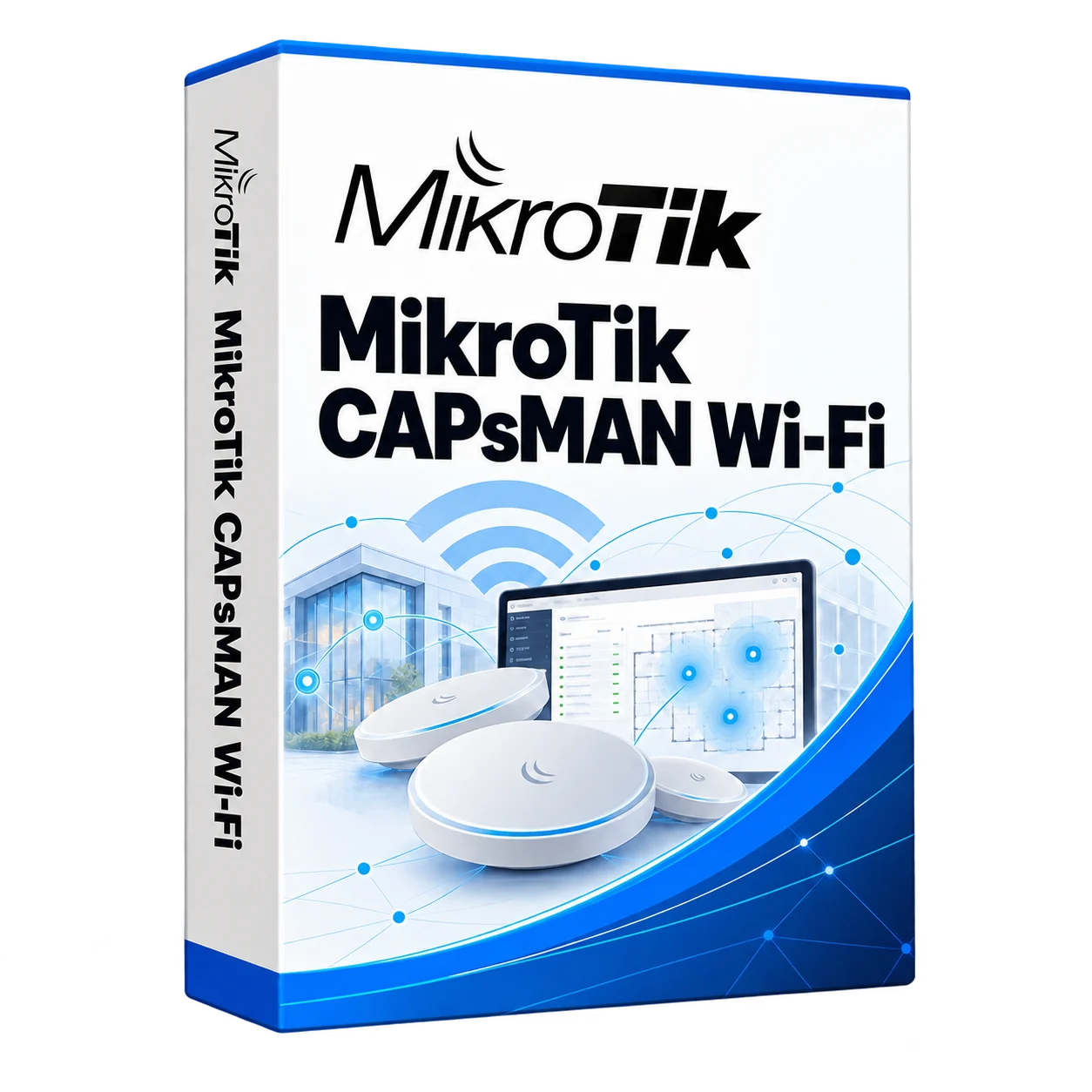
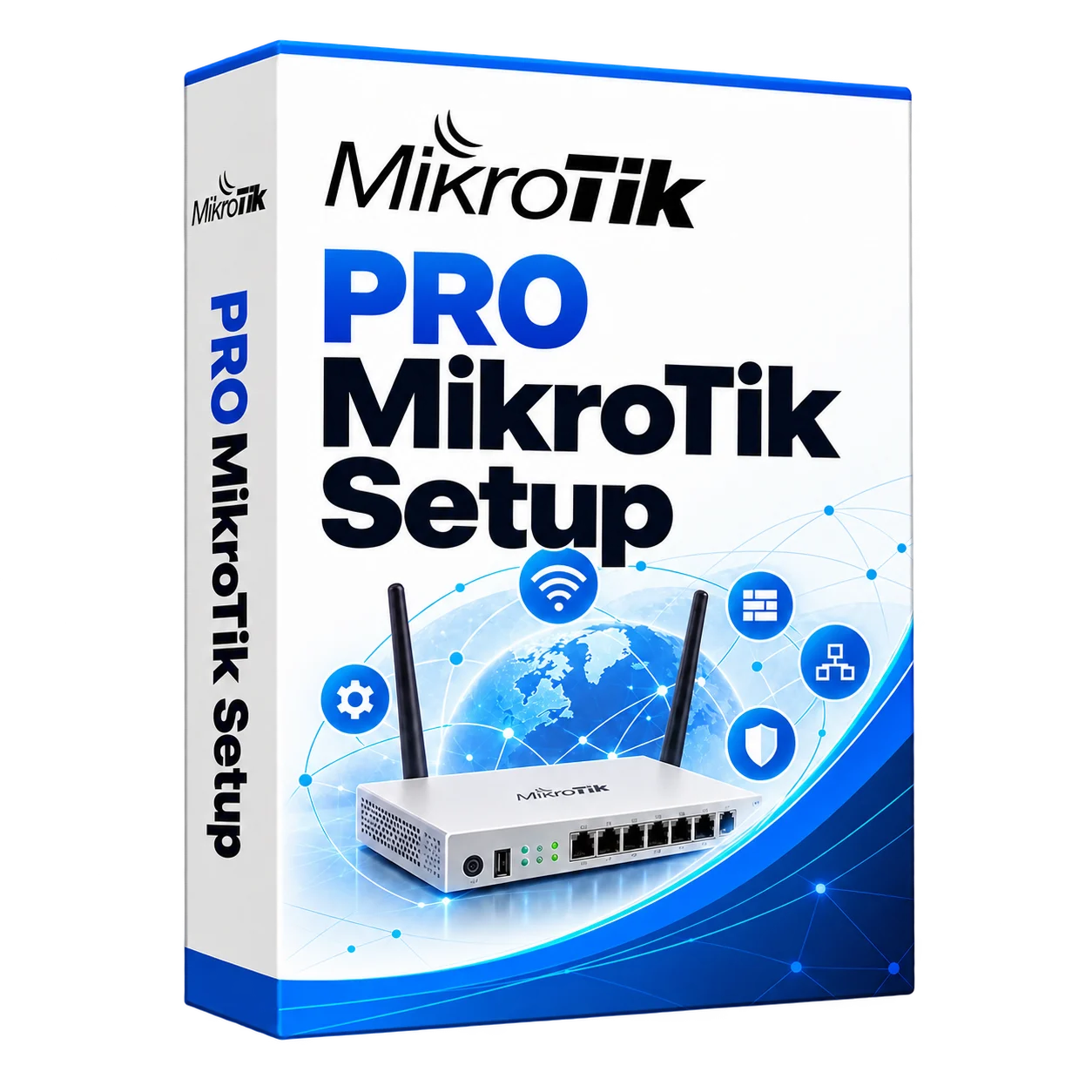
MikroTik RouterOS configuration for offices, schools and branches. Services include routing, CAPsMAN Wi-Fi, VPNs, VLANs and primary or backup internet connections.
Discuss your needs →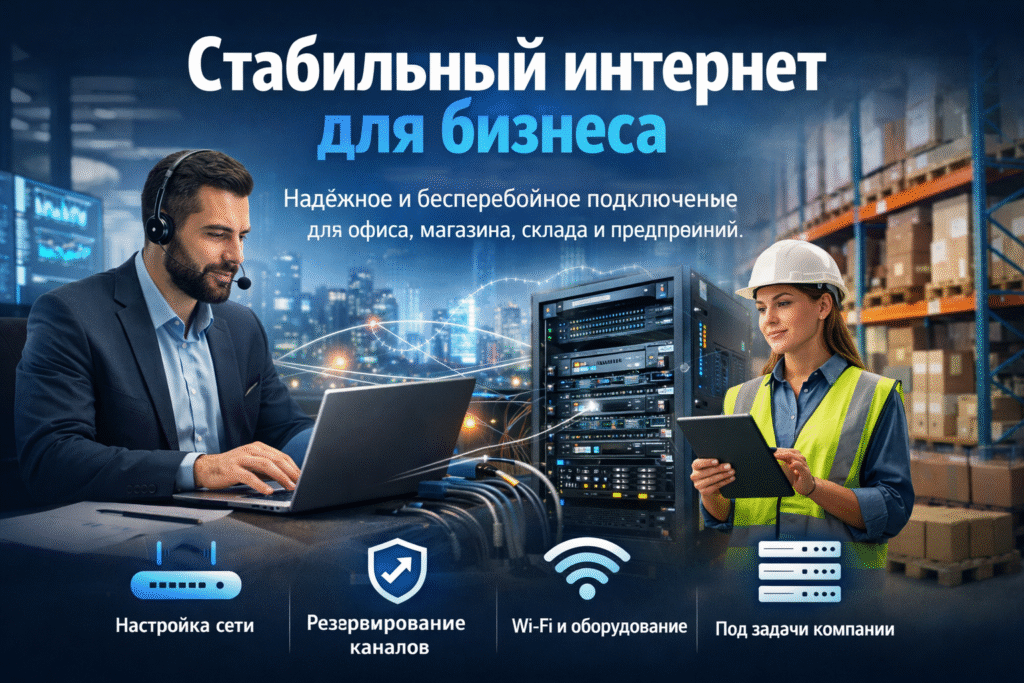
How we work
From your requirements to a configured and tested solution.
We assess your requirements
Current infrastructure, symptoms and desired outcome.
We plan the solution
Equipment, compatibility and scope of work.
We configure the system
We agree on access, deployment steps and the work schedule.
We test the result
Testing agreed features and user access.
01
Problems solved by setting up MikroTik
Select the service according to the desired result: user access to the Internet, a backup channel, separate networks or a connection of offices.
- Set up routing and access rules.
- VLAN to separate users and equipment.
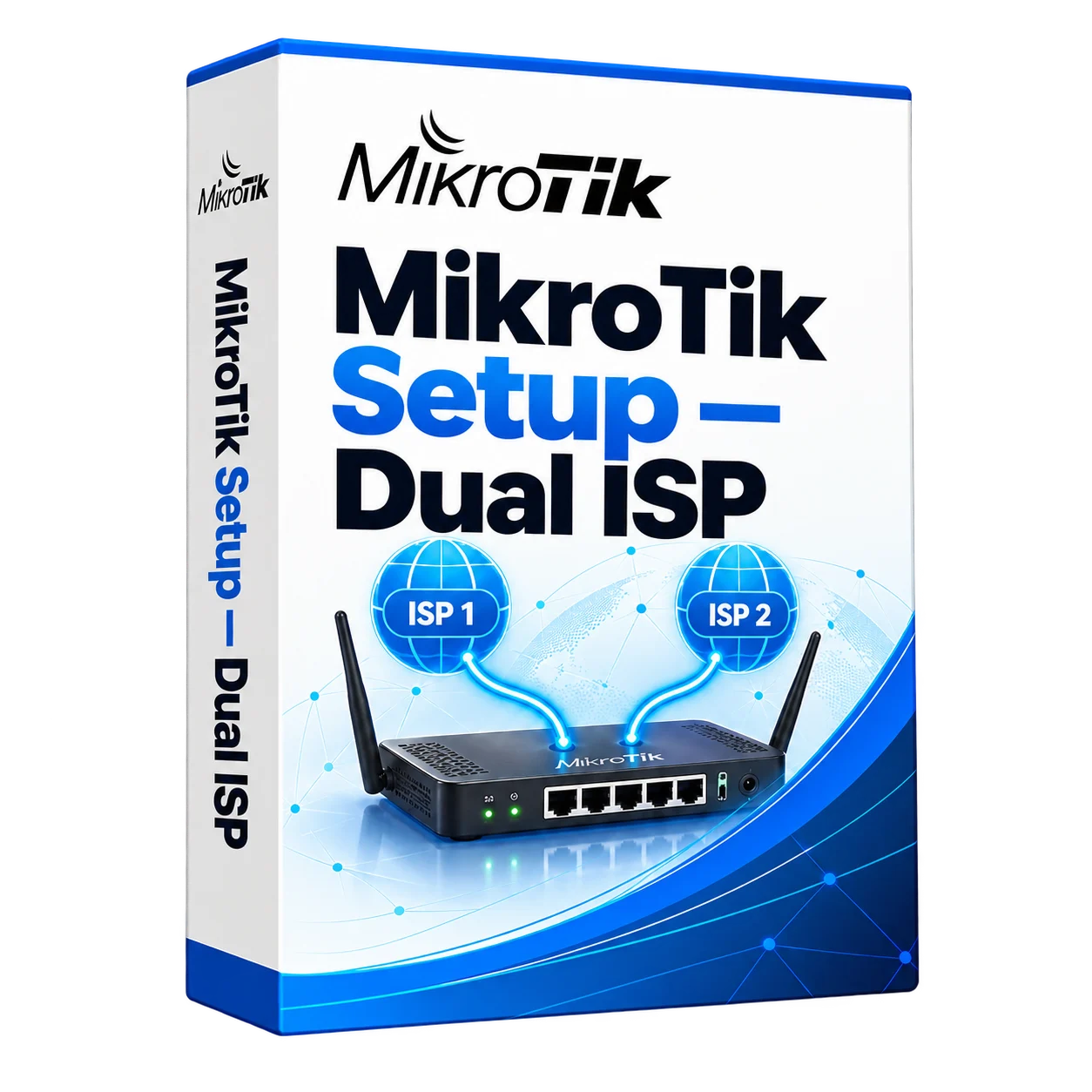
- Connecting two providers according to the agreed scheme.
- Manage Wi-Fi via CAPsMAN and inter-office VPNs.
Diagnostics and configuration changes
Before making changes, we check the device model, RouterOS version and current network topology. We record the configuration and access arrangements so that settings can be restored if needed. For a quote, send the task description, site count and ISP details. Credentials and configuration files are shared only through an agreed channel.
Services and solutions
Frequently asked questions
Is it possible to set up MikroTik remotely?
Yes, provided we have agreed access to the device and can verify the result. Physical connections and equipment replacement require someone on site.
Can I configure VLAN and guest Wi-Fi?
Yes, with the right equipment. First, we specify the router, switches, access points and the necessary user groups.