No products in the cart.
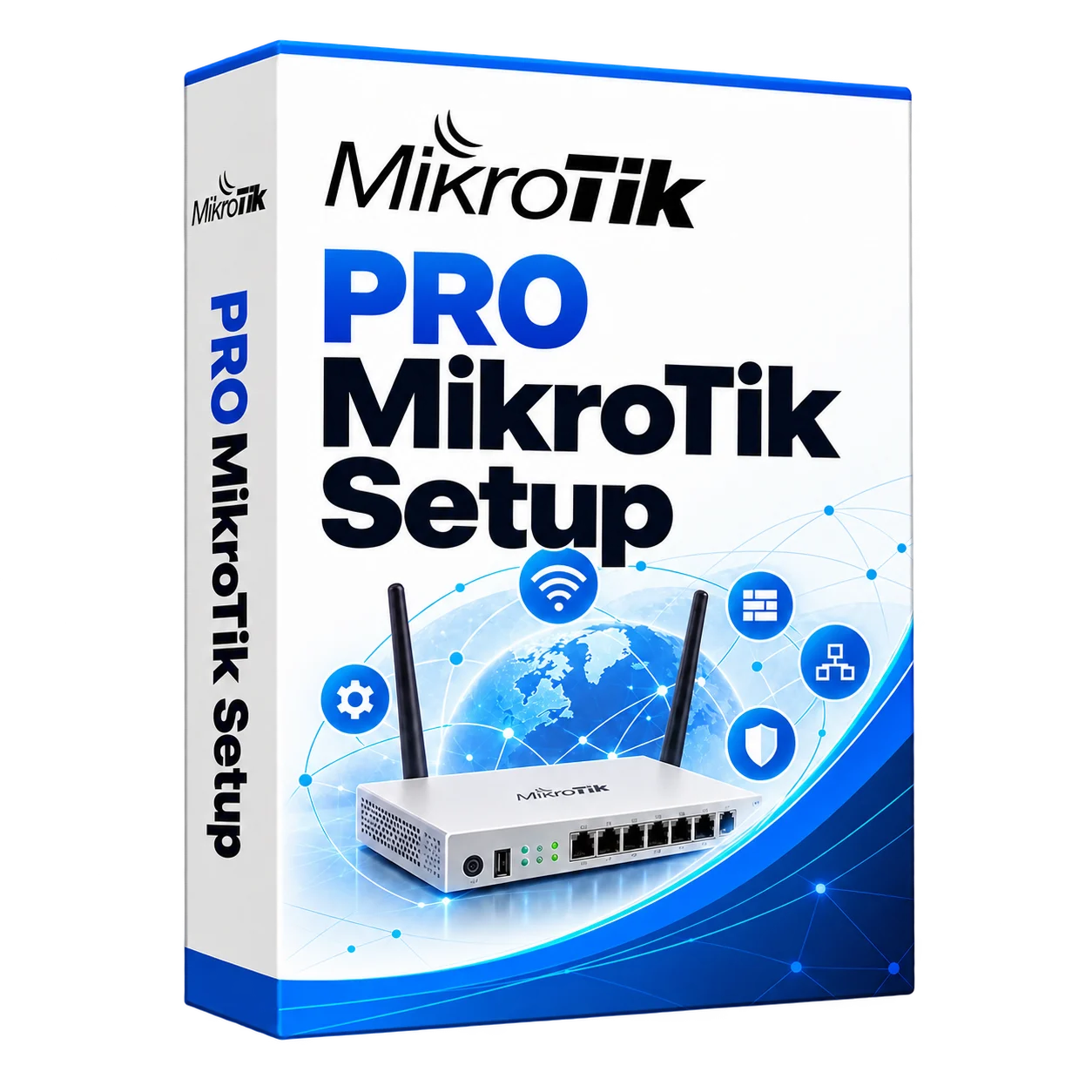
Advanced MikroTik configuration
Advanced MikroTik configuration
Advanced MikroTik configuration for routing, VPNs, VLANs, Wi-Fi and traffic management. We review your network, agree on the required changes, configure the equipment and test connectivity.
Description
MikroTik Pro services – set up routers, VPN and QoS “turnkey”

We configure MikroTik RouterOS for routing, VPNs, firewall rules, VLANs, traffic priorities, CAPsMAN Wi-Fi and backup internet connections. The design is based on your equipment and business requirements.
In short: what we do.
We document the required access rules and prioritise essential applications. Configuration changes are tested, and we explain the settings and support arrangements at handover.
Setting up MikroTik in Almaty and Astana
We provide turnkey services: customization of MikroTik Almaty and customization of MikroTik Astana – On-site or remote work under an agreed contract. VPN for branches, fast Wi-Fi, QoS for 1C/VoIP, secure Firewall.
Who is suitable for MikroTik Pro services
- Offices and branches – a single network and secure access
- Warehouses and production – reliable Wi-Fi and VoIP
- Schools and universities – VLAN, guest networks, filtering
- HoReCa and Retail – Access Portal and Analytics
What is included in “MikroTik Pro”
Routing and security
- Address-List, NAT, Policy Routing
- Firewall: stateful filters, geo-blocks
- VLAN trunk/access, Bridge HW-offload
VPN and Remote Access
- WireGuard, IKEv2/IPsec, L2TP/IPsec, SSTP
- Site-to-Site and Road-Warrior profiles
- RADIUS/Cert-Auth, MFA (by arrangement)
QoS and communication quality
- Queue Tree, PCQ, prioritization of VoIP/1C
- Limit-at/Max-limit, DSCP marking
- Speed Test and Final Report
Wi-Fi and fault tolerance
- CAPsMAN/Wave2, Guest Networks, Portal
- Dual-WAN, ECMP, Failover/Bonding
- Monitoring and logging with notifications
Why is it MikroTik Pro?
- Stable work under load – employees and services do not stand idle
- Flexible Segmentation and Access Policy – Data is Secure
- Transparent report and backup – give a brief instruction
- Integration with Asterisk IP-PBX, Windows Server RDS and video surveillance
Stages of work
- Audit. Review the network design and goals, then prepare a technical specification
- Project: addressing, VLAN, VPN, QoS and security rules
- Implementation: RouterOS configuration and tests
- Documentation. and teaching administrator
Frequently asked questions
Is it possible to connect MikroTik Pro to an existing network?
We assess the existing equipment and agree on a migration plan and any required maintenance window.
Is it suitable for branches?
Yes, we merge offices into a single network through a VPN (Site-to-Site and access from laptops / phones).
How long does it take to set up?
Usually 1-3 working days – depends on the tasks and number of devices.
Contact us
Are you ready to speed up and secure your network? Set up VPN, QoS and Firewall without downtime.
Install AnyDesk and send your ID – connect and help remotely.
KICCo – MikroTik Pro services for offices, schools and branches. Almaty and Astana.