No products in the cart.
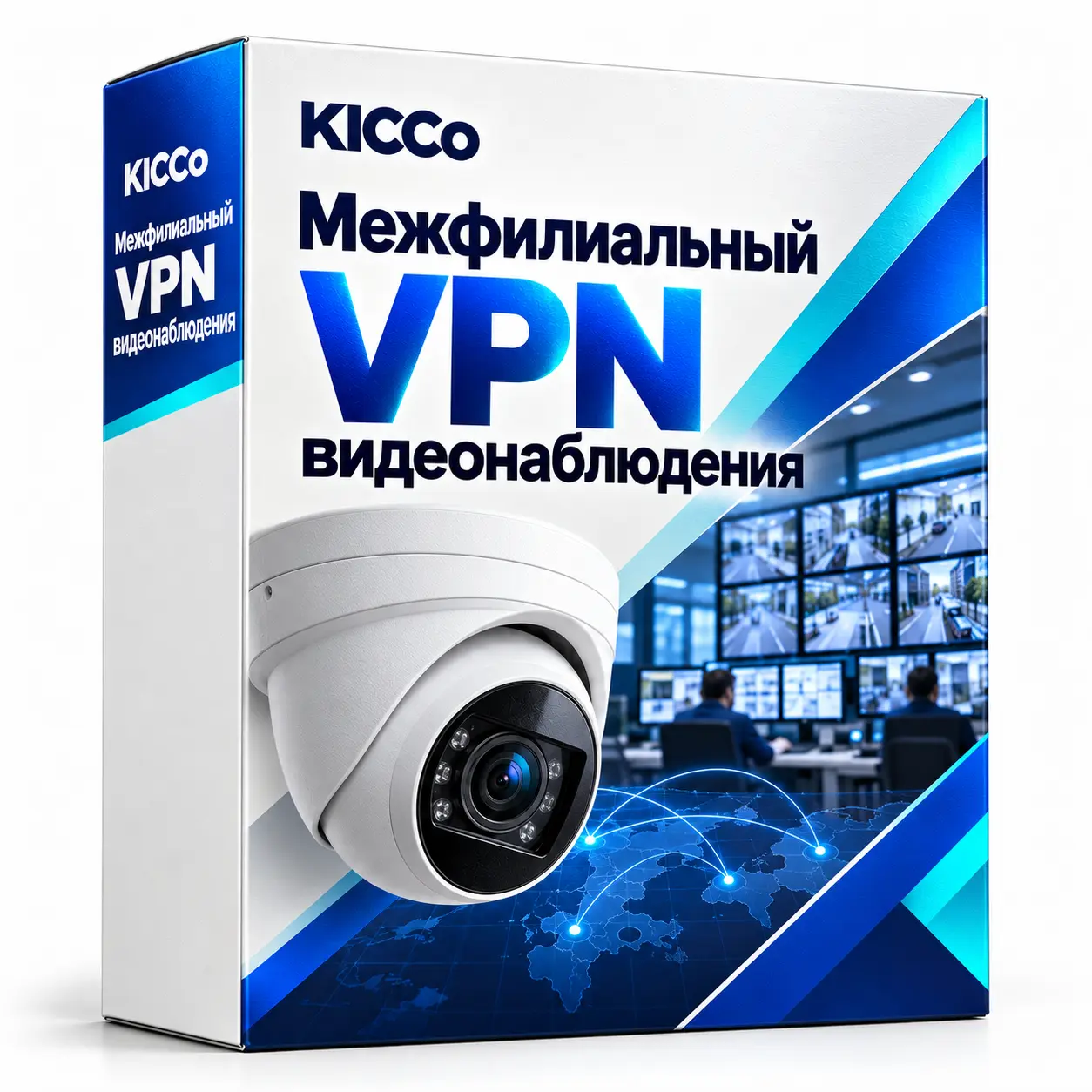
Site-to-site VPN for video surveillance
Site-to-site VPN for video surveillance
Site-to-site VPN configuration for CCTV systems across branches. We connect the agreed networks, configure routing and access rules, and test live viewing and recording access between sites.
Description
Site-to-site VPN for video surveillance (Site-to-Site) – Almaty and Astana
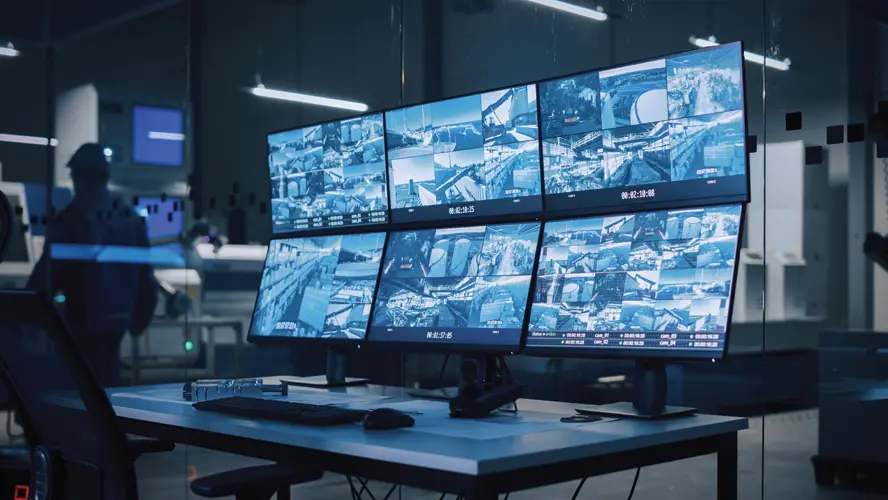
We connect CCTV systems at separate sites using a configured VPN, such as WireGuard or IPsec on MikroTik. Cameras and recorders can communicate through the tunnel without directly exposing their management interfaces to the internet.
The project can include VLANs, main and substream configuration, traffic priorities, monitoring and a backup connection. We select the design around camera bandwidth and the existing branch network.
What do you get?
- Safety: no open RTSP/HTTP to the outside, access only via VPN and roles
- Stability: When changing the provider/address, the scheme continues to work.
- Quality: QoS and standardized stream profiles (sub-stream for online, main for archive)
- Scale: quickly connect new branches without reworking the core
- Control: connection logs, alerts, uptime monitoring
How a Site-to-Site VPN Works (In Simple Words)
Scheme of work
- Head office and branches are connected in a single private network
- DVR/NVR and IP cameras remain inside, VPN access only
- Single viewing location, centralized archive and video clip export
Implementing procedures
- Establishing the tunnels WireGuard or IPsec/IKEv2 between HQ and affiliates
- Configure routing and ACL: access only to camera and recorder subnets
- Include QoS: video stream priority and uplink limit
- Add monitoring and alerts to tunnels
It’s important.
- We use it for online viewing substream H.265 (~0.5–1.5 Mbps per camera); main stream for archive
- In HQ, a static public IP is desirable; branches can initiate a tunnel without public IP.
- Compatible with Hikvision, Dahua, Uniview, Axis, etc.; analog DVR – via RTSP/branded VPN applications
Cases and results
Retail, 8 branches
Sub-stream + QoS reduces the load on the HQ channel −62%. Unified access to 96 cameras, archive in the center for 30 days.
Warehouse complex
WireGuard mesh for 4 sites. Moving the provider. 0 hours Downtime, auto-reserve via LTE.
Educational centre
Access by role: Security/IT/Directorate. Notifications about the unavailability of cameras in Telegram, SLA 8×5.
Cost and connection
The price depends on the number of branches, communication channels and archival requirements. We will offer options – from “starts” to “premium” – with terms and a transparent estimate. We work on a turnkey basis in Almaty and Astana.
Other names and requests
Expand the list (synonyms and close phrases)
- Inter-office VPN for video surveillance
- VPN between branches for cameras
- Site-to-Site VPN for CCTV
- MikroTik / WireGuard / IPsec for cameras
- VPN for IP cameras and DVR/NVR
- Access to cameras via VPN, remote viewing
- RTSP/ONVIF over the protected tunnel
- Watch cameras from another office or city
- combine video surveillance with different branches
Frequently Asked Questions (FAQ)
Do you need a static public IP?
In HQ, preferably. Branches can initiate a tunnel without public IP.
Does it work with analog DVRs?
Yes. DVR stays on the local network, access to it and streams – via VPN, without port transfer.
How much traffic do you need to view?
Substream H.265 ~0.5–1.5 Mbps per camera; main stream for archive/export.
Can I use the phone?
Yes. VPN client (WireGuard / IPsec) + branded applications of brands at internal addresses.
What if the Internet goes down?
Configure 4G/LTE reserve and auto-switch; in the core – two providers (main/failover).
Remote assistance via AnyDesk
- Use the button above to download and install AnyDesk.
- Open AnyDesk and copy your ID (Your address).
- Send us the ID via WhatsApp or Email.
- Accept the connection request only after confirming it is from our support specialist.
Important: Do not publish your ID and password to the public. Send them only to our specialist.
We watch cameras from any branch safely and stably – single access, controlled rights and high-quality turnkey picture in Almaty and Astana.