No products in the cart.
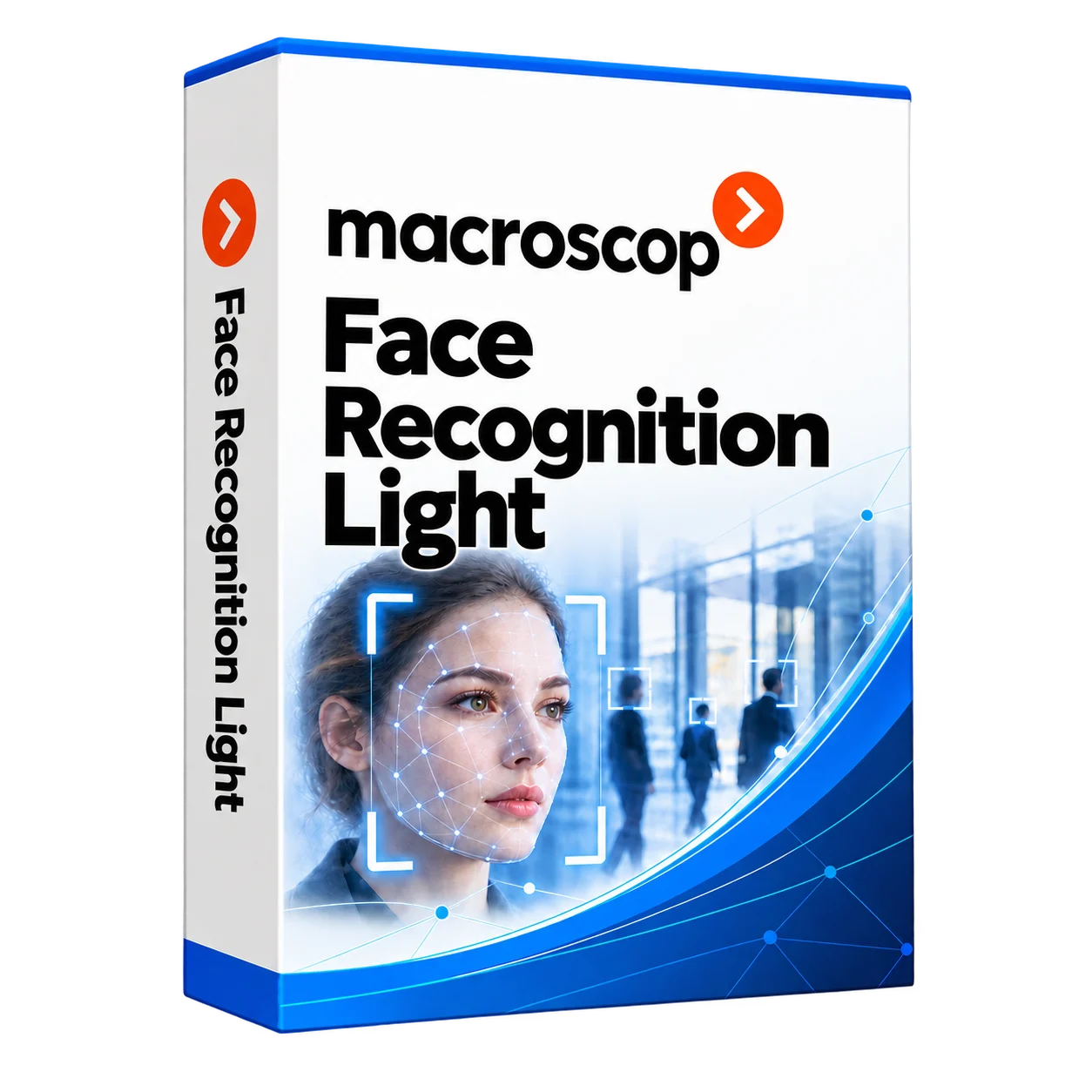
Light facial recognition
Light facial recognition
Macroscop facial recognition: licence selection, database configuration and on-site testing. We assess cameras, lighting, server capacity and access control compatibility, then configure agreed events, reports and notifications and train operators.
Description
Macroscop facial recognition: licensing and setup in Almaty
We supply and configure Macroscop facial recognition for video surveillance and compatible access control systems. We assess your cameras, entrance layout and requirements, then select a suitable module and test it at the site.
On this page:
Macroscop facial recognition for your premises
Planning facial recognition at an office, warehouse or controlled entrance? We assess the number of cameras, operating conditions and required integrations before proposing a licence and deployment plan.
The project can include camera compatibility checks, database setup, notification rules and integration with your existing surveillance or access control system.
How to order a deployment
Send us the site layout, camera details and intended use. We review the hardware and software requirements, agree on the scope, configure the system and train the operators.
1. Site assessment
Review the entrances, cameras and intended workflow.
2. Module selection
Choose the module and licences for the agreed requirements.
3. Database configuration
Set up the authorised-person database and agreed event rules.
4. Testing and training
Test recognition at the site and train the operators.
How facial recognition is used
The module compares faces captured by configured cameras with records in a database. Operators can review recognition events and associated video in the surveillance system.
Where compatible access control integration is available, recognition events can be used in the agreed access workflow.
Typical operational requirements
Employees forget or share access cards
Assess whether facial recognition can support the site’s access process alongside the required fallback method.
A stranger enters the territory
Configure agreed recognition and notification rules for operators to review.
There is no record of who and when was at the facility.
Use event records and associated video to review activity at an entrance.
The guard manually checks faces at the entrance
Provide operators with recognition events to support their checks.
Choosing Light or Complete
We compare the modules against your camera setup, operating conditions, reporting requirements and available hardware.
The recommendation is based on the actual site and a review of the current module requirements, followed by testing.
Deployment scope
Recognition events
Configure supported cameras and operator views for recognition events.
Face database and groups
Organise records and groups for the agreed operational workflow.
Notifications
Configure supported notification channels for the events selected by the customer.
Event reports
Set up reports and access to associated video.
Access control integration
Check compatibility and test the agreed event-to-access workflow.
Multiple-site requirements
Assess database administration and connectivity needs for a multi-site project.
Possible deployment locations
- Offices and business centres
- Factories, warehouses and protected areas
- Residential complexes and controlled entrances
- Schools, universities and training centres
- Banks, financial institutions and security facilities
- Healthcare premises and other sites with controlled access
Project parameters
How much does the deployment cost?
The price depends on camera count, module licences, hardware, database preparation and integration work. We assess these requirements before preparing a quote.
Send your site details for a proposal covering equipment, software, setup and training.
Licensing and support
We help select the module, check camera and server compatibility, configure the database and integrate it with Macroscop VMS.
Other Macroscop solutions
Frequently asked questions
What is Macroscop facial recognition?
It is a video analytics module that compares faces from configured cameras with a face database and provides recognition events for operators and supported integrations.
Can I order licensing and setup through KICCo?
Yes. We assess your site and requirements, select the appropriate licences and prepare a deployment quote.
How do you choose between Light and Complete?
We compare the current module capabilities and hardware requirements with your camera layout, operating conditions, reporting and integration needs.
Can you integrate it with access control?
We check compatibility with the existing access control system and test the agreed workflow before commissioning.
Can existing cameras be used?
We assess image quality, placement, lighting and hardware compatibility before confirming whether the existing cameras are suitable.
Where can the system be deployed?
It can be assessed for controlled entrances in offices, warehouses and other premises. The design depends on the site’s requirements and operating conditions.
What determines the implementation price?
The price depends on camera count, licences, hardware, database preparation, integrations and the agreed setup and training work.
Discuss a Macroscop facial recognition project
Send us your site details and camera information for an assessment and quote.
Additional information
| Package | 1-4 IP cameras, 5-9 IP cameras, 10-49 IP cameras, 50-99 IP cameras, 100-199 IP cameras, 200-499 IP cameras, 500-999 IP cameras, 1000 IP cameras |
|---|
Related products

Licence plate recognition
Price range: 170,000 ₸ through 335,000 ₸
Macroscop Ultra
100,650 ₸
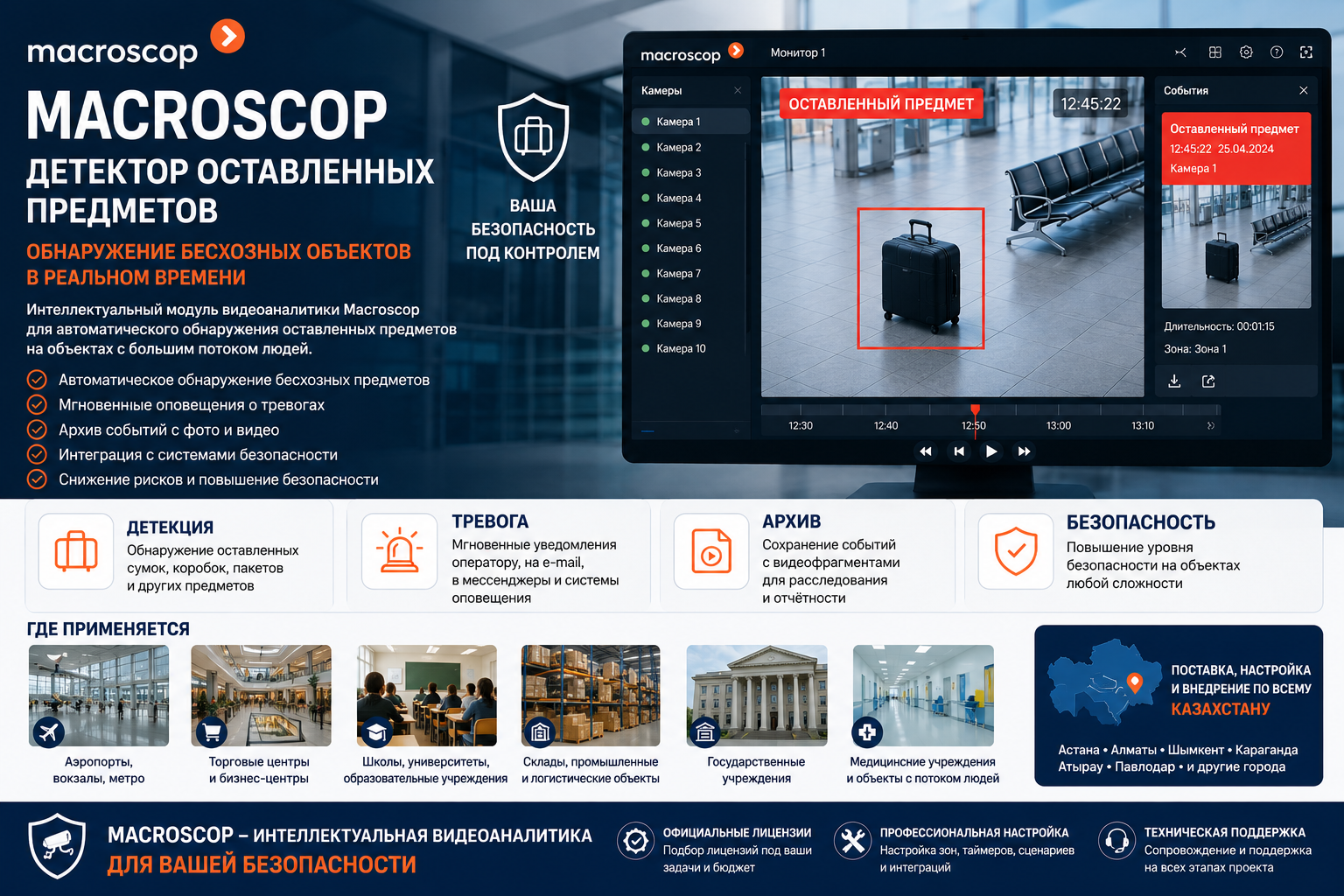
Abandoned object detection
5,000 ₸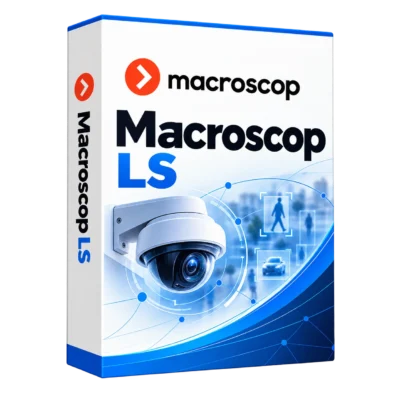
Macroscop LS
30,000 ₸