
No products in the cart.
Business solutions · Kazakhstan
1C for business
1C installation and support for sole proprietors and LLPs in Kazakhstan. Services include initial setup, database updates, electronic invoicing and remote access for your accounting team.
Discuss your needs →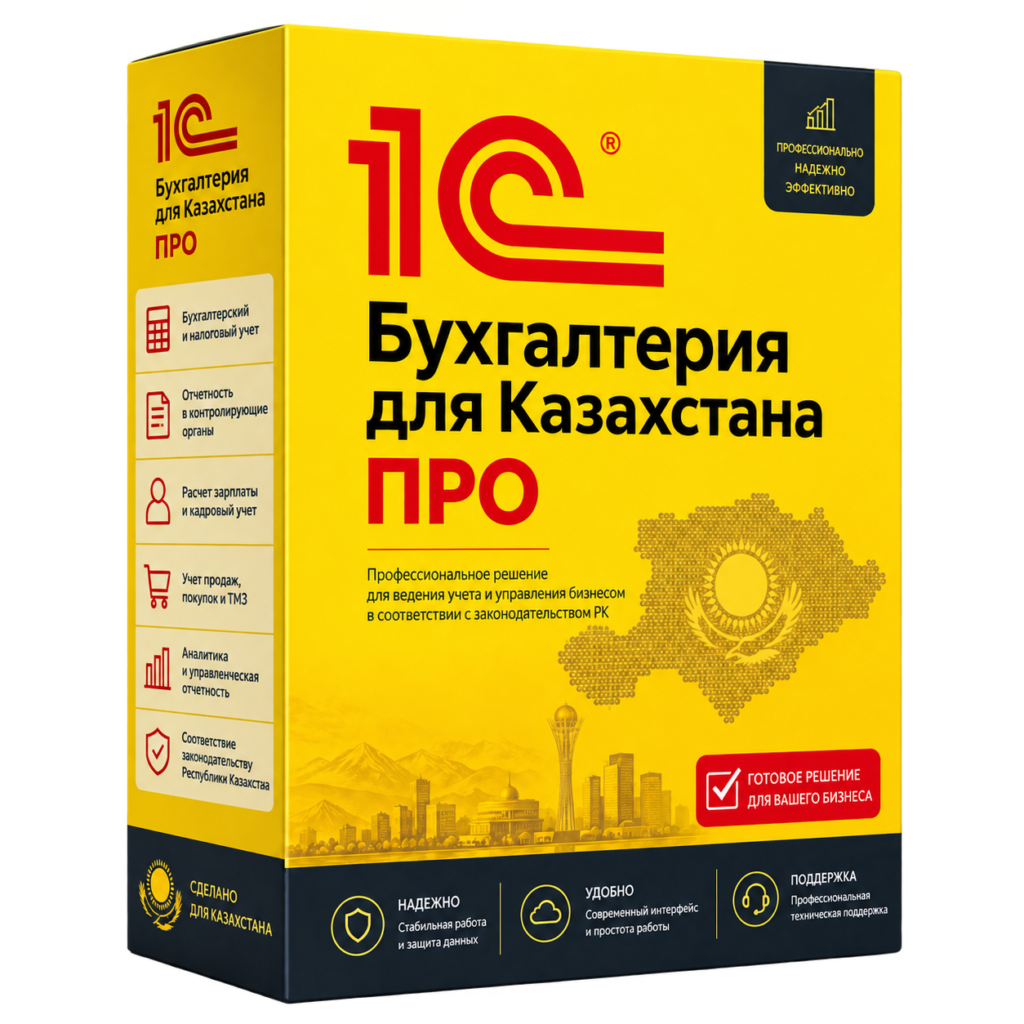
How to Launch and Maintain 1C
From the first installation to the joint work of accounting and branches.
Figuring out the task
Configuration, version, user count and database condition.
We select a solution
A working computer, mini server, or terminal access.
We configure
We agree on backup, installation and necessary updates.
We check operation
Database deployment, employee access and agreed features.
01
Installation, Upgrade and Maintenance of 1C
Select a service for the current task. New businesses need initial installation and accounting workstations. Existing databases require version checks, backups and a planned update process.
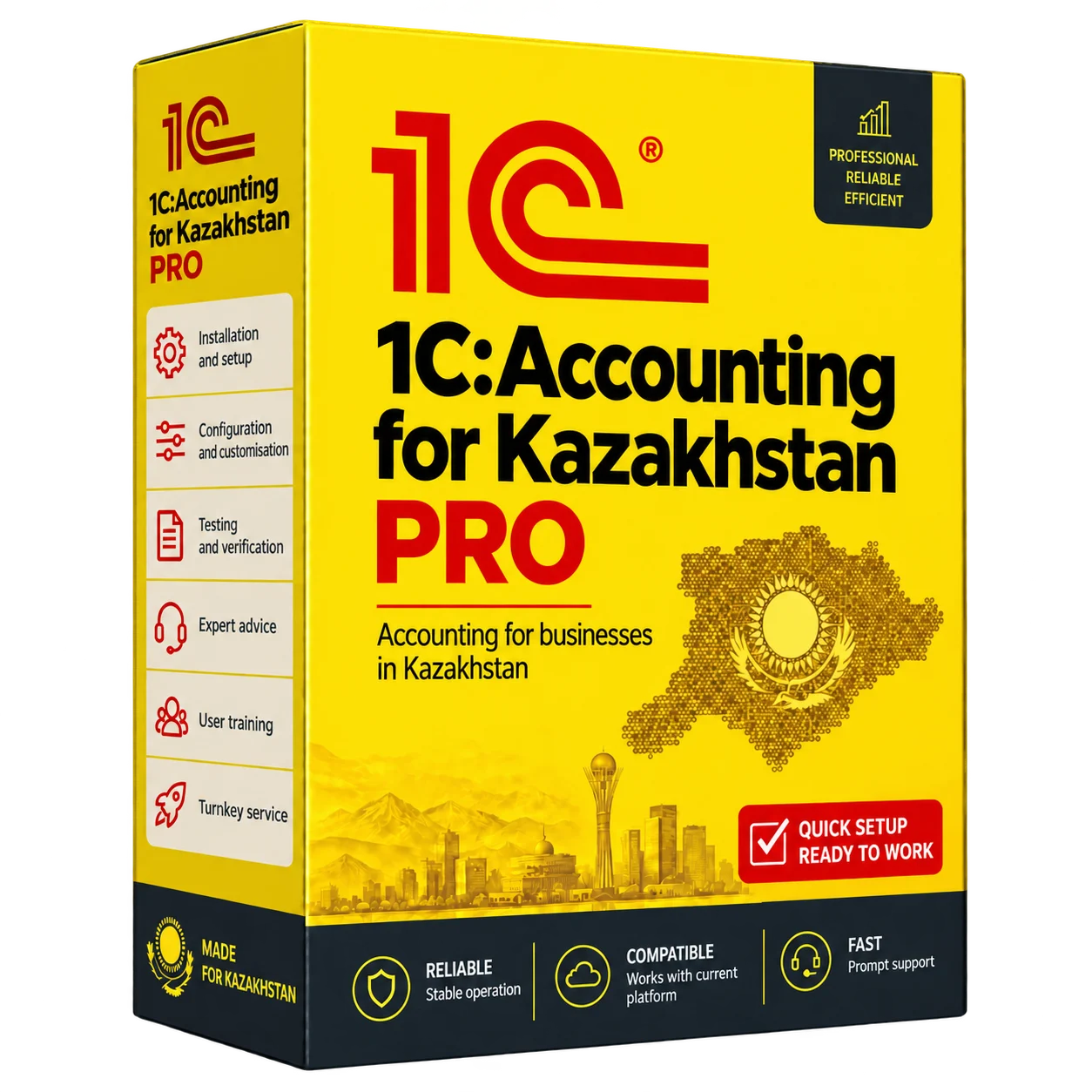
- Installation and configuration of “1C: Accounting for Kazakhstan”.
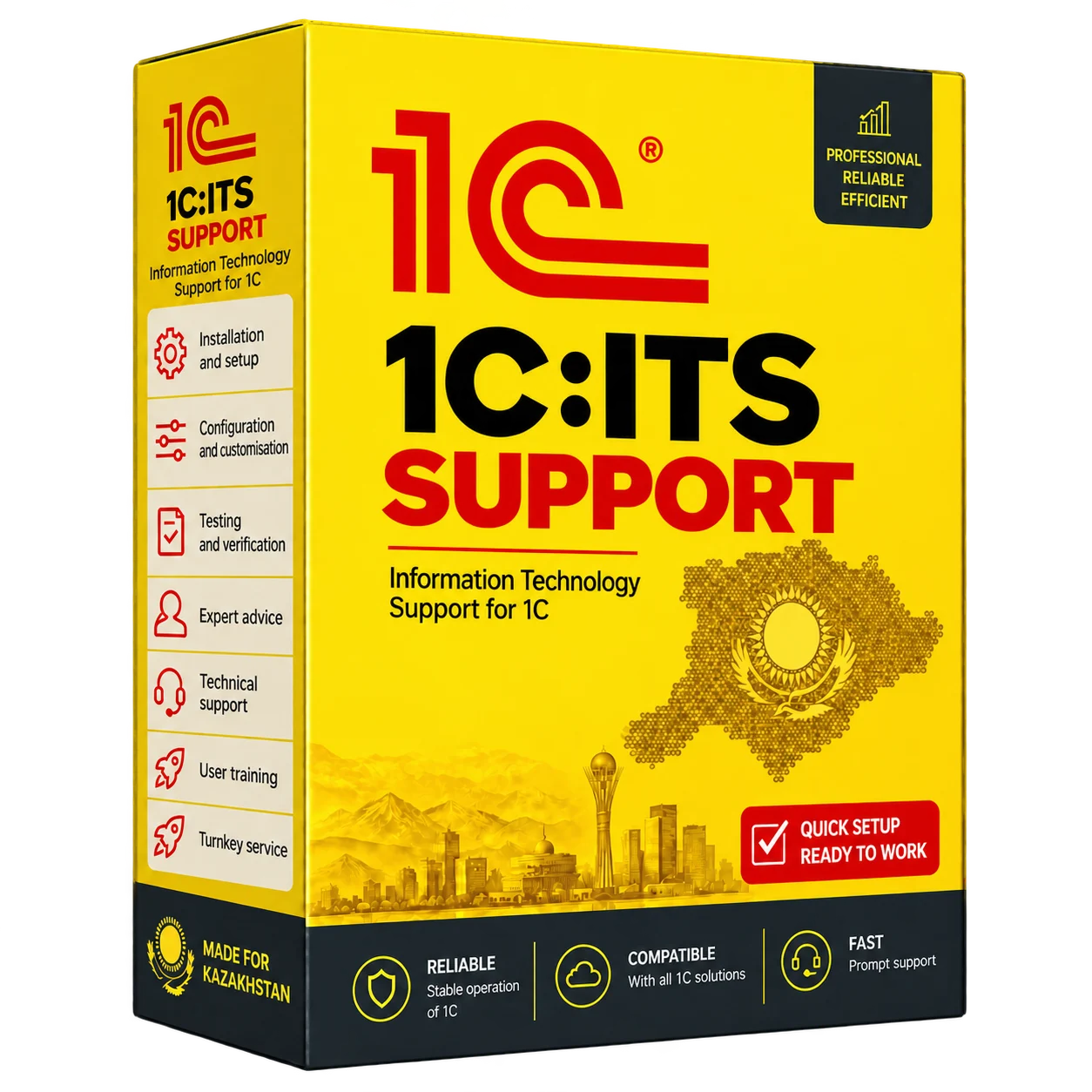
- Version updates and 1C:ITS support selection.
- Configure work with electronic invoicing, taking into account the workstation configuration and access to services.
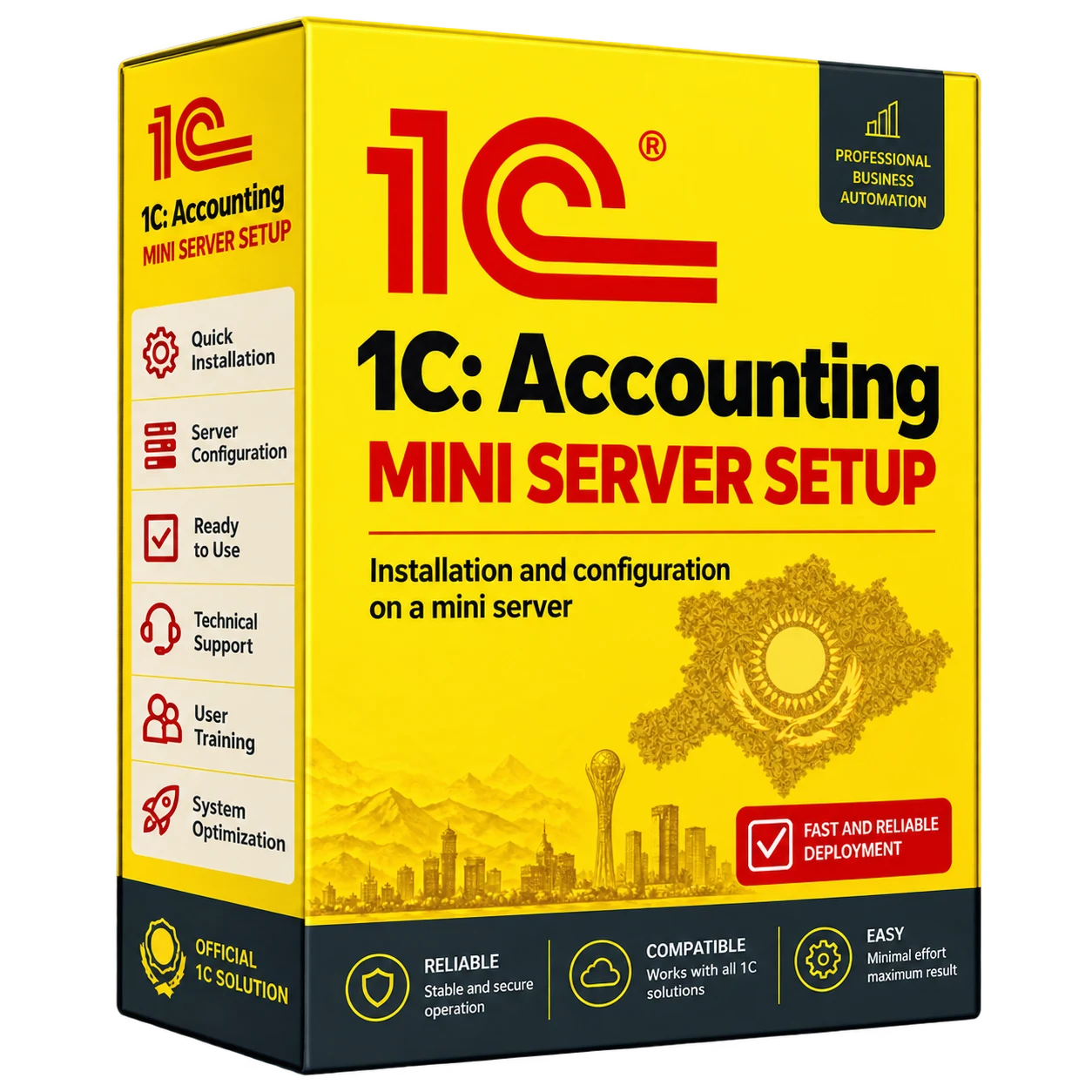
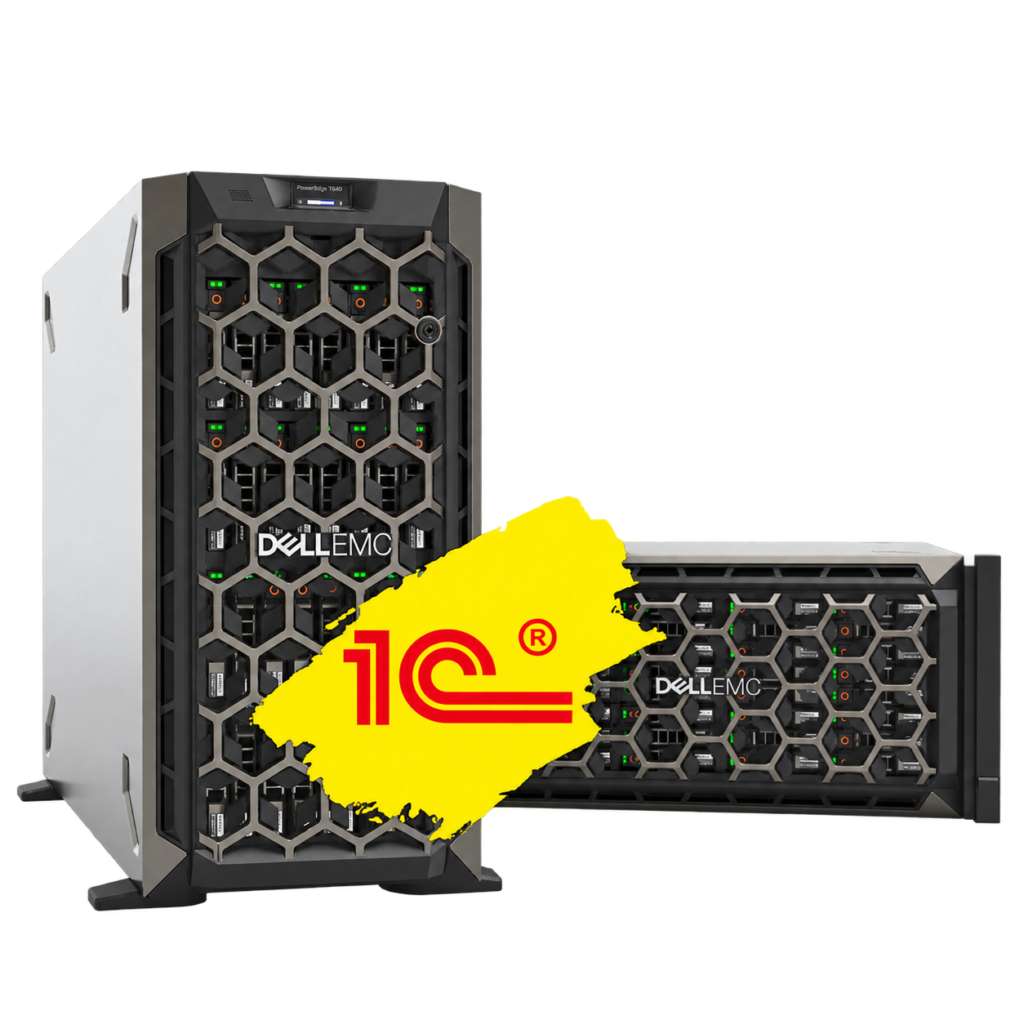
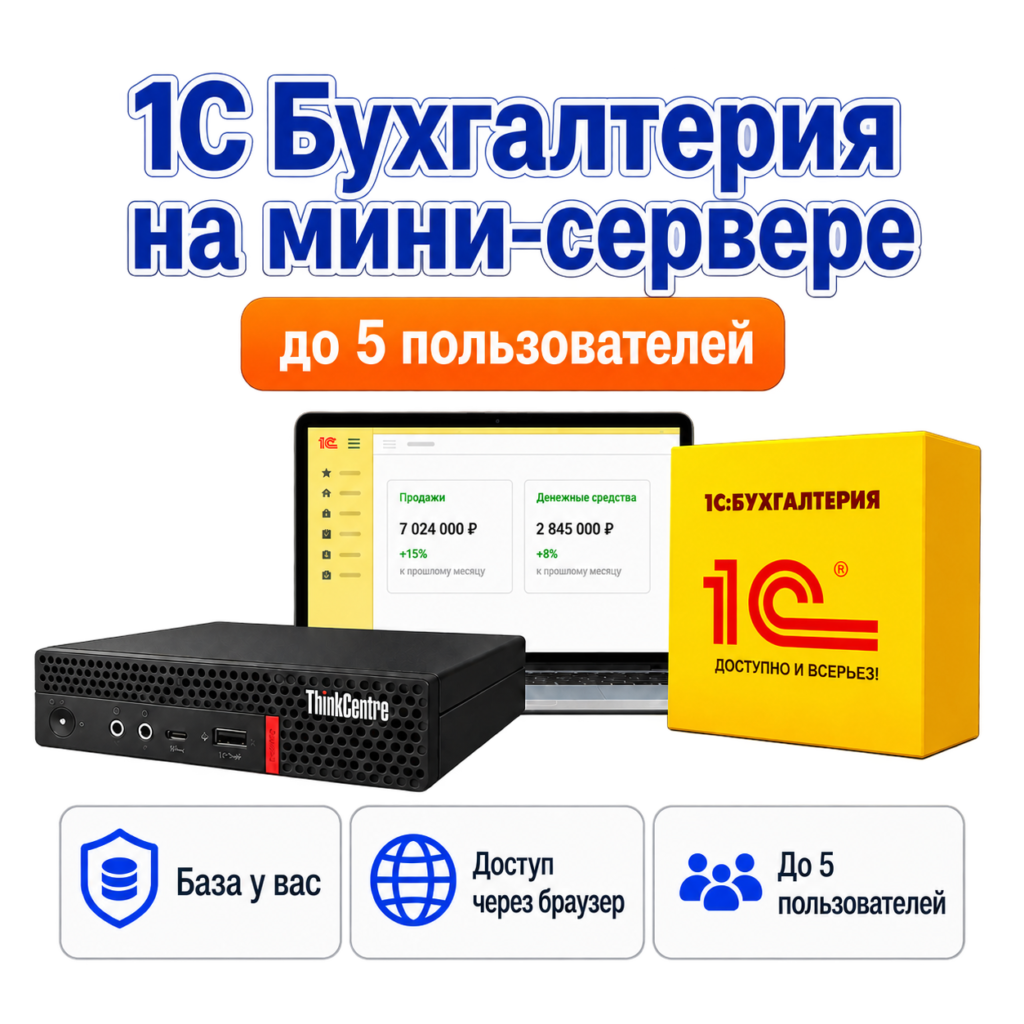
- Database hosting on a mini server or terminal server for shared access.
1C on the server and access from branches
When multiple employees or offices work with a database, you need to evaluate the server, connection and access rights. The terminal version and VPN are selected for the load and scenario. Infrastructure setting does not replace accounting setting: the scope of this work is agreed separately.
What the cost of 1C services depends on
The calculation is influenced by the version and state of the database, the number of workstations, the need to transfer data, server hosting and maintenance. For the application, inform the city – Astana or Almaty, configuration name, current release and problem. Before the changes, we agree on the backup and the procedure for checking the result.
Services and solutions

Frequently asked questions
Is it possible to update the existing 1C database?
Yes. We first check the configuration, version, customisations and backup, then plan the update sequence and validation steps.
Do I need a server for a single accountant?
Not always. The choice between a working computer, a mini-server and terminal access depends on the number of users, the database size and the requirements for remote work.
Is it possible to configure 1C remotely?
The possibility of remote installation and maintenance is determined after checking the connection and agreeing access to the workplace or server.