No products in the cart.
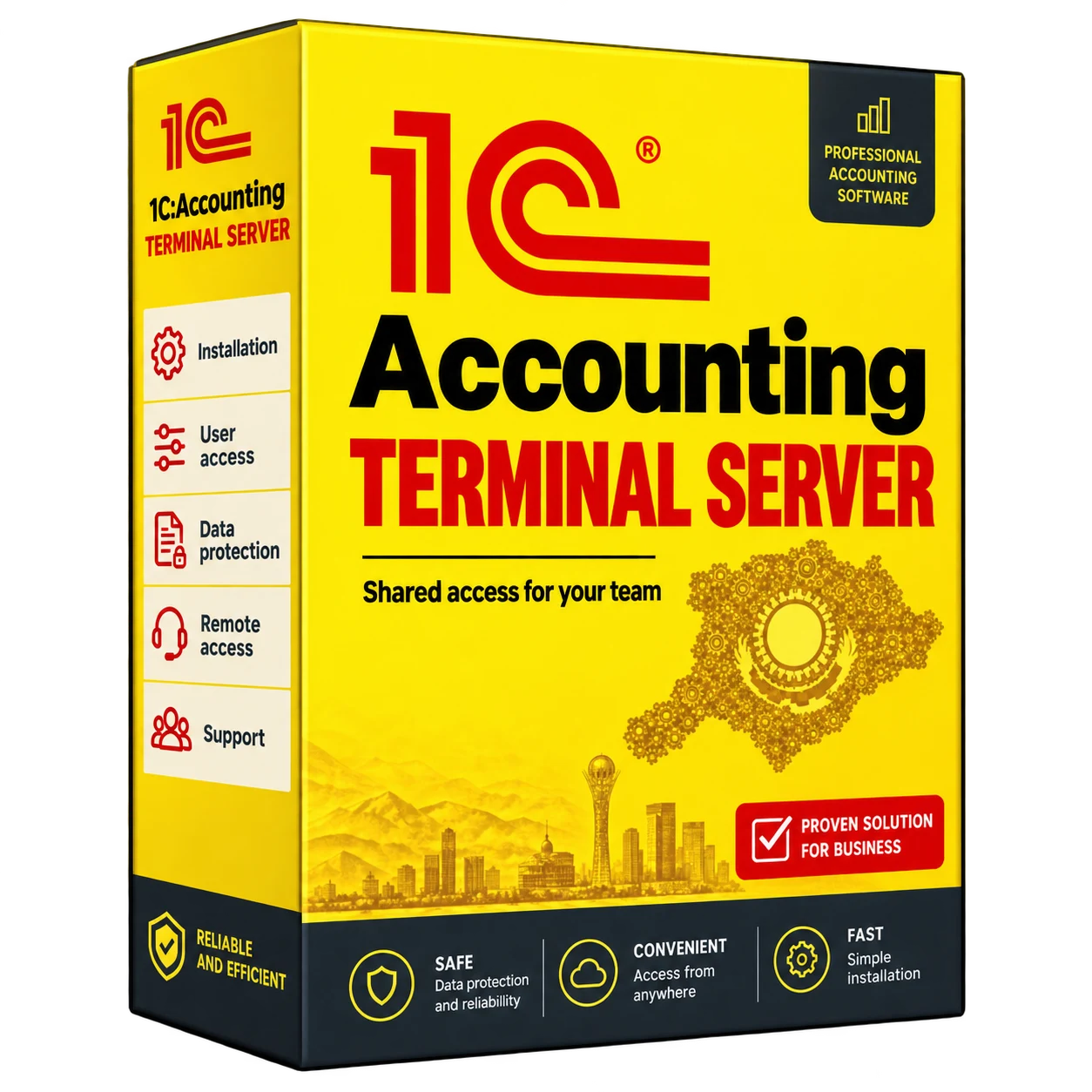
1C:Accounting on a terminal server
1C:Accounting on a terminal server
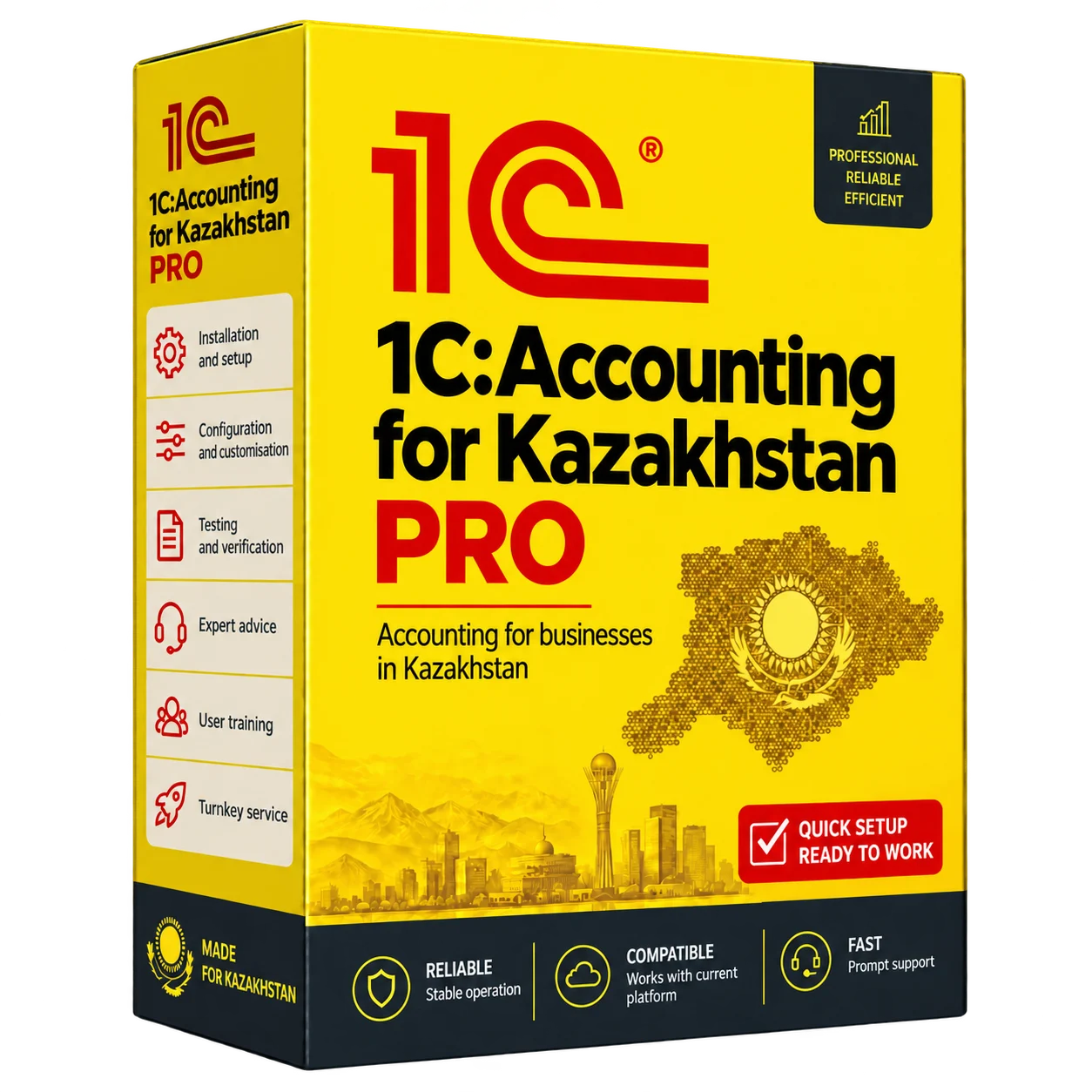
A complete 1C:Accounting terminal-server solution for secure remote access by accounting teams, managers, branch offices and other staff. We configure Windows Server RDS, an IKEv2 VPN, user accounts, access permissions, automated backups and protection for your 1C database.
Description
1C on a remote access terminal server and VPN
Set up a fast and secure 1C experience for accounting, director, branch offices and remote employees. 1C runs on a Windows Server RDS terminal server, and employees connect via a secure IKEv2/IPsec VPN.

How does it work?
We install 1C on a separate terminal server. The 1C database is stored on the server, and employees connect to it remotely via a secure VPN and remote desktop.
For the user, everything looks simple: connected to a VPN, opened a remote desktop, entered a login and password – and works in 1C as if it is in the office.
Why it is searched for: “Remote access to 1C”, “1C via VPN”, “1C via RDS”
Businesses need not just a 1C program, but convenient access for accountants, directors, managers and branches. Therefore, the solution closes several tasks at once: 1C on a terminal server, remote access to 1C, 1C via VPN, 1C via RDS Safe work of employees from different places.
This is suitable if the accountant works from home, the employees are in branches, the director needs access to reports, and the company wants to work in one 1C database without duplicates and chaos.
Who’s the solution for?
Accounting
To work with 1C, electronic invoicing, SNT, reports, banks and documents from the office or remotely.
branch
For companies where employees work from different cities, offices, shops or warehouses.
Managers
To monitor reports, balances, payments, documents and accounting work from anywhere.
LLP, sole proprietor and organizations
For a business that needs a stable 1C with no database duplicates, slow operation, and reliance on a single computer.
What’s included the setup?
- Install and configure Windows Server RDS to run 1C
- Installation of 1C Accounting Kazakhstan electronic invoicing to the terminal server
- Configure users, roles and access rights
- Remote access to 1C via IKEv2/IPsec VPN
- Connecting branches, remote employees and accountants
- Set up printing and scanning in a remote session
- Setting up an automatic backup of the 1C database
- Check speed, security and stability of connection
Why is a 1C terminal server more convenient?
1C is faster
The main load goes to the server, so even older computers can comfortably work with 1C.
One shared database
All employees work in a single 1C database, with no copies, duplicates, or file confusion.
Secure access
The connection goes through the IKEv2/IPsec VPN, and the 1C database does not open directly to the Internet.
User control
Each employee can be given a separate login, password and the desired level of access.
Work with 1C from any device
Employees can connect to 1C from an office computer, home laptop, MacBook, iPad, Samsung tablet or phone. The main thing is the availability of the Internet and a configured secure connection.
Windows
Classic work through a remote desktop.
MacBook
You can connect to 1C with macOS via a remote connection.
iPad/tablet
Convenient for viewing reports, documents and urgent access.
Telephone.
You can quickly check the data, document or report.
Security: IKEv2/IPsec VPN for 1C
Access to 1C is configured via VPN IKEv2/IPsec. In simple words, an employee first connects to a secure channel, and only then gets access to a terminal server with 1C.
It’s safer than opening a server directly to the internet. The 1C database stays inside your infrastructure, and only authorized users can access it.
- Encrypted access to 1C via the Internet
- Individual logins and passwords for employees
- Restricting access to only the right users
- The 1C database does not open directly outwards.
- Suitable for branches and remote employees
Automatic backup and 1C database recovery
For data protection, we configure automatic backup of the 1C database. If there is a failure, error, accidental deletion or damage to the database, it will be possible to restore the data from the backup.
- Automatic backup of the 1C database on schedule
- Control of the preservation of backup copies
- Possibility of recovery after failure
- Protection against accidental deletion of data
- Keeping the database under your control
Our deployment process
- We specify the number of users, 1C databases, branches and remote employees.
- Prepare Windows Server RDS and Terminal Roles.
- Install and configure 1C Kazakhstan electronic invoicing.
- Configure the IKEv2/IPsec VPN for secure access.
- Create users, rights and desktops.
- Set up printing, scanning, backups and monitoring.
- Check the connection and show employees how to work.
What problems does this solve?
- 1C runs slowly on older computers
- Employees may not work normally from home or branch
- The company has several copies of the 1C database and there is confusion.
- No secure remote access to 1C
- There is no automatic 1C database backup
- Accounting depends on one computer in the office.
- You need to connect branches to a single 1C database.
FAQ – frequent questions
What is 1C on a terminal server?
This is when 1C is installed on the server, and employees connect to it remotely. All work in the same database, and the load goes to the server, not to the computers of users.
How is a 1C terminal server better than a regular computer?
A regular computer can turn off, overload, or accidentally break the workflow. The terminal server is designed for permanent operation, multiple users, remote access and backup.
Can I connect to 1C from home?
Yes. The employee connects via the IKEv2 VPN and works in 1C remotely from home, branch, business trip or another city.
Do you need a powerful computer?
No. The main load goes to the terminal server. Therefore, a regular office computer or laptop is suitable for work.
Is it possible to work with a MacBook?
Yes. You can configure a 1C connection with a MacBook via a remote desktop and secure VPN access.
Can I work with an iPad or a phone?
Yes. If necessary, you can connect to 1C from an iPad, tablet or phone to view documents, reports and urgent data checks.
How is remote access protected?
Access to 1C is via the IKEv2/IPsec VPN. The connection is encrypted, the server does not open directly to the Internet, and only authorized users get access.
Can branches be connected?
Yes. You can connect branches, remote accountants, managers and executives to a single 1C database.
Will there be an automatic 1C backup?
Yes. You can configure automatic backup of the 1C database on schedule.
What happens if it fails?
With backups, the 1C database can be restored. You can also configure server monitoring and backup control.
Is the solution suitable for a remote accountant?
Yes. An accountant can work in 1C from a home or other office, and the database stays on your server.
Can you work with multiple users at the same time?
Yes. On the terminal server, you can configure several users, each is given a separate login, password and access rights.
Related services
Do you want a fast and safe 1C for your entire team?
Configure 1C on the terminal server, connect remote employees via IKEv2 VPN, create users, configure rights, backup and secure access.
KICCo — Innovation. Quality. Responsibility.