No products in the cart.
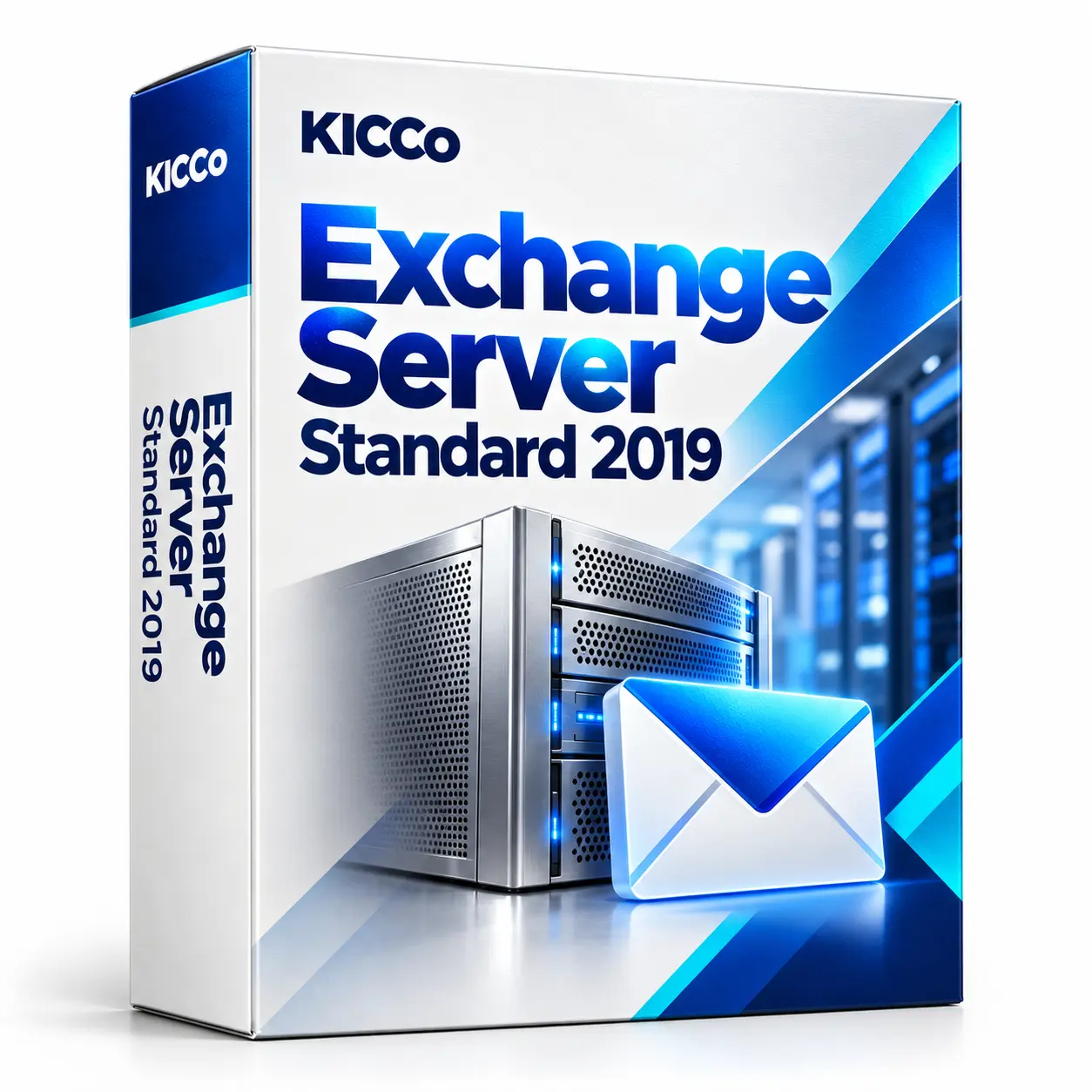
Exchange Server Standard 2019
Exchange Server Standard 2019
Exchange Server Standard 2019 for on-premises business email, calendars and contacts. We provide configuration and migration assistance, including assessment of a transition to Exchange Server SE.
Description
Exchange Server Standard 2019 – Corporate Mail and Business Calendar

Exchange Server Standard 2019 provides business email, calendars and contacts. We assess existing deployments and licensing requirements, and plan suitable configuration or migration work.
What does Exchange 2019 bring to everyday work?
Reliable mail and calendars
OWA/Outlook, shared mailboxes, delegation, groups and folder sharing.
Mobile and remote access
ActiveSync, access from smartphones and laptops, work through VPN and the Internet.
Safety and compliance
Anti-spam/anti-phishing, SPF/DKIM/DMARC, DLP policies and action audits.
High availability
DAG (Database Availability Group), backups and quick recovery.
Integration
Active Directory, single directory, SSO, hybrid with Microsoft 365 if necessary.
How to Implement an Exchange Mail Server
- Analysis current AD/DNS infrastructure and existing mail.
- Designing Roles and resources: bases, storage, fault tolerance.
- Installation and initial configuration (certificates, connectors, transport).
- Migration Exchange 2013/2016/IMAP with no downtime.
- Protection: anti-spam/antivirus, SPF/DKIM/DMARC, backups.
- Documentation. and operational recommendations.
Licensing and system requirements
Server and client access licensing, supported operating systems and backup arrangements must be checked for the exact deployment. We review these dependencies before preparing a project quote.
It’s also useful:
ESET Mail Security for Exchange,
Kaspersky Security for Mail Server,
IKEv2/IPsec VPN for Remote Mail.
Read more about the opportunities on the Official page of Microsoft Exchange.
Frequently Asked Questions (FAQ)
How much does the Exchange Server 2019 Standard license cost?
The cost depends on the number of users and CAL licenses. We will choose the best option for your company.
Can I migrate from Exchange 2013 or 2016?
Yes, there is a step-by-step migration without downtime. We’ll move the boxes and settings in safe mode.
What are the fault tolerance options?
DAG (Database Availability Group), backups and quick database recovery are used.
Is Exchange 2019 Right for Remote Work?
Yes, ActiveSync, VPN access and Outlook Web Access are supported, which is convenient for employees outside the office.
Additional information
| Manufacturer: | Microsoft |
|---|---|
| Intended use | For business use |
| Licence type | Commercial, User CAL commercial |
| Licence term | Perpetual licence |
| Language | All languages |
Related products
SharePoint Server 2019
3,768,912 ₸
Windows 11 Home
84,990 ₸
Windows 11 Pro N Upgrade
94,248 ₸