No products in the cart.
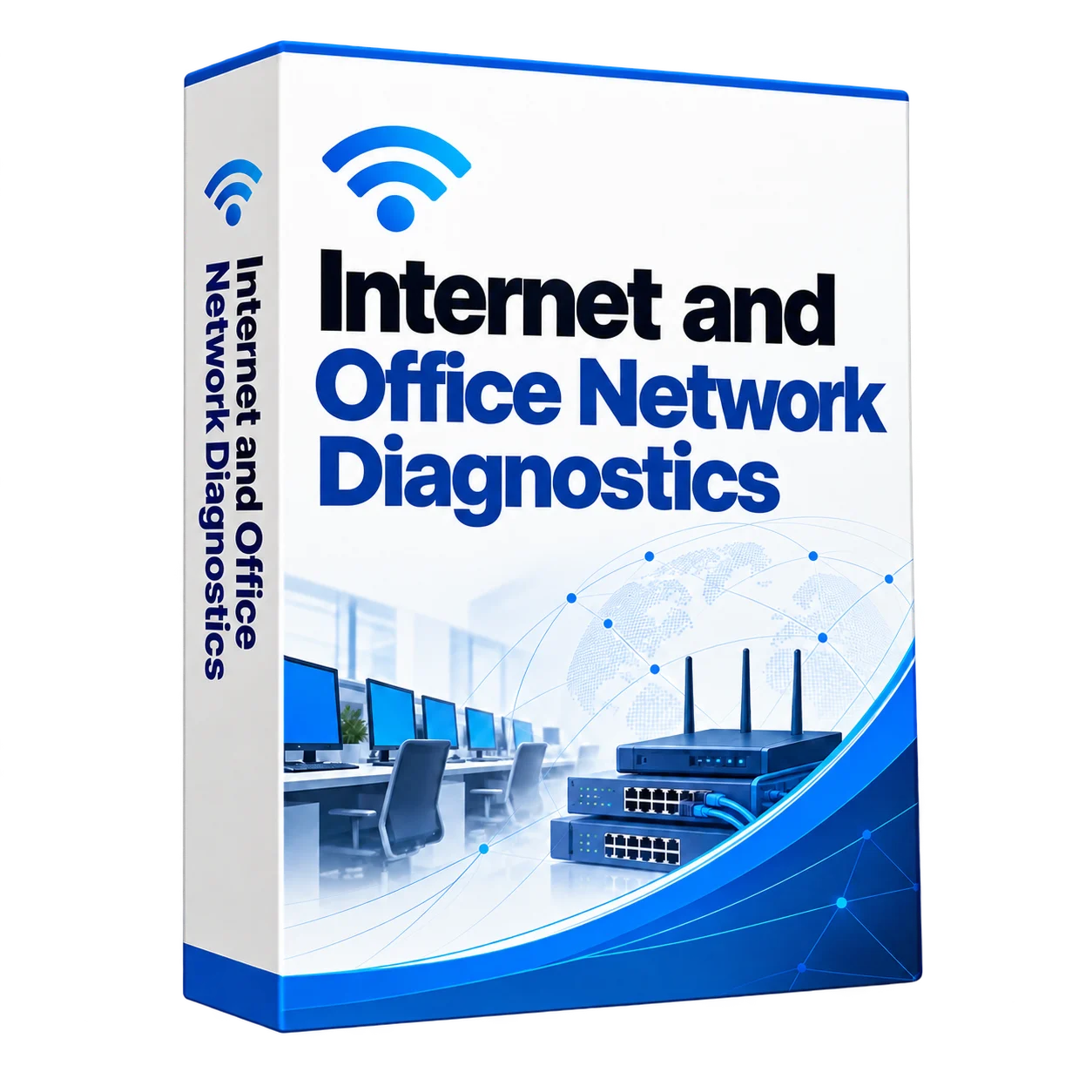
Slow or unreliable office internet?
Slow or unreliable office internet?
Is your office internet unreliable? Does Wi-Fi disconnect, the LAN slow down, 1C fail to open, or a computer lose access to the server? Do CCTV cameras disconnect or cash registers lose their connection to payment terminals?
The cause may lie within your business network. Overloaded routers, incorrect MikroTik or Ubiquiti settings, faulty switches, ageing cables and unsuitable network segmentation can cause repeated interruptions.
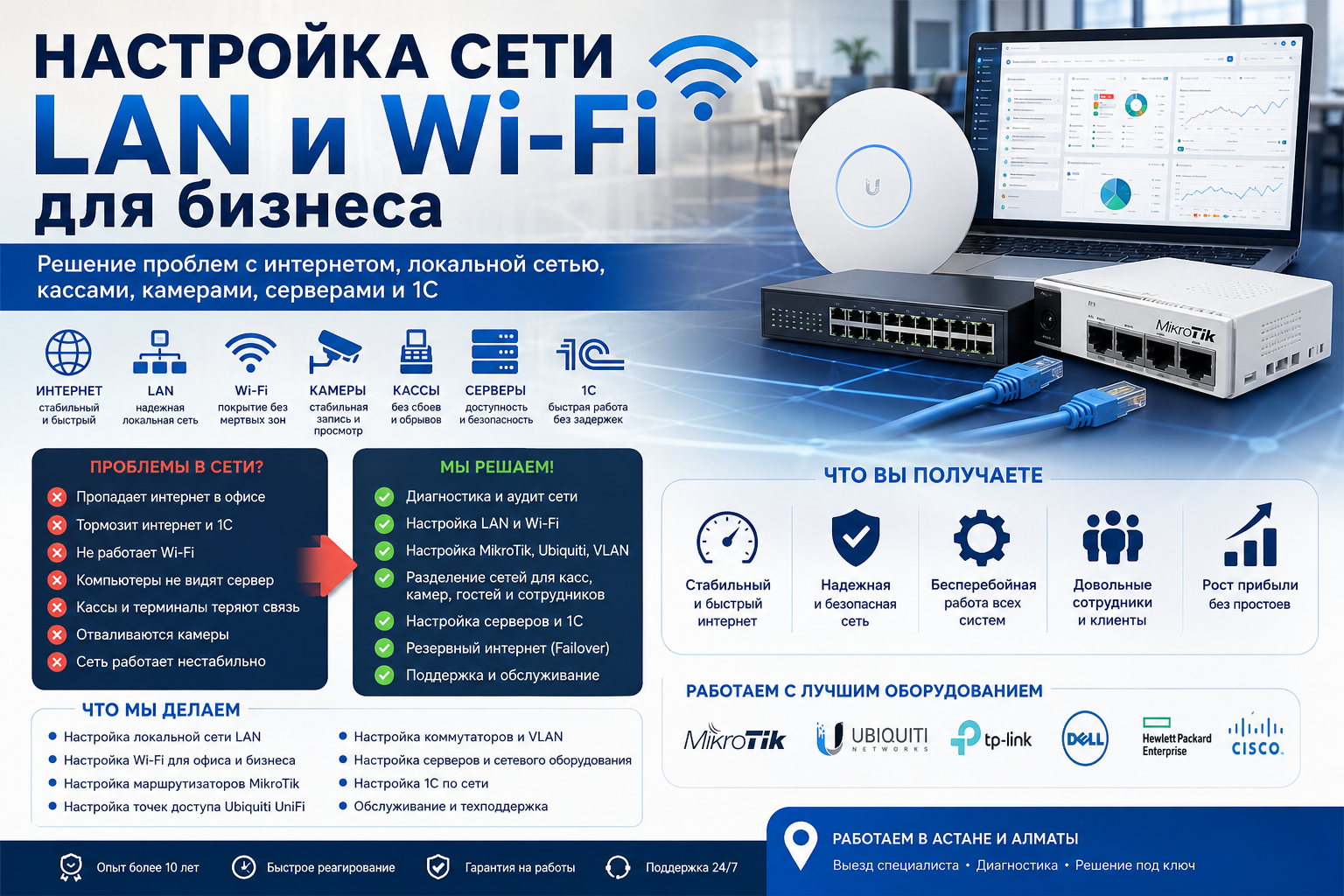
We diagnose and configure business LANs and Wi-Fi in Astana and Almaty. We check routers, switches, servers, access points, cabling, 1C connectivity, shared resources, cash registers, POS terminals and CCTV.
- Network diagnostics and fault identification
- LAN and business Wi-Fi configuration
- MikroTik and Ubiquiti configuration
- VLANs and network segmentation
- Separate networks for cash registers, cameras and servers
- Server and 1C connectivity checks
- Backup internet connection setup
- Network stability and security improvements
The aim is to reduce interruptions, improve access to company resources and minimise downtime caused by network problems.
Description
Unreliable office internet, slow Wi-Fi or LAN problems?
We diagnose network faults and configure business internet, LANs, Wi-Fi, cash registers, POS terminals, cameras, servers, 1C connectivity and backup connections.
Provider’s not always to blame
Employees often complain: “The Internet is bad”, “the provider does not work again”, “it is necessary to change the operator”. In practice, however, the problem often lies within the company.
For example, the cause may be a congested router, a weak switch, an old cable, improper Wi-Fi setup, LAN errors, or a lack of VLAN. In addition, outages often occur when cashiers, cameras, guests, and employees are all working on the same network. As a result, businesses lose time, sales and operational stability.
What customers usually say
The office internet keeps disconnecting
The Internet is not working well in the office
The office internet connection stalls
The local area network is not working.
Computers cannot access the server
❌ 1C runs slowly over the network
Wi-Fi does not work in the office
❌ Wi-Fi keeps disconnecting
❌ CCTV cameras keep disconnecting
The cash register loses its internet connection
What diagnostics can reveal:
The ISP connection may be working while the internal network has faults: an overloaded router or switch, incorrect Wi-Fi settings, unsuitable segmentation or LAN errors.
What problems do we solve?
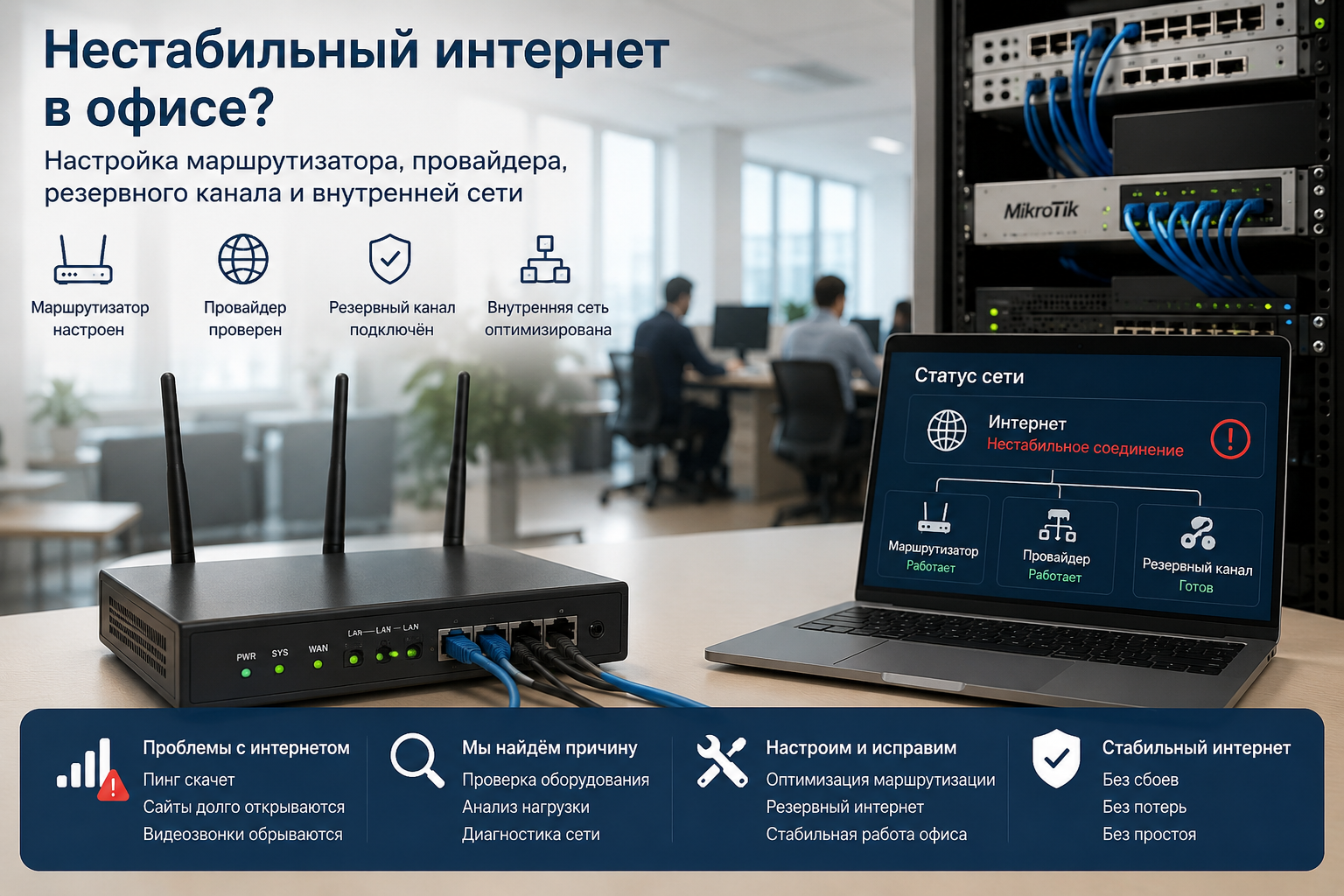
The Internet is unstable
First, we analyze the router, load, provider connection, backup channel and internal network.
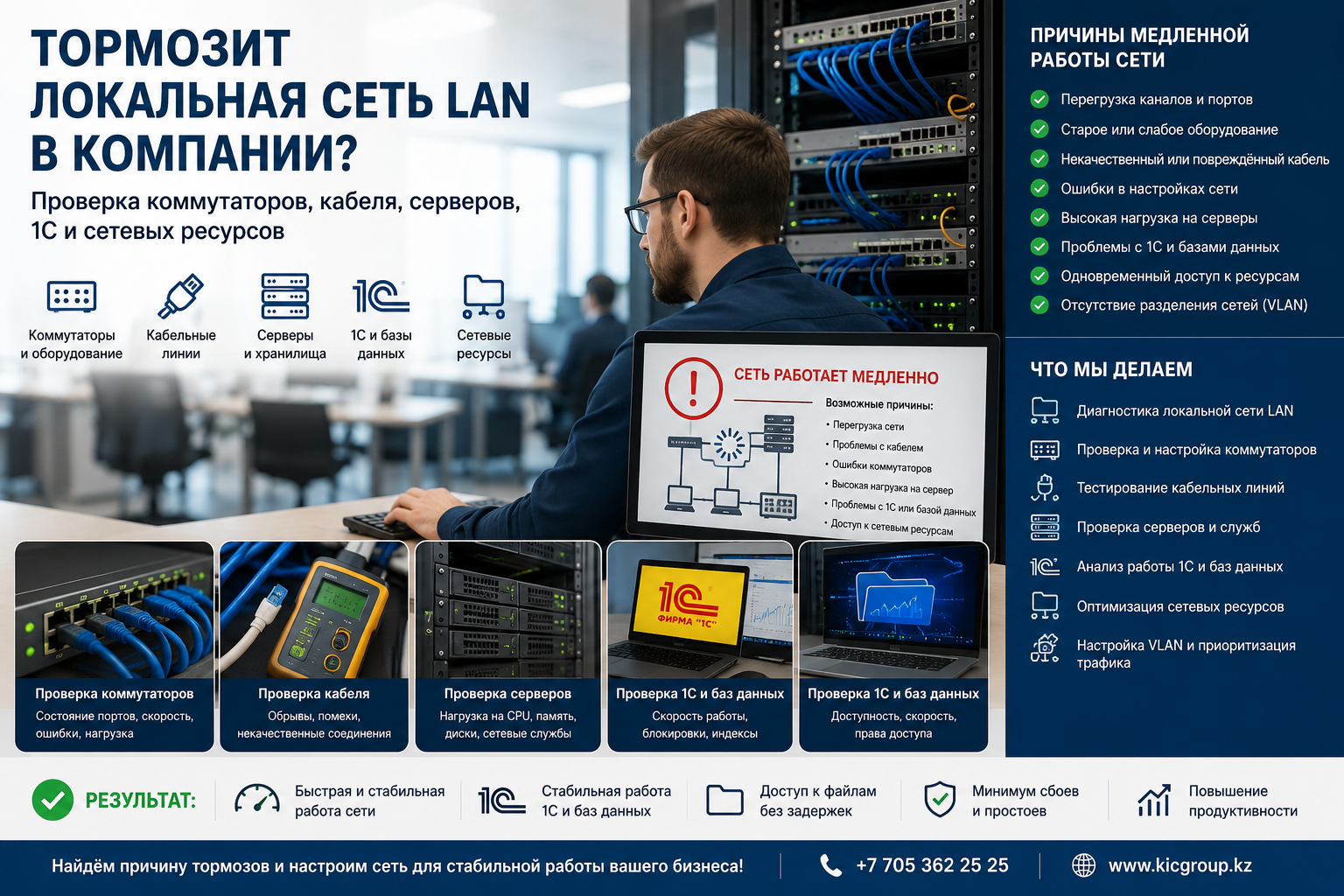
Slow local area network
Next, we diagnose switches, cable, port speed, servers, 1C, NAS and network resources.
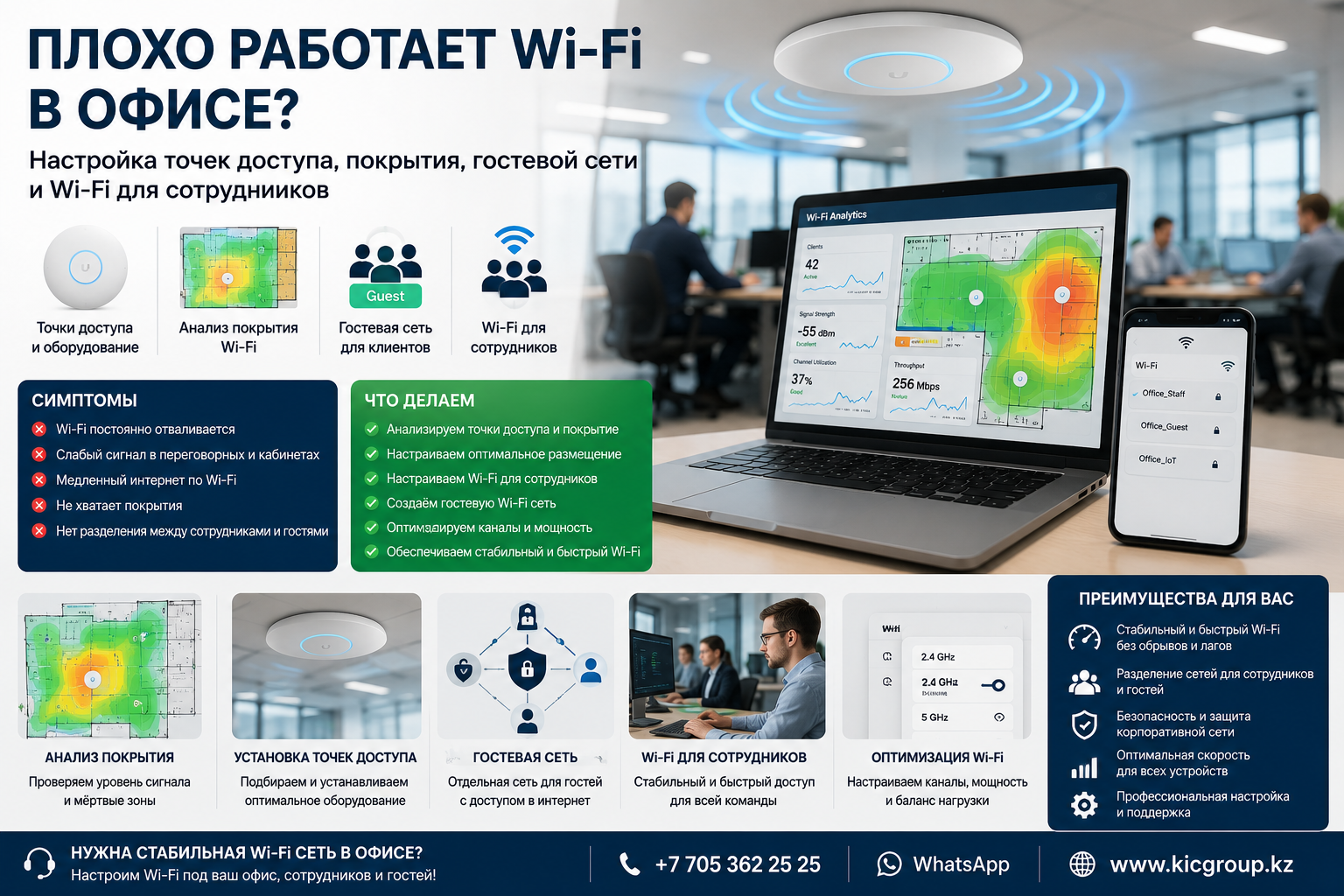
Wi-Fi doesn’t work well.
In addition, we improve access points, coverage, guest network and separate Wi-Fi for employees.
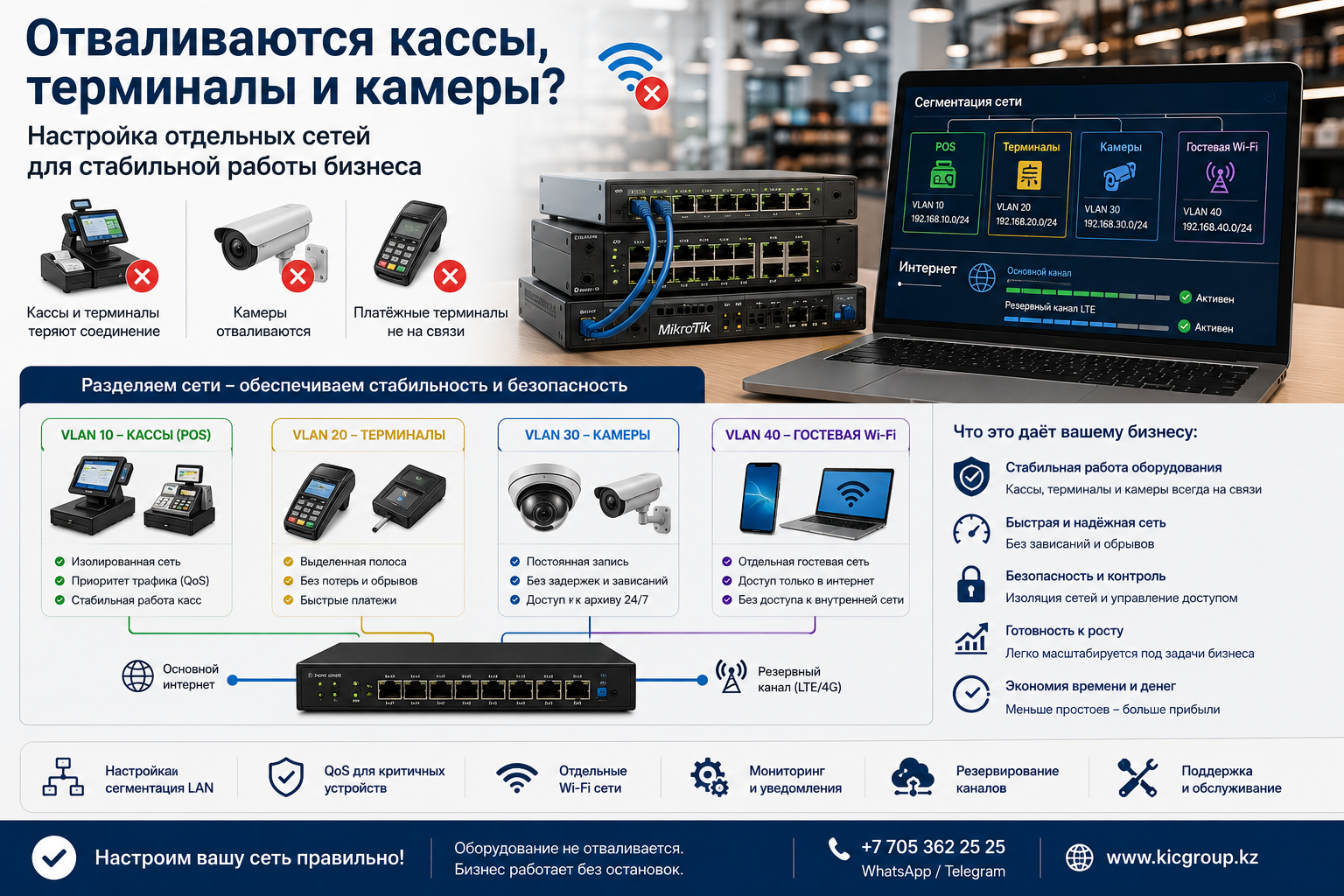
Cash registers and cameras lose connectivity
Therefore, we bring cash registers, terminals and video surveillance to separate networks for stable operation.
What the service includes
Office local area network
Corporate network of the company
✅ Computer network for employees
Wi-Fi for office and business
✅ MikroTik routers
✅ Ubiquiti Access Points
VLAN and Network Separation
Guest Wi-Fi for customers
✅ Separate network for cash register
✅ Segment for CCTV cameras
✅ Internet backup channel
✅ Network support and maintenance
Equipment and systems we support
MikroTik for the office
🔹 Ubiquiti UniFi
🔹 TP-Link Omada
🔹 Corporate Wi-Fi
🔹 Local area network LAN
🔹 VLAN for business
🔹 Server infrastructure
Network for 1C
🔹 Video surveillance over the network
🔹 Backup internet
Why are there problems with the Internet and the network in the office?
If the Internet disappears in the office, the Internet does not work well in the office, the Internet slows down in the office, the local network does not work or computers do not see the server, the problem is not always associated with the provider. In most cases, the cause lies within the company’s corporate network.
For example, a network may be unstable due to improper routing, congested switches, weak Wi-Fi coverage, VLAN errors, or old cable infrastructure. In addition, problems often arise when cashiers, cameras, staff and guests use the same network.
We configure the local network, network for the office, computer and corporate infrastructure. We also work with LAN, Wi-Fi, MikroTik, Ubiquiti, server connections and backup internet.
If 1C is slowing down over the network, Wi-Fi is not working in the office, Wi-Fi is constantly turned off, security cameras disconnect or the cashier is not working due to the Internet, we will find the cause and fix the problem. Thus, the company gets a more stable network and less downtime.
For whom is the service suitable?
🏢 Offices and branches
🏪 Shops and pharmacies
☕ Cafes and restaurants
Warehouses and logistics
🎓 Schools and colleges
🏭 Production
Cost
Basic setup
100,000 KZT
For a small office, shop, pharmacy or cafe.
Standard
250,000 KZT
LAN, Wi-Fi, cash register, cameras, guest network and basic protection.
Complete deployment
500,000 KZT
For branches, warehouses, schools, production facilities and sites with several zones.
FAQ: problems with Internet, LAN and Wi-Fi
Why is the internet slowing down when the ISP says it’s okay?
Often the cause is within the company’s network. For example, a failure may be due to an overloaded router, a weak switch, an old cable, LAN errors, or improper Wi-Fi operation.
Is it possible to create a separate network for the cash register and terminal?
Yes. We can place cash registers, POS terminals and critical equipment in a separate segment, with access policies that isolate them from guest traffic.
What to do if computers can’t see the server or 1C is slowing down?
First of all, you need to check the LAN, switches, cable, port speed, routing and server. After that, you can know exactly where the problem is.
Is it possible to divide the network for employees, guests, cameras and cash registers?
Yes. VLANs and access rules can separate employees, guests, cameras, cash registers and servers according to your requirements.
Is it possible to make a backup Internet?
Yes. We can configure a second internet connection and automatic failover. The design and tests account for the requirements of your business applications.
Do you maintain networks after setting up?
Yes. Ongoing maintenance can include remote support, fault checks, equipment configuration and recommendations for future improvements.
Need a stable network for business?
Set up Internet, LAN, Wi-Fi, cash register, terminal, cameras, servers, 1C and backup Internet.
KICCo — Innovation. Quality. Responsibility.