No products in the cart.
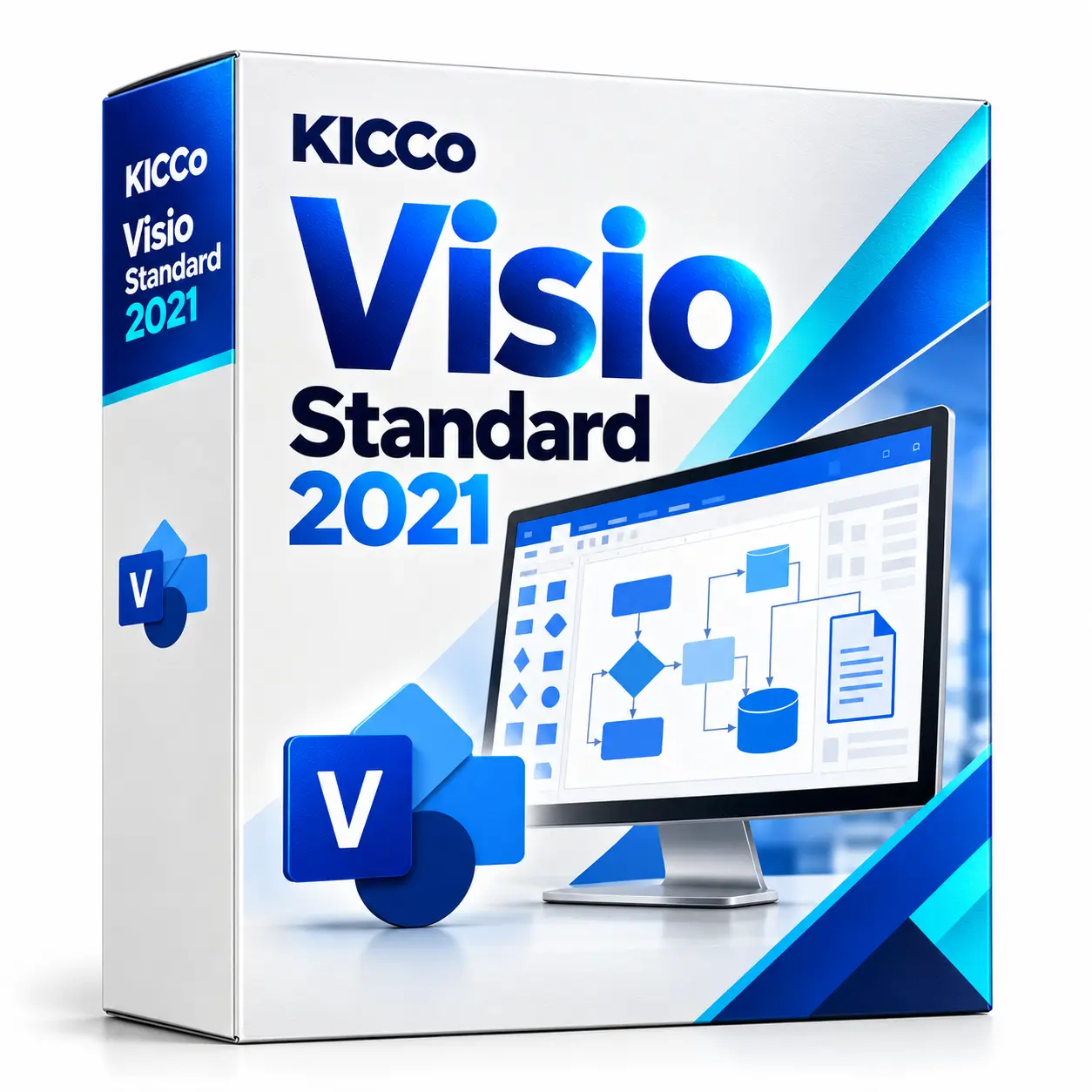
Visio Standard 2021
Visio Standard 2021
Visio Standard 2021 for creating business diagrams, flowcharts and organisational charts. Contact us to confirm the edition, licence type and features required for your project.
Description
Visio Standard 2021
- Simple creation of professional schemes with the help of ready-made templates and figures
- Getting started quickly with an interface similar to Office
- Drawing and adding notes using the usual gestures of touching your fingers or pen on devices that support touch input
- Creating database visualizations using embedded database model schemas
- Collaboration by adding comments and responses directly to the Visio app
- The license is granted for a single PC.
Simple but powerful features for working with circuits
Use ready-made figures and templates to build flowcharts, network charts, organizational charts, floor plans, technical projects, etc. Achieve more with the familiar Office interface and new, even more convenient advanced features for working with schemas.
Creation of visual diagrams
 Use ready-made templates and 250,000 shapes from the Visio ecosystem to translate your ideas into professional-grade schemes that meet industry standards.
A simple and convenient start to work
 Thanks to the familiar Office interface, you can easily master standard operations for building flowcharts. Make sketches with a pen or finger to express your ideas visually, or use standard initial schemes.
Convenient joint work on schemes
 Organize the work together as you are comfortable. Work on the same scheme at the same time, chat in Skype for Business chat, or quickly add notes with your finger or pen.
Visual and understandable business processes
Work together on process diagrams using ready-made templates that meet industry standards (BPM, EPC, Six Sigma, etc.). d. Share process models in the browser with the employees of the organization so that they better understand what is happening and more accurately comply with the requirements.
Create process diagrams effectively
 Use built-in templates and use custom designations (BPMN 2.0 or EPC) when developing processes. Pre-configured verification rules will help you build the most accurate and efficient model.
Develop process models together
 Use familiar collaboration and co-editing tools to work collaboratively on process optimization. Communicate in the Skype for Business chat directly on the process model page. Add comments, design a model together, and write notes with a pen or finger.
Increase visibility of processes and level of compliance with requirements
 Add information, such as costs or risk levels, directly to the process map, or link a policy outline to a particular phase of the process. Distribute data-related process diagrams to the organization’s employees so that they better understand their tasks, comply with requirements, and meet the necessary key performance indicators.
Operational analysis of what is happening
Effectively share operational analytics by adding data to diagrams of real-world processes and plans. Communicate your ideas in their original form, so that all your employees act according to the plan.
Dynamic data-driven schemes
 Quickly add data to IT network diagrams, production plans and complex business processes to get really effective and useful operational analytics. When you change the original data, the schema and visualized data will be updated automatically.
Easily customize data visualization
Change the data templates according to your plan. Choose ready-made data-related drawings to set the right icons, text, or color, or customize Visio’s smart shapes to create your own visualizations.
Communicate your ideas in their original form
 You can share data-related schemes in your browser with any employee of the company. Use operational analytics, which is displayed above the diagrams of real processes and plans, to coordinate the work of all departments.
Visio Standard 2021
A wide selection of new and improved shapes and sets of elements will help you easily create versatile and flexible schemes.
Quick creation of professional-looking schemes
Use updated figures and templates to build network graphs, flowcharts, maps and floor plans.
A simple and convenient start to work
Thanks to the familiar Office interface, you can easily master standard operations for building flowcharts.
Working together in a convenient manner
Work together as you feel comfortable. Add comments to diagrams and shapes or chat in Skype for Business chat directly from Visio.
Communicate your ideas in their original form
Share the diagrams with your organization’s employees wherever you are.
Opportunities
- Flexible patterns and thousands of shapes
Use ready-made Visio templates and shapes to work more efficiently.
- Smart figures
Visual clues will help you correctly apply the metadata embedded in Visio figures. When metadata changes, such as size, the diagram and the information presented on it will be automatically updated.
- Ability to import DWG files into Visio
Add shapes to imported AutoCAD documents (up to DWG 2010 formats are supported) to make it easier and more efficient to work with advanced visualization features.
- Fast launch.
Take advantage of the initial schema and contextual clues to quickly explore the main features of the application.
- Convenient means of building block diagrams
Perform standard operations with diagrams (change shape, adjust automatic alignment and layout, duplicate pages and change their order) in an intuitive interface, while preserving the connections of figures.
- Intuitive search
The assistant panel allows you to quickly find useful functions in Visio.
- Built-in themes and effects
Use a large set of effects and themes to customize the scheme: you can give it a completely new look with a couple of clicks.
- Adding comments in the application
You can easily receive and send feedback about the scheme or figure.
- Integration with Skype for Business
Integrated collaboration tools, such as Skype for Business, make it easy to collaborate. Use voice, video conferencing and chat directly in Visio without switching between apps.
- Convenient sharing of schemes
You can easily give access to schemes in the browser to anyone in your company to speed up the implementation of their ideas. Share experiences, rules, or ideas with visual aids. This will improve the efficiency and level of compliance.
- Access without restriction
Work with schemas and processes right on the go, from almost anywhere, in a web application or on iPad® devices.
- High quality
Use a new web and iPad app with intuitive image zoom and shift features to view diagrams in high quality.
- Microsoft account
- Internet access
- Windows 10* • Processor: 1.6 GHz, 2-core
- RAM: 4 GB, 2 GB (32-bit version)
- Free disk space: 4 GB
- Screen resolution: 1280 x 768.
To download and activate the product, click on the link attached to the key, or enter the key on the site https://setup.office.com/
Each key is accompanied by a unique link.
Sign in using your Microsoft End User Account (or create an account if you don’t have one).
Install the product on compatible devices.
Important! You must specify the Microsoft account details of the end user of the product.
The key is tied to the account and it will be impossible to change the link.
Additional information
| Manufacturer | Microsoft |
|---|---|
| Intended use | for business, for home. |
| Licence type | ESD |
| Licence term | Perpetual licence |
| Language | All languages |
Related products

Exchange Server Enterprise 2019
Price range: 30,240 ₸ through 2,245,824 ₸
Office LTSC Professional Plus 2021
310,560 ₸
Office Home & Business 2021
149,990 ₸