No products in the cart.
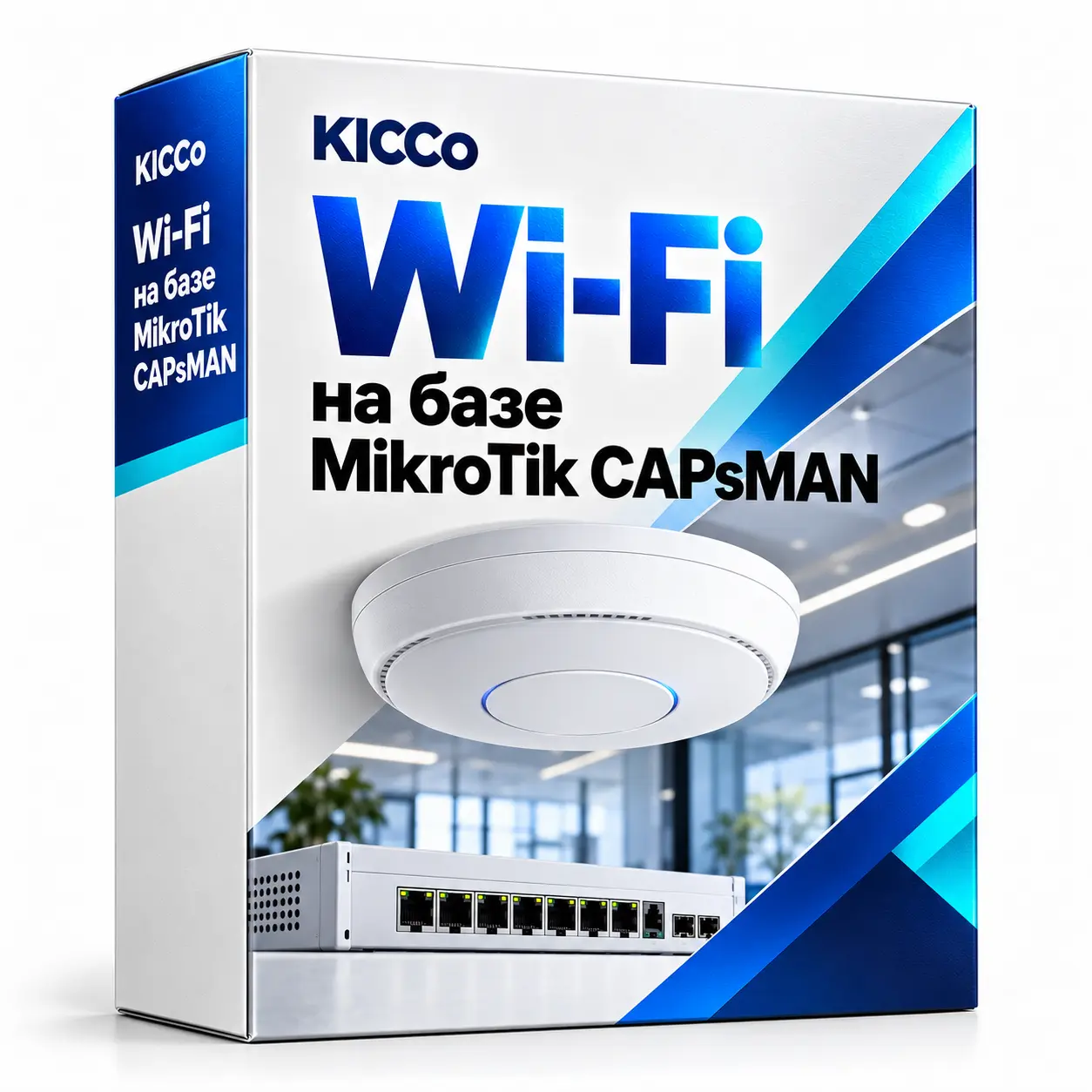
MikroTik CAPsMAN Wi-Fi
MikroTik CAPsMAN Wi-Fi
MikroTik CAPsMAN brings your Wi-Fi access points under centralised control.
Manage network names, passwords, channels and access policies from one place. We design and configure Wi-Fi for offices, schools and warehouses, with separate access for staff and guests.
Description
MikroTik CAPsMAN Wi-Fi installation and configuration
MikroTik CAPsMAN provides centralised management of Wi-Fi access points in schools, offices, warehouses, cafés and hotels. Manage passwords, transmit power, channels, VLANs and access restrictions across your access points.
Result: stable Wi-Fi, seamless roaming, secure networks and convenient control.
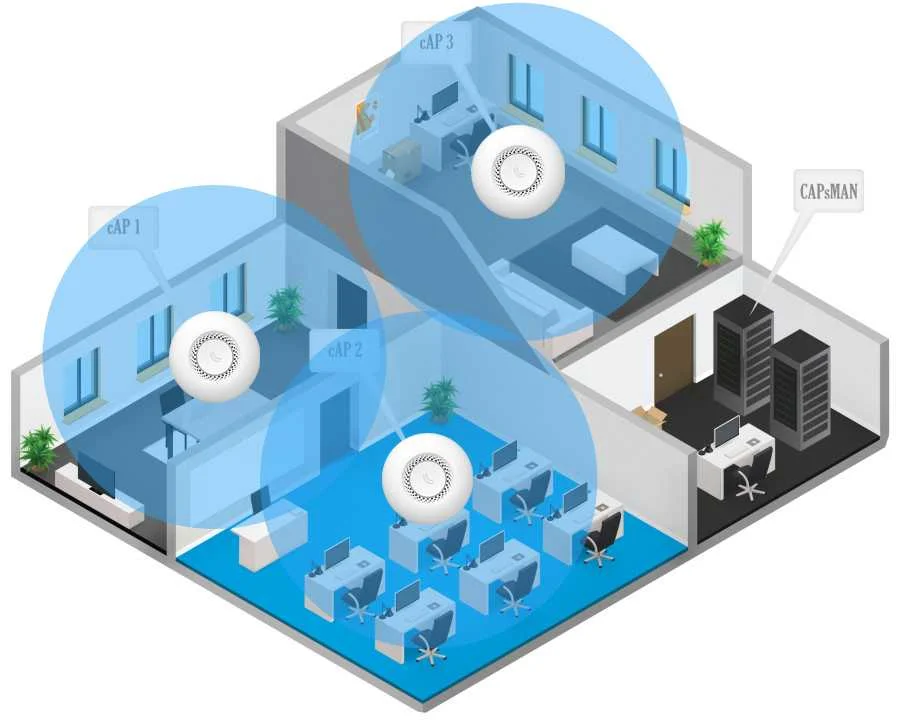
Advantages of MikroTik CAPsMAN Wi-Fi
- Centralized management of all access points.
- Stable coverage without “dead zones” (radio planning).
- 802.11r/k/v roaming where supported by the selected access points, drivers and client devices.
- Guest Wi-Fi: QR code, portal, vouchers, speed limits.
- VLAN separation for departments and guests, with WPA2/WPA3 and RADIUS subject to equipment compatibility.
- QoS for 1C, VoIP, online lessons and video conferencing.
Where CAPsMAN works best
- Schools and universities: separate networks, content filtering and access tracking.
- Cafés, hotels and shopping centres: fast guest Wi-Fi and a login portal.
- Offices and coworking spaces: reliable Zoom, Teams and VoIP, with network segmentation by department.
- Warehouses and workshops: reliable coverage for terminals and handheld data collection devices.
CAPsMAN deployment stages
- Wireless site survey and premises inspection.
- Network design and access point selection.
- Access point installation and provisioning in CAPsMAN.
- Set up roaming, VLAN, guest Wi-Fi, security.
- Coverage measurements, load testing and optimization.
- Documentation, training, technical support.
FAQ – Frequently Asked Questions
Do I need a separate server for CAPsMAN?
No. CAPsMAN runs on MikroTik equipment.
Can guests connect using a QR code?
Yes – QR login, portal, vouchers or SMS.
Is WPA3 supported?
Yes, where WPA3 is supported by the access point model and installed Wi-Fi package.
Is CAPsMAN suitable for warehouses and handheld scanners?
Yes. We select compatible access points and test roaming with your terminals and scanners.
Can you limit guest Wi-Fi speeds?
Yes. We can configure speed limits, a separate VLAN and traffic filters.
KICCo provides centrally managed Wi-Fi for schools, businesses and warehouses across Kazakhstan.