No products in the cart.
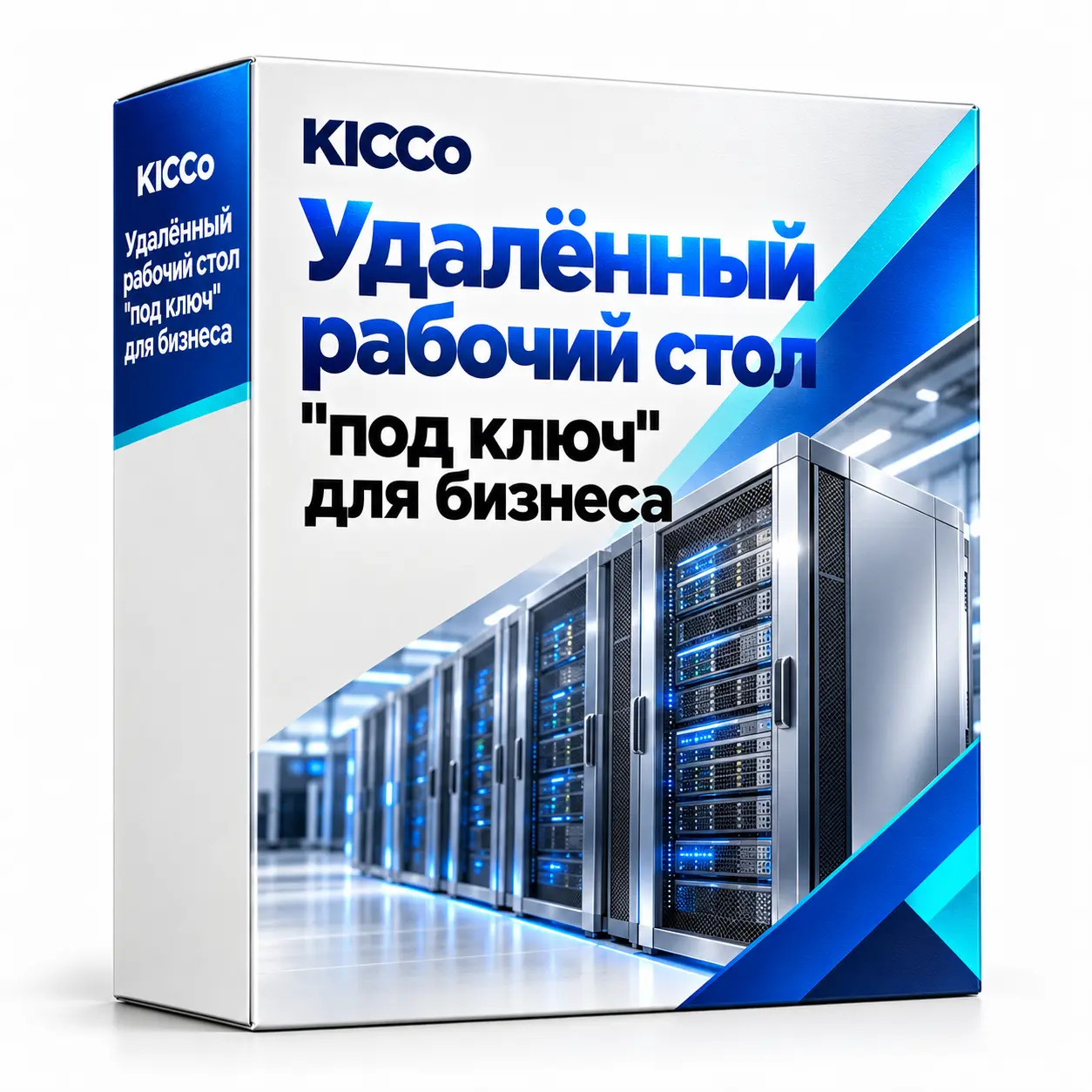
Remote desktop deployment for business
Remote desktop deployment for business
Configure Windows Server RDS for stable remote operation of 1C, Office and CRM from any device – computer, tablet or phone. The data remains on a secure server, accessed via RD Gateway with two-factor authentication (MFA) and TLS encryption. Turnkey implementation throughout Kazakhstan, including consolidation of branches via VPN.
Description
Windows Server RDS – Remote desktop and turnkey office in Kazakhstan
We deploy Windows Server Remote Desktop Services for business applications such as 1C, Office and CRM. Employees use supported client applications or web access to work in remote sessions. The project can include RD Gateway, VPN access and additional authentication controls, subject to compatibility and licensing.

Why Choose Windows Server RDS
Convenient, fast and secure: users work even on weak PCs/tablets, and the data always stays in the data center or office.
- SSL/TLS encryption and the policy of IP restrictions.
- Access from the browser without complex installations.
- High speed. Work even on the average Internet channel.
- Flexible rights on applications and network drives.
- Two-factor protection (MFA) via RD Gateway/NPS.
Remote Office Opportunities
| Function | Useful. |
|---|---|
| General and personal network disks | Single repository for departments and employees. |
| 1C, Office, CRM | Work without delay, centrally managed application versions. |
| Access from branches | VPN instead of expensive dedicated channels. |
| For schools/universities | Distance classes and access to training software. |
What goes into the “turnkey” job
- Network audit and selection of Windows Server version.
- RDS: Gateway, Web Access, Session Host.
- Set up commercial SSL and secure access.
- Network drives and access permissions (GPO)
- RD Gateway + MFA (as required), IP-based restrictions.
- Testing clients on PCs, laptops and mobile devices.
- Integration with Exchange/mail gateway.
What determines the cost of implementing RDS
- Number of users and licenses of RDS CAL
- Windows Server Version and Hardware Specifications
- Do you need RD Gateway, MFA and IP Access Restriction?
- Uniting branches through a VPN
- Configure network drives, access rights and group policies
- Integration with 1C, Exchange or other enterprise systems
We consider the exact cost after auditing the network and the number of users – leave a request, prepare a calculation.
Implementation of RDS – projects in Kazakhstan
Audit, installation, VPN and security policy. Quick start, training, support.
Implementing RDS – Corporate Implementation
Turnkey: Gateway, Web Access, TLS, MFA, profile backup, monitoring.
Frequently asked questions
Is it possible to work with 1C through RDS?
Yes. We configure profiles, printers, scanners; the system stably withstands the planned user workload.
What kind of Internet is it?
Usually 5-10 Mbps per user is enough.
Do you need a license?
Yes, RDS CAL for every user. Let’s help you find the best option.
Is it possible to merge branches?
Yes. Configure VPN (L2TP/IKEv2/IPsec) and unified access policies.
How much does an RDS setup cost?
Pricing depends on user count, server resources, licensing and the access components required. We prepare a quote after assessing the existing infrastructure and scope.
We’re working all over Kazakhstan. Turnkey RDS: CAL, RD Gateway+MFA, VPN, TLS, backup profiles.
It’s often taken
- External IP (NAT/CG-NAT gray solution) Stable RDP/Mail/Camera.
- Exchange 2019 + Mail Gateway Corporate mail, DKIM/SPF/DMARC.
- Ideco UTM VPN between branches, content filter, reports.
- Remote installation of Windows 10/11 Clean installation, drivers, optimization.
KICCo – RDS “turnkey”: performance, security and simplicity. Kazakhstan.