No products in the cart.
Proxmox Mail Gateway (PMG)
Proxmox Mail Gateway (PMG)
The PMG mail gateway protects corporate email from spam, phishing, viruses and malicious attachments. We install and configure Proxmox Mail Gateway on a turnkey basis for Exchange Server, Microsoft 365, Zimbra and Postfix, including SPF, DKIM, DMARC, TLS, email quarantine, and incoming and outgoing mail control. Reliable protection of email infrastructure for businesses and organizations throughout Kazakhstan.
Description
Mail gateway – PMG installation and corporate mail protection
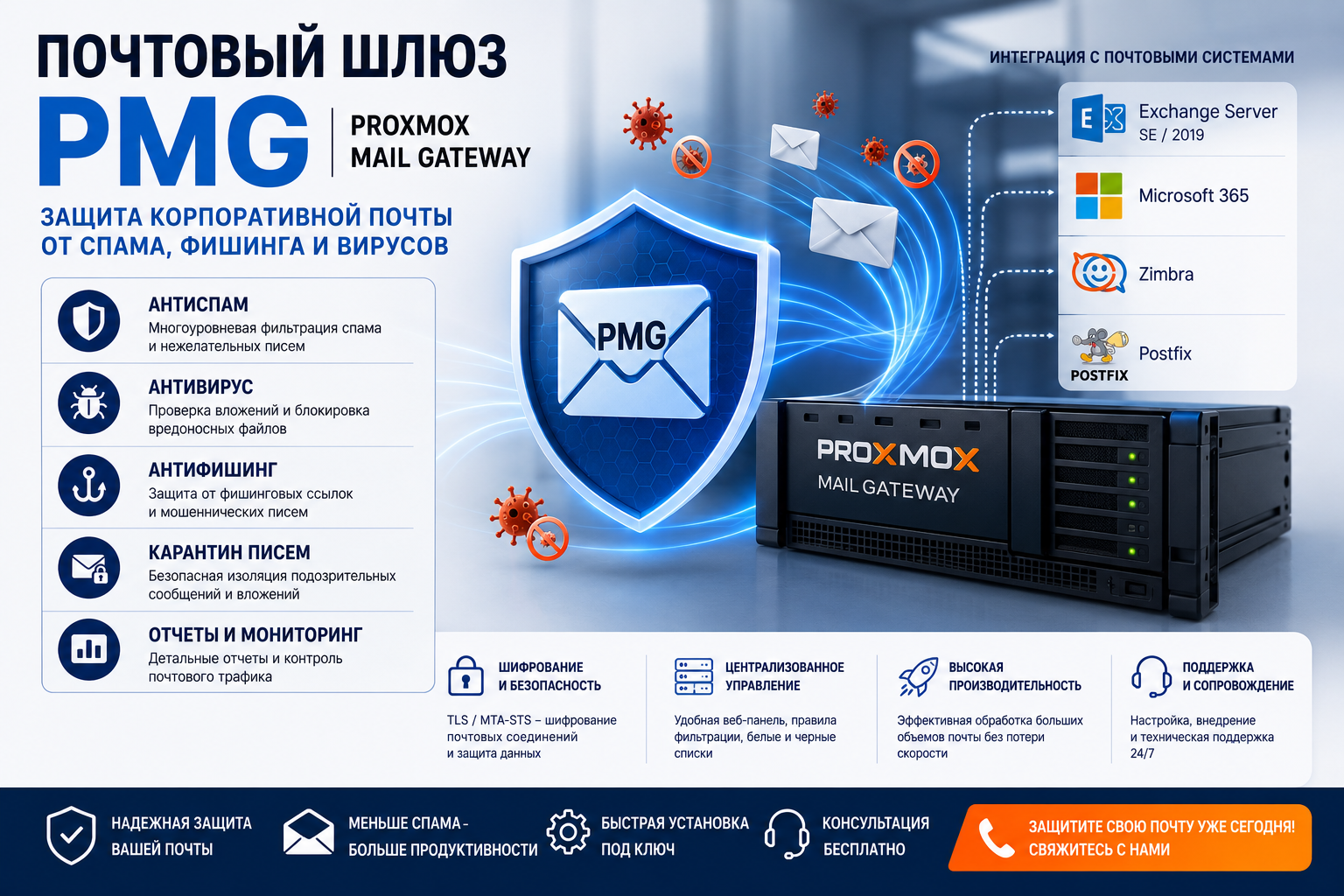
A mail gateway filters email before it reaches the mail server. It can help detect spam, malicious attachments and suspicious messages, while giving administrators quarantine and reporting tools.
KICCo deploys Proxmox Mail Gateway and configures mail routing, TLS, filtering and domain authentication. We assess compatibility with your existing email system and agree on SPF, DKIM, DMARC and delivery testing as part of the project.
The company’s emails don’t reach customers?
If the mail gets into spam, the domain is blacklisted or employees receive phishing emails on behalf of colleagues – the mail gateway solves these problems at the filter level, before the emails get to the server.
Emails get into spam from customers
Check SPF, DKIM, DMARC and reputation of the IP address, configure the gateway for correct delivery.
Domain blacklisted
Find the reason for the blocking and reconfigure the domain’s reputation records.
Employees receive phishing emails
We will set up anti-phishing filters and protection against forgery of letters on behalf of the company domain.
Mail overloaded with viral attachments
Connect antivirus and lock-level quarantine to the mail server.
What is included in the installation of the mail gateway
Proxmox Mail Gateway
PMG installation, basic protection, anti-spam, antivirus, quarantine, filters and web control panel.
SPF, DKIM, DMARC
Configure DNS records to protect the domain from e-mail forgery and improve delivery.
Antispam and anti-phishing
Blocking junk mail, suspicious links, malicious attachments and phishing emails.
TLS and channel protection
Configure encryption of mail traffic, certificates and secure delivery of messages.
Quarantine of letters
Isolation of suspicious emails, management of white and blacklists, reports for the administrator.
Integration with mail
Connect the gateway to Exchange Server SE, Microsoft 365, Zimbra, Postfix and other mail systems.
Set up Proxmox Mail Gateway (PMG)
Proxmox Mail Gateway It is a popular solution for protecting corporate mail. PMG is installed in front of the mail server and filters the emails before they reach the inboxes of employees.
We configure inbound and outbound routing, sender verification, RBL, SPF, DKIM, DMARC, TLS, anti-spam rules, quarantine, notifications and security policies.
Mail Gateway for Exchange Server SE and Microsoft 365
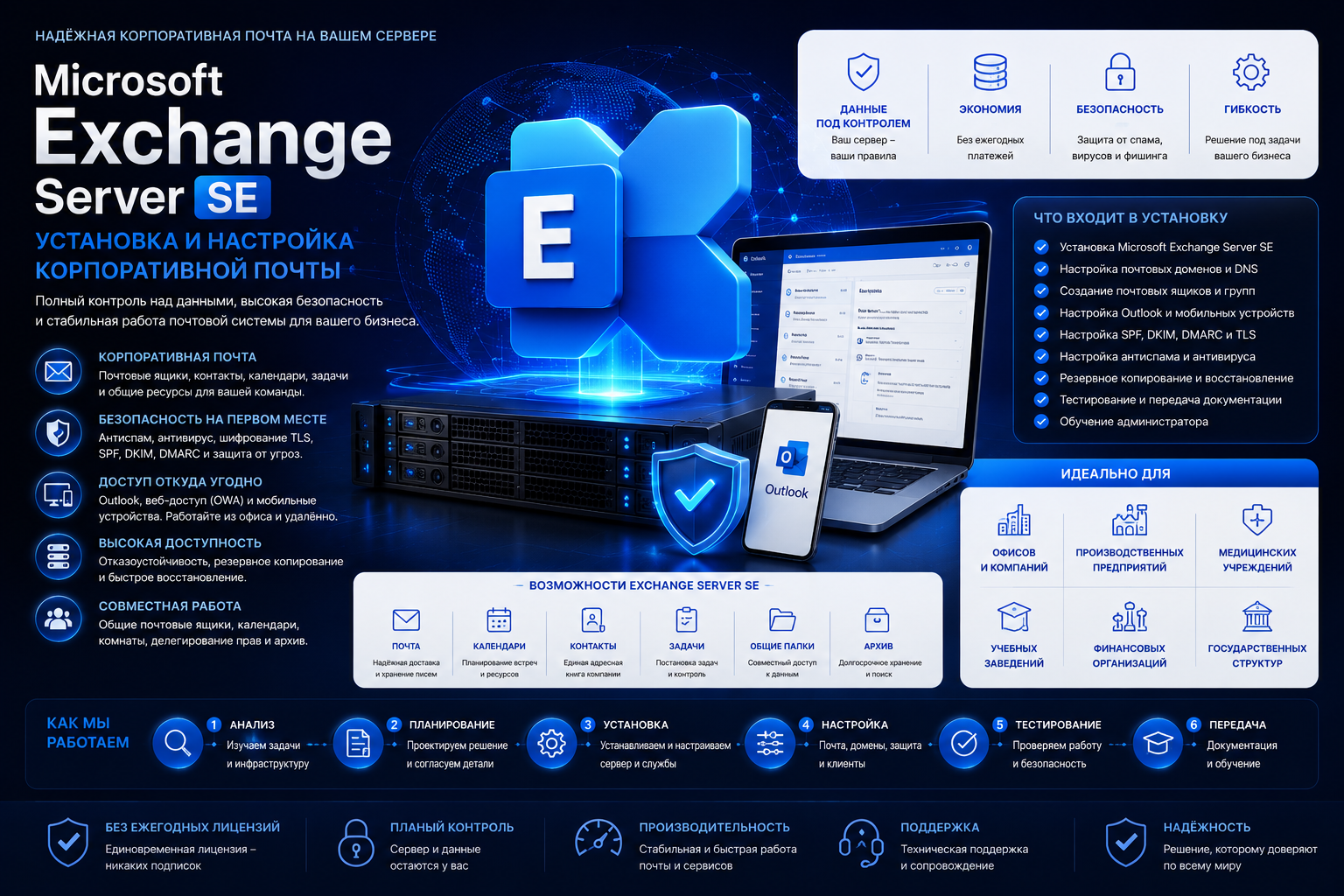
The mail gateway can be placed in front of Microsoft Exchange Server SEExchange Server 2019 or Microsoft 365. It reduces the load on the mail server, blocks threats before getting into the infrastructure and helps to increase the delivery of emails.
- mail gateway for Exchange Server SE;
- Mail gateway for Exchange 2019;
- PMG before Microsoft 365;
- a mail gateway for Zimbra;
- mail gateway for Postfix;
- Setting up SPF, DKIM and DMARC for the domain.
How much does it cost to install a mail gateway
The cost depends on the number of domains and mail servers, the amount of filtering required, the need for RBL and reputation services, and whether you need integration with Exchange Server, Microsoft 365, Zimbra or Postfix already deployed.
- Number of mail domains and users
- Type of integration: Exchange Server, Microsoft 365, Zimbra or Postfix
- Do you need a separate server or a virtual machine under PMG?
- Setting up SPF, DKIM, DMARC and reputation records
- Necessity of archive and extended quarantine
The exact cost is called after a short audit of the current email system – this gateway service includes an audit for free.
Who is suitable for the PMG mail gateway
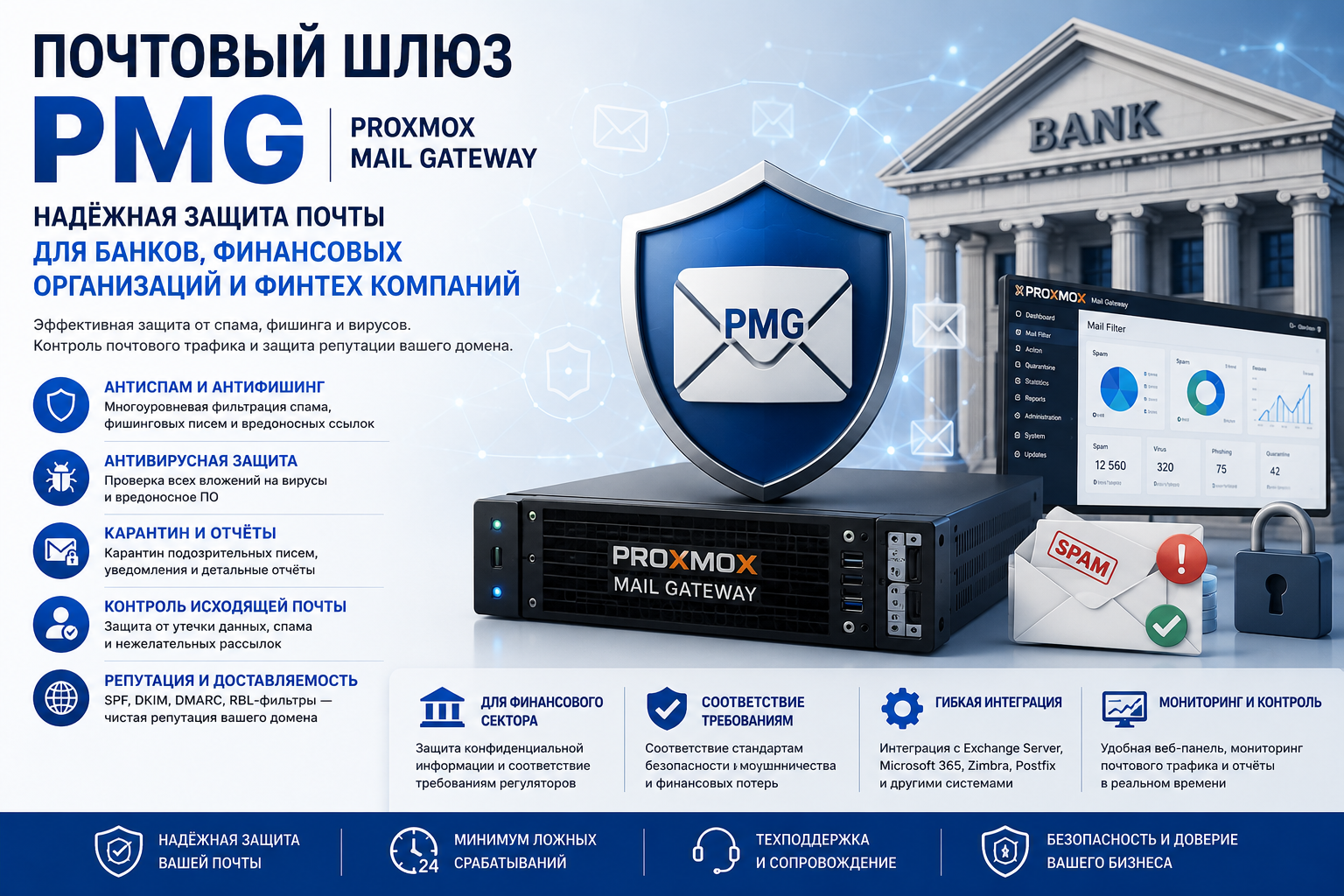
Banks, financial institutions and fintech companies
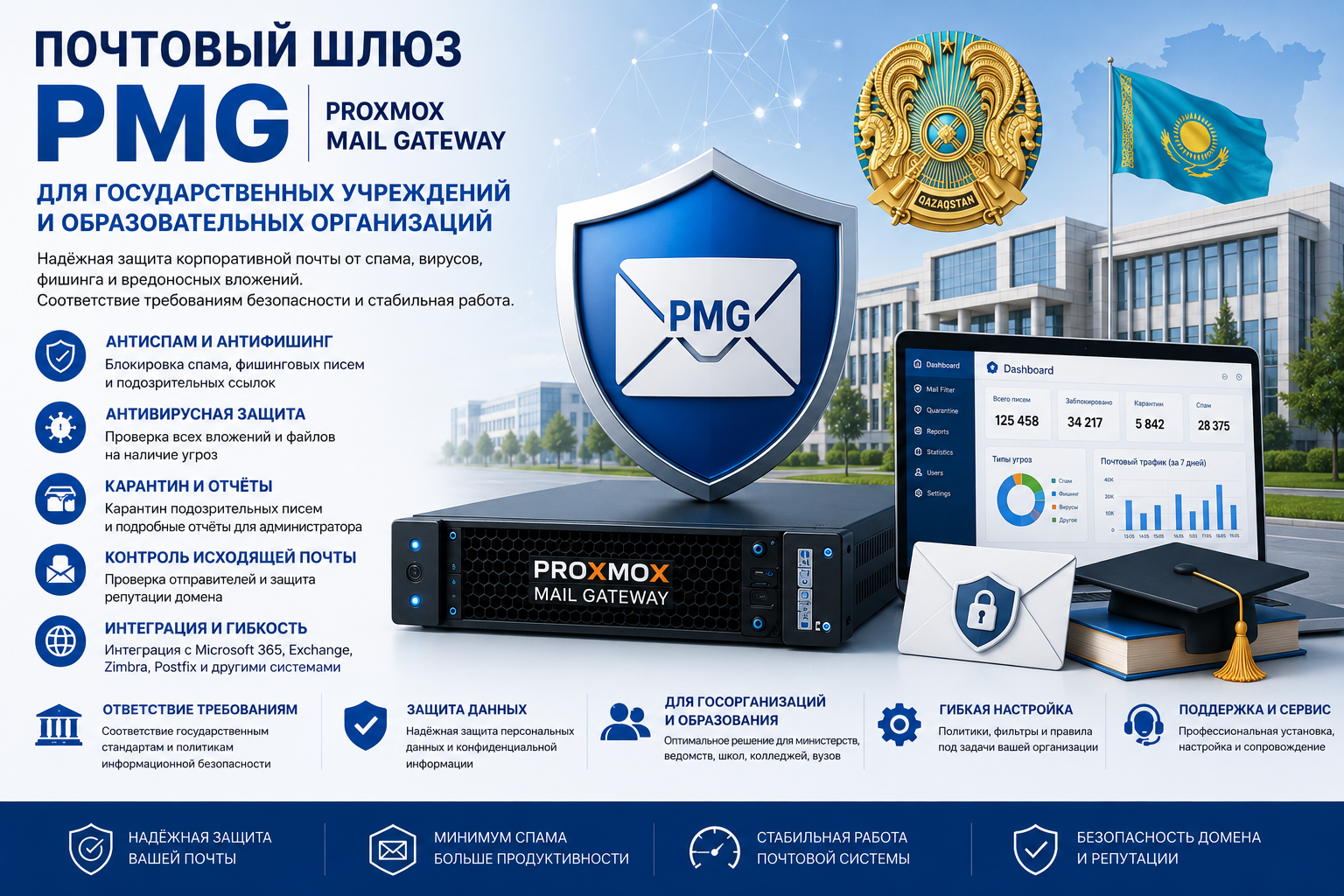
State institutions and educational organizations
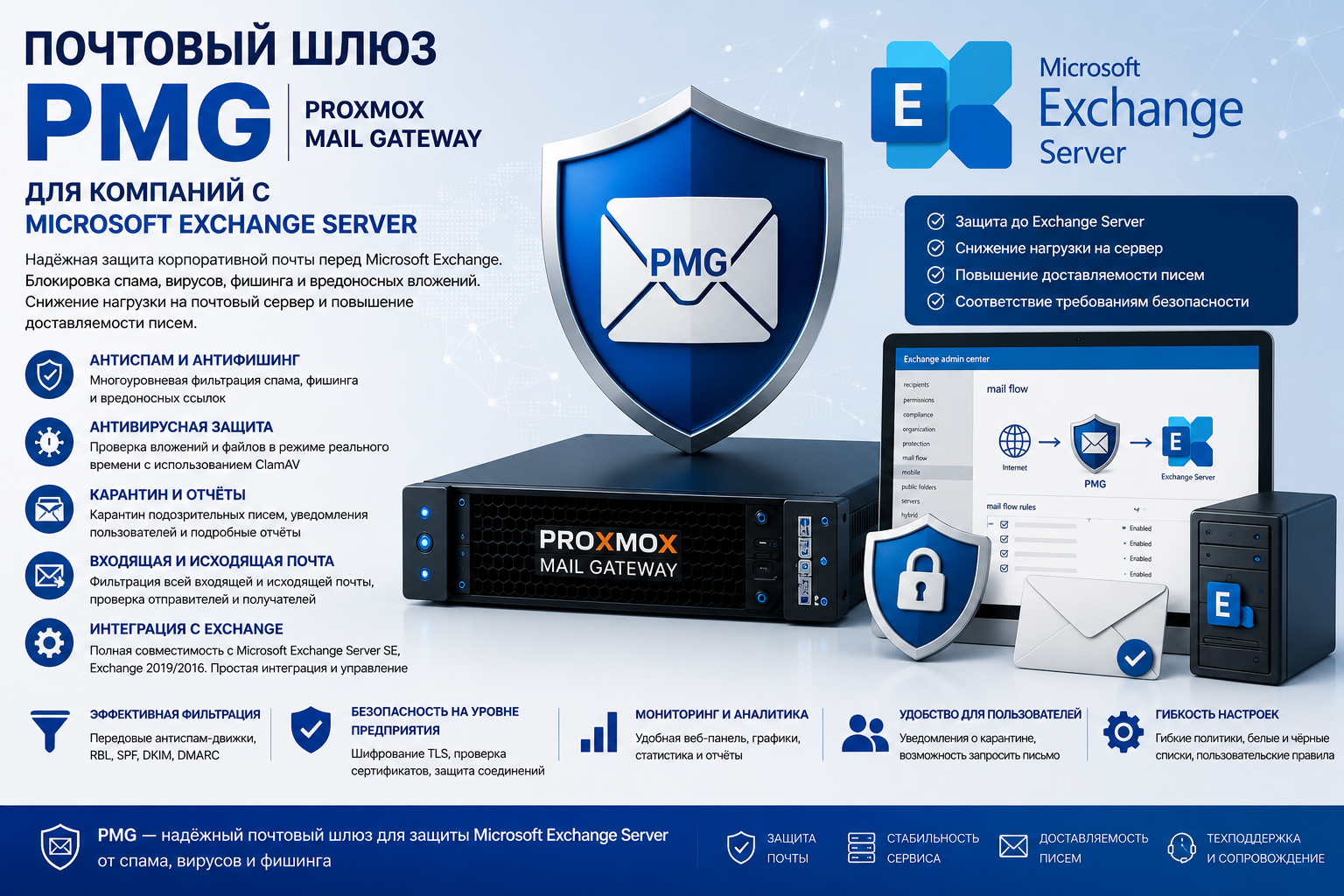
Companies with Microsoft Exchange Server
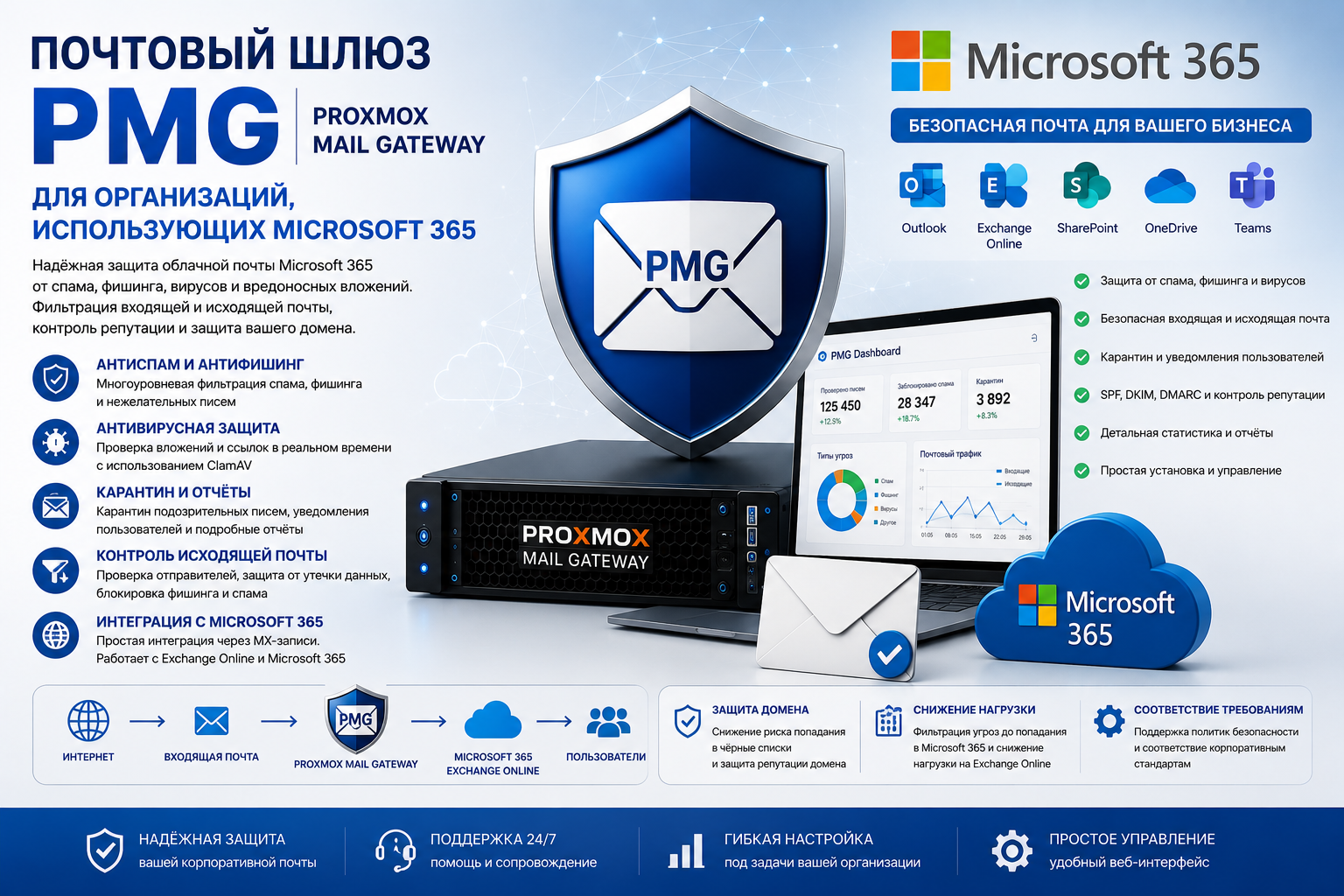
Organizations that use Microsoft 365
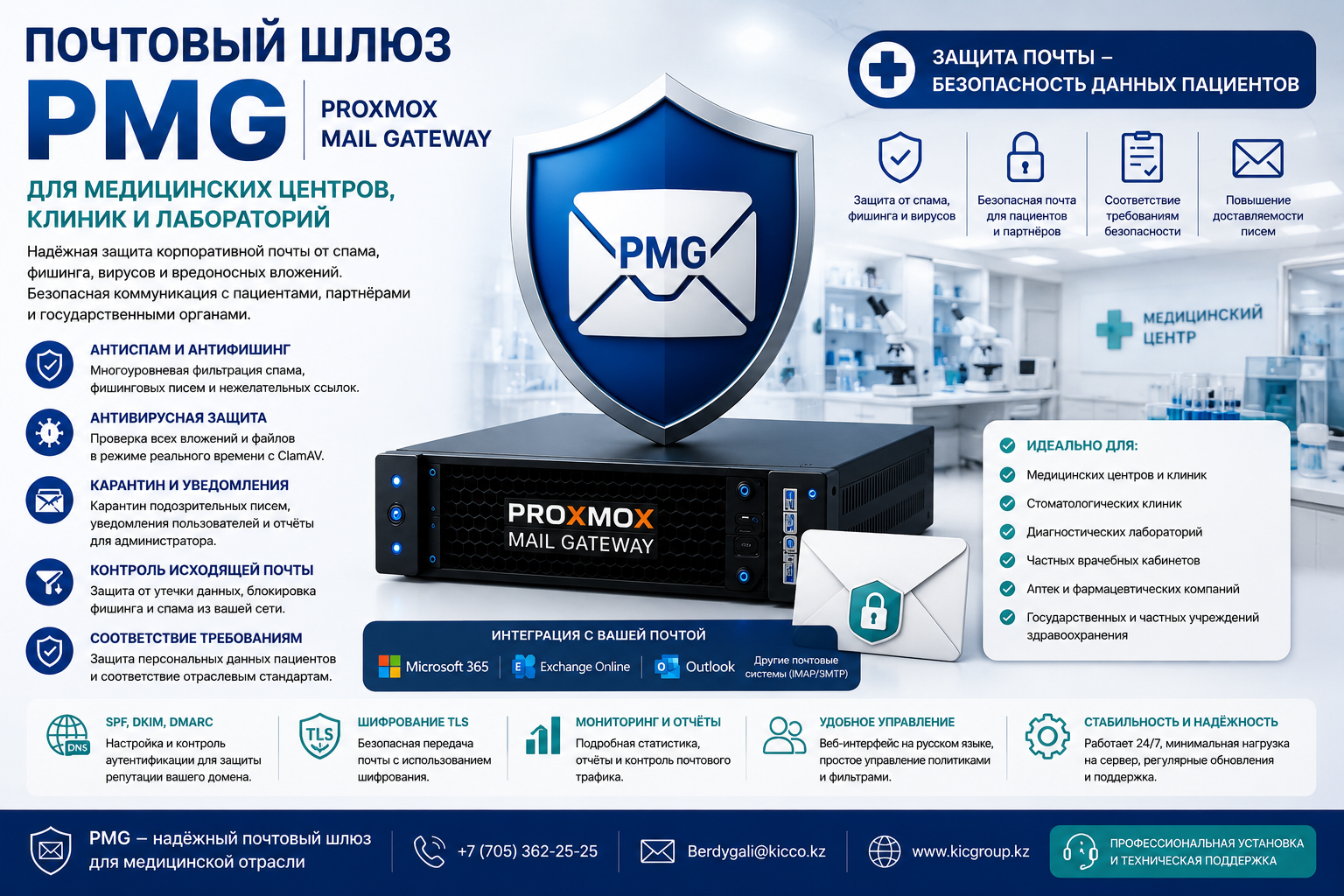
Medical centers, clinics and laboratories
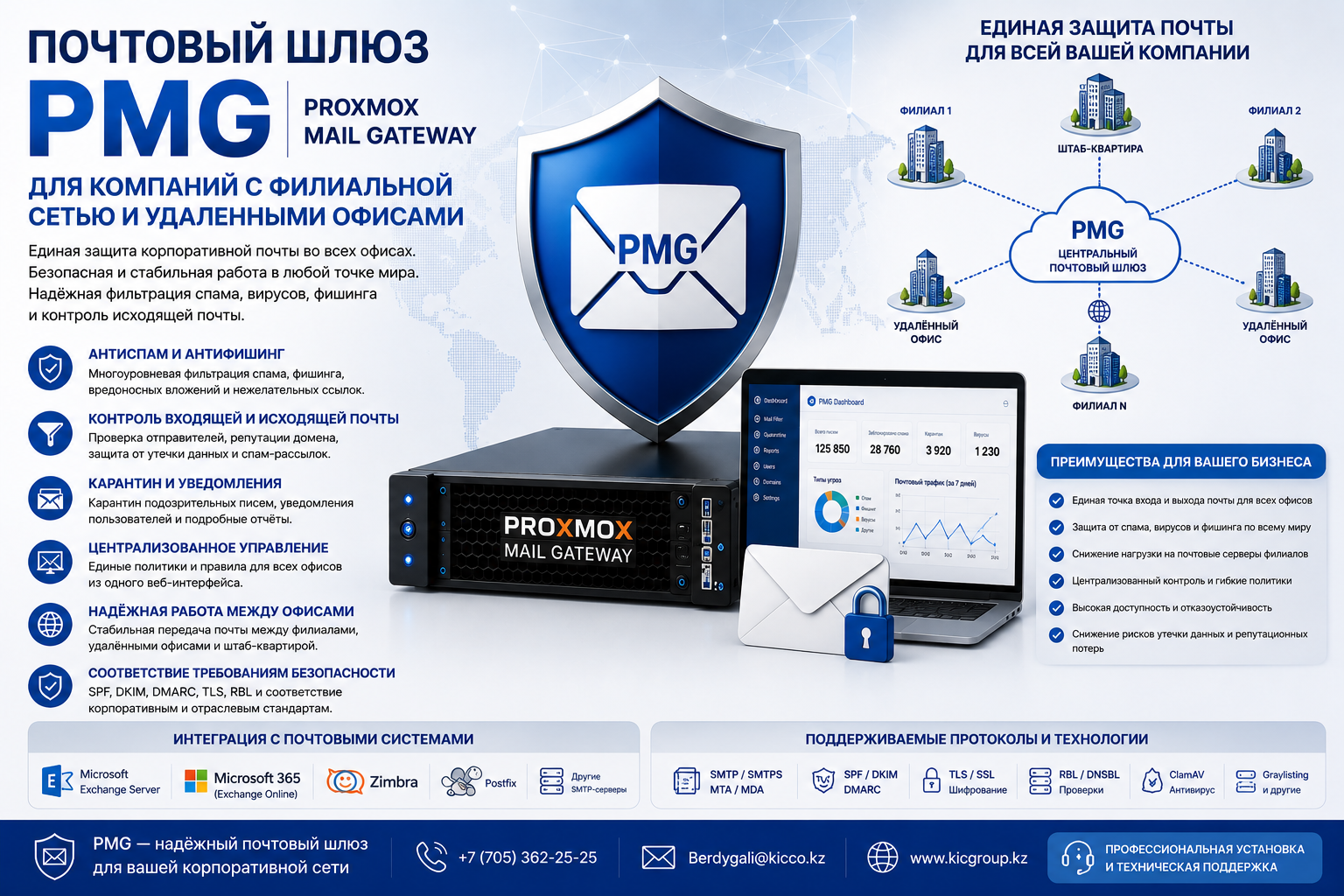
Companies with branch network and remote offices
Implementation phases
- Audit of the current mail system and DNS records.
- Preparation of a server or virtual machine for a mail gateway.
- Install a Proxmox Mail Gateway or other gateway.
- Configure routing of incoming and outgoing mail.
- Setting up SPF, DKIM, DMARC, TLS and security policies.
- Connect to Exchange Server, Microsoft 365, Zimbra or Postfix.
- Delivery testing, quarantine, anti-spam and reports.
- Transfer of access and consultation of the administrator.
What do you get?
- protection of corporate mail from spam, viruses and phishing;
- Properly configured SPF, DKIM and DMARC;
- reducing the risk of domain blocking and getting emails into spam;
- centralized quarantine and rule management;
- Secure integration with Exchange Server, Microsoft 365, Zimbra or Postfix
- Technical support after implementation.
FAQ – Frequently asked questions
What is a mail gateway?
A mail gateway is a filter server between the Internet and corporate mail. It checks emails, blocks spam, viruses, phishing and helps protect the company’s domain.
Can I install PMG before Exchange Server?
Yes. Proxmox Mail Gateway is often installed in front of Exchange Server SE or Exchange Server 2019 to filter incoming and outgoing mail.
Can I use a mail gateway with Microsoft 365?
Yes. The mail gateway can be configured to filter Microsoft 365 mail, including protection against spam, phishing and malicious attachments.
Which is better: PMG or paid anti-spam?
PMG is well suited to companies that need their own controlled mail gateway without expensive annual licenses. The final choice depends on the infrastructure and security requirements.
How long does it take to implement?
Normally, the installation and setup of a mail gateway takes 1 to 3 business days. The term depends on the number of domains, mail servers and security requirements.
Do you configure SPF, DKIM and DMARC?
Yes. We configure SPF, DKIM and DMARC to protect the domain from e-mail forgery and improve the delivery of corporate mail.
Related services
Need to protect corporate email from spam, viruses and phishing? Configure the PMG mail gateway on a turnkey basis.
KICCo – installation of mail gateways and protection of corporate mail in Astana, Almaty and Kazakhstan