No products in the cart.
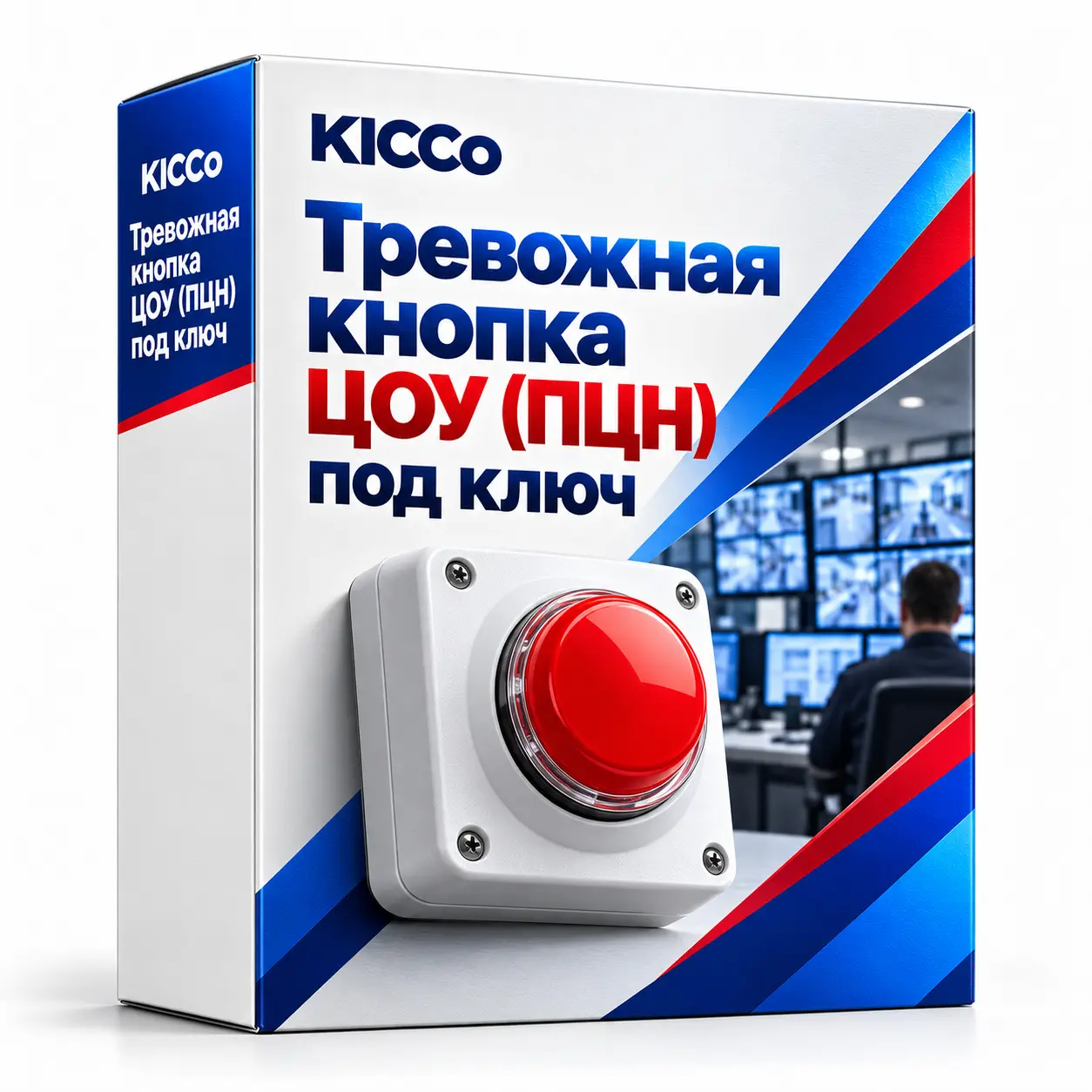
Turnkey panic button connection to a monitoring centre
Turnkey panic button connection to a monitoring centre
Panic-button connection to an alarm monitoring centre. We assess the equipment and communication channel, configure alarm transmission and test the agreed notification and response process.
Description
Operational Control Centre/alarm monitoring centre turnkey button for business – Astana, Almaty, Kazakhstan
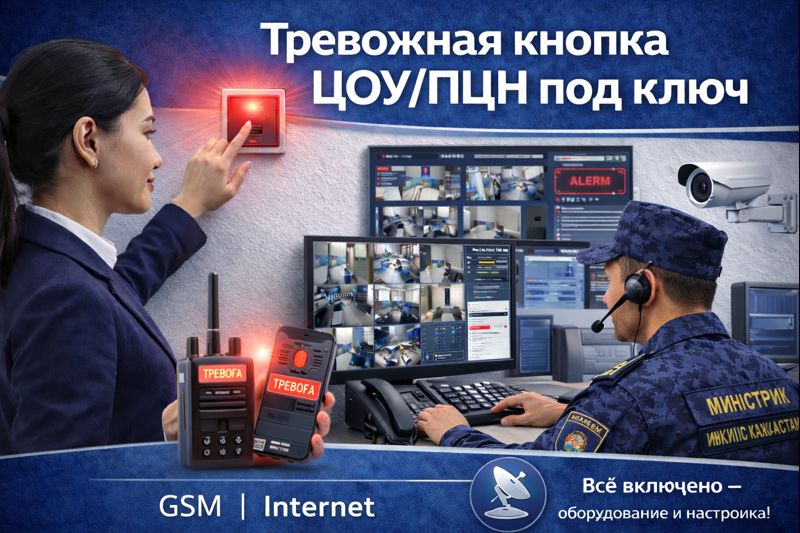
A panic button allows staff to send an alarm to a monitoring centre under an agreed response service. We configure the device, test signal delivery and check event recording and notifications with the receiving operator.
Recommended service
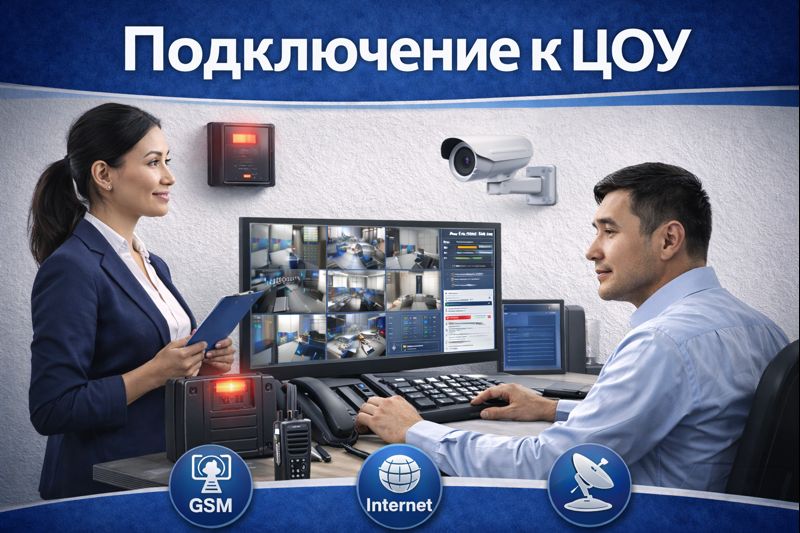
Connection to Operational Control Centre – turnkey installation and configuration
For a wider CCTV connection project, see our Operational Control Centre service. We assess the required event and video transmission settings before preparing a quote.
Instant signal.
Pressing the button transmits the alarm in seconds – without calls and panic.
Backup connectivity
Configure GSM/Internet (and, if necessary, reserve) for stable transmission.
24/7 monitoring
Events are recorded in the Operational Control Centre/alarm monitoring centre, notifications are recorded in the responsible personnel.
Staff training
We will show you how to use the button and what to do according to the security scenario.
Who needs an alarm button?
- Shops, pharmacies, exchange offices In case of conflict, threats, attempted theft.
- Cafes, restaurants, bars – with aggressive guests, fights, night shifts.
- Offices and cash registers To protect employees and visitors.
- Schools, children’s centres – to strengthen the security perimeter and prompt action on the regulations.
- Warehouses, STOs, production facilities in case of emergency situations and unauthorized access.
How to connect to Operational Control Centre/alarm monitoring centre
(1) Inspection and diagram
Determine the placement points, the type of button (stationary / fob), communication channel, power and reserve.
(2) Installation and adjustment
Installing equipment, configuring signal transmission in Operational Control Centre/alarm monitoring center, performing tests.
(3) Scenarios and notifications
Configure notifications to responsible persons: call / SMS / messenger (if there are integrations).
(4) Teaching and act
Instruction of personnel, control checks, transfer of documentation and the act of work performed.
What is included in the “turnkey” service
Selection of equipment
We select the solution for the object: stationary button, key fob, radio button, integration with the security panel.
Installation and adjustment
Installation, power, communication, transmission tests, event recording. Backup channels if necessary.